


Closed - Masking layers HELP!
This is going to be a long question! But only because I want to be detailed enough, so someone can help. I'm still relatively new to after effects. God bless, if you can help me please!! It's funny because I actually solved my issue, but I'm trying to recreate it and I can't anymore.
I'm trying to create an animation where the the layer "dreams" is underneath the i's, and is masked by the i's, so all you see is just remnants of the "dream" layer underneath. (This is my example, I had actually made, but I lost this version and when creating it, it doesn't work.
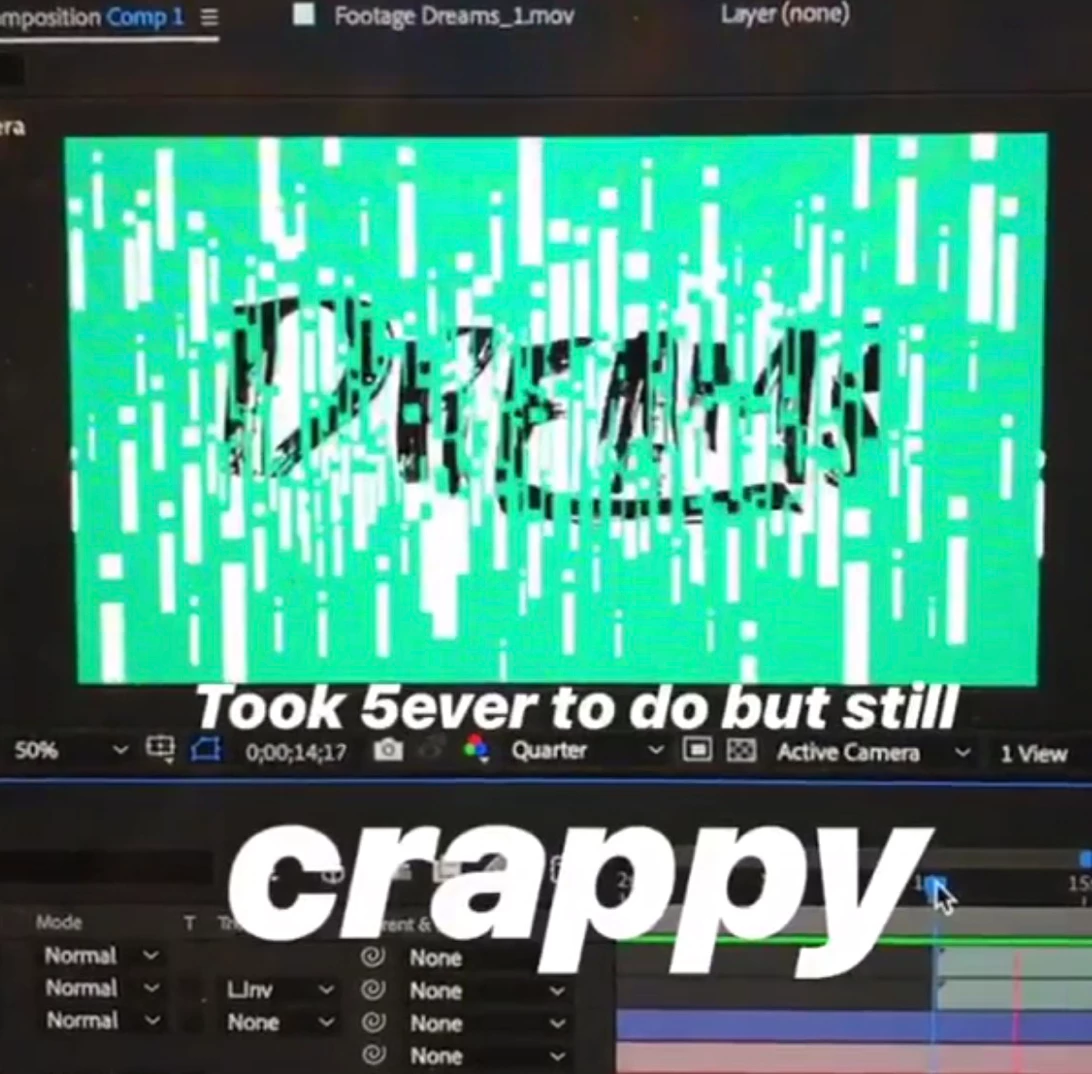
However now when I recreate it this is what I get
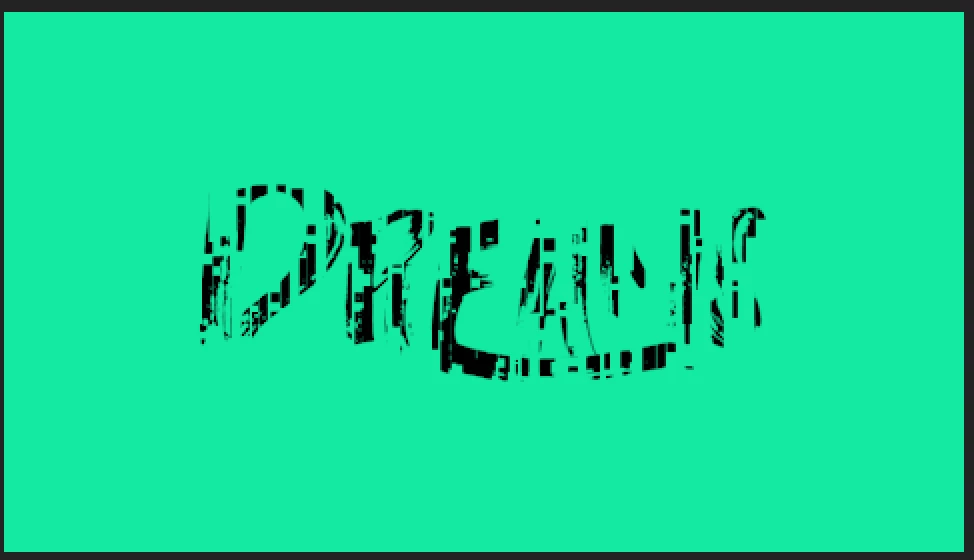
Notice in my first screenshot it was the track matte was set to Luma inverted matte, and this one is too.
I just don't know how to mask well, please help me. I'm applying to my school's BFA program, and I really want to wow, the board of directors.
 AdChoices