


Participant
January 10, 2024
Question

Enterprise Sign In with Chrome against Windows

  • January 10, 2024
  • 2 replies
  • 294 views

I'm having difficultly signing into my Microsoft enterprise account. When I finish signing into my enterprise, I am given the following result.
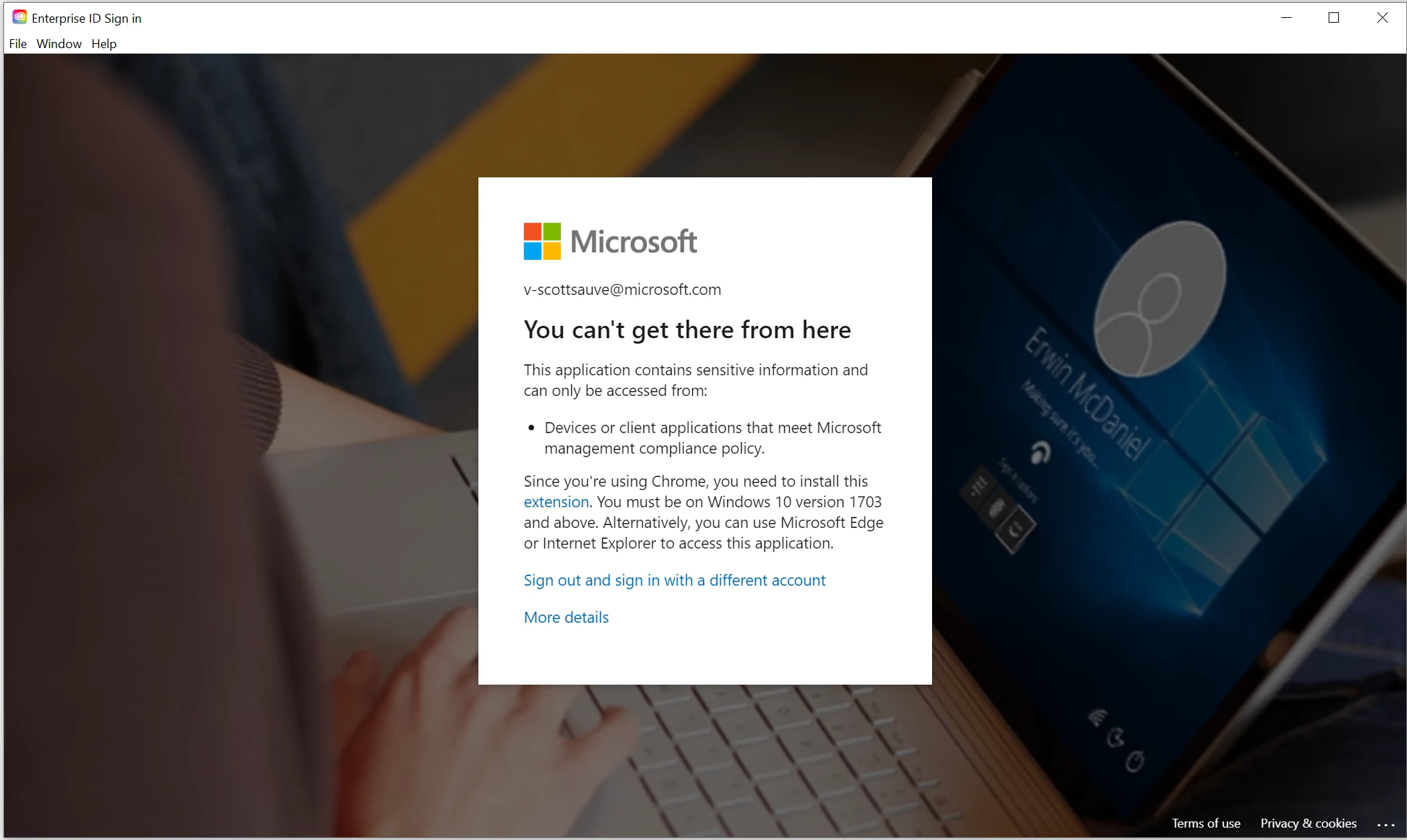
When you click on "extensions" you go to the next image.
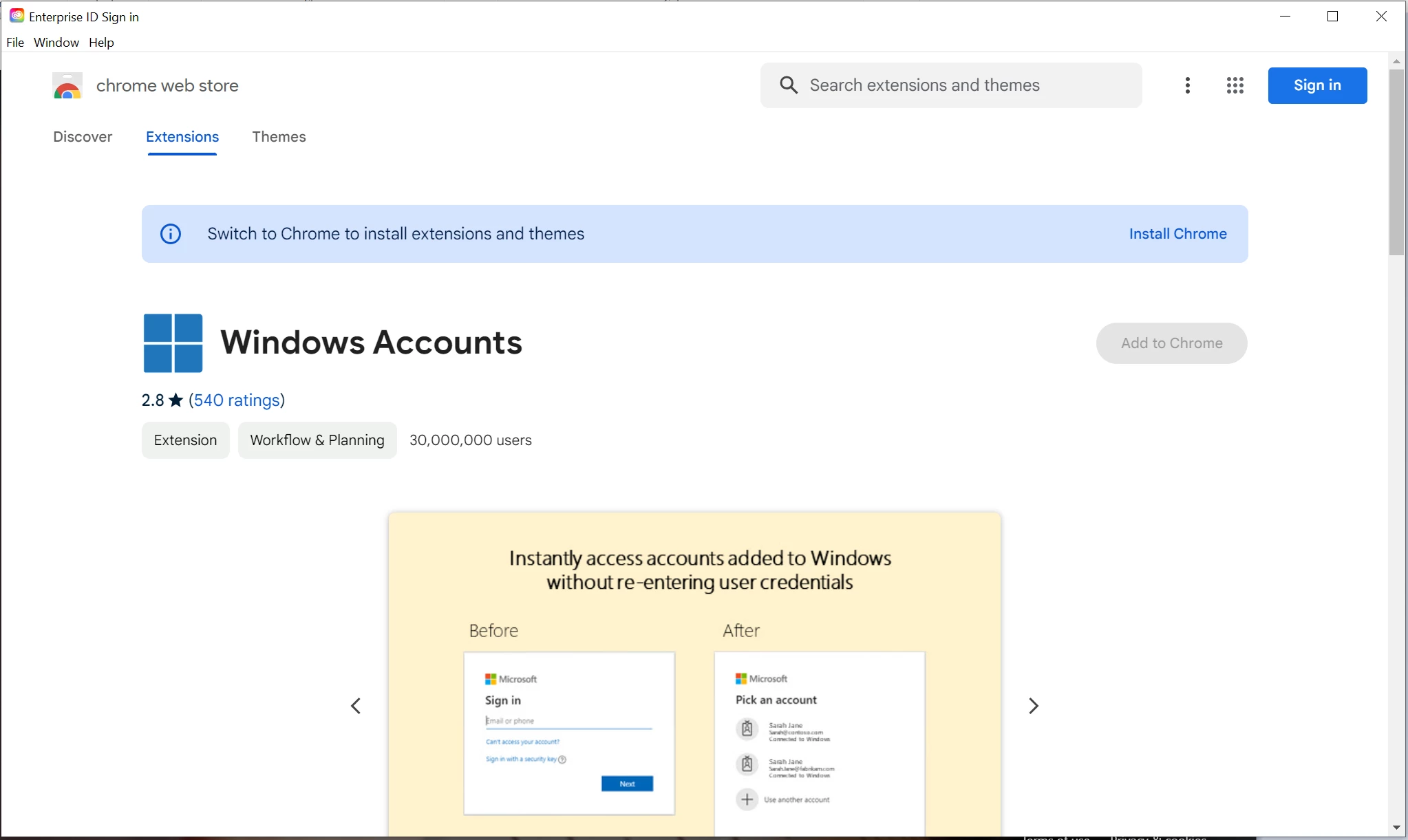
You can see the Windows Accounts extension is greyed out because this sign-in portal isn't chrome. So I can't sign in because it's a chrome portal and I can't pass my enterprise security because it's not chrome. Any guidance would be appreciated. Thanks.

This topic has been closed for replies.

2 replies

John T Smith
Community Expert
Community Expert
January 11, 2024

You need to ask Microsoft questions at Microsoft or in a Microsoft forum


Go to the Search bar at the top of http://www.microsoft.com/en-us/ or find a Microsoft forum

Peru Bob
Community Expert
Community Expert
January 11, 2024

Since this is not an Adobe issue, moved to The Lounge forum.

kglad
Community Expert
Community Expert
January 11, 2024

actually, this is an adobe issue.  there's an on-going discussion elsewhere.


from where was this message moved?


p.s. it's worthless telling everyone where the message was moved to.  we can see.  where it's from is what you should post.

Peru Bob
Community Expert
Community Expert
January 11, 2024

@kglad 

Moved from Using the Community.