samc12824401
Participant
March 22, 2018
Answered

I want to animate part of a letter. I would like the tail of the letter 'y' in my work to make swinging motion. How would I do that?

  • March 22, 2018
  • 3 replies
  • 819 views

    This topic has been closed for replies.
    Correct answer Trevor.Dennis

    samc12824401  wrote

    Just realised that I missed the wee circle at the bottom.  This also has a transparent background, so can be composited over a background image of your choice.  It's good practice to create this sort of graphic over size and treat it as a master, so you can downsize to suit.  Not that with GIF you need to select colour bit depth in save process, and with so few colours you can reduce this right down saving file size.

    3 replies

    Trevor.Dennis
    Community Expert
    Trevor.DennisCommunity ExpertCorrect answer
    Community Expert
    March 23, 2018

    samc12824401  wrote

    Just realised that I missed the wee circle at the bottom.  This also has a transparent background, so can be composited over a background image of your choice.  It's good practice to create this sort of graphic over size and treat it as a master, so you can downsize to suit.  Not that with GIF you need to select colour bit depth in save process, and with so few colours you can reduce this right down saving file size.

    Trevor.Dennis
    Community Expert
    Community Expert
    March 23, 2018

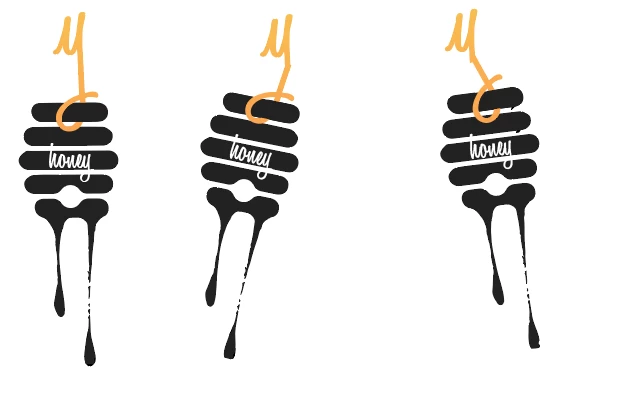
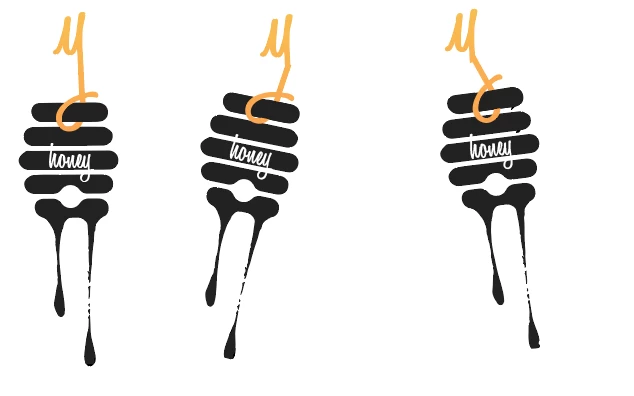
    Photoshop makes Frame Animations, or animated GIFs.  They tend to look a bit clunky compared to 25fps video.  The example below runs at about 12fps, hence the jerky motion.  I suspect that Adobe Animate could do a nicer job.

    To make them it's basically a case of producing the graphic in two halves, and using Free Transform Step & Repeat to make the layers from which the frames will be produced.  From there it is just a case of keeping your wits about you and matching frames to layers.  With this sort of mirrored animation you can save time by copy and pasting groups of frames, and reversing the copies (from the timeline fly out menu).  Email me if you want the PSD file trevor.dennis AT xtra.co.nz 

    A wee note here.  I built the graphic using vector shapes and Smart Objects, but they don't work well with Step & Repeat, so I keep the nice sharp original vector graphics, and copy and rasterize it.  You can see that the upper part of the Y looks cleaner than the lower part.  This is a result of the free transform process, as I actually drew the Y freehand.  You could sharpen each layer to improve this, but that would make the motion even jerkier.

    Peru Bob
    Community Expert
    Community Expert
    March 22, 2018

    Please tell us what Adobe software you are using so this can be moved from the Lounge Forum to the proper forum for technical help.