





Neobarok
I'm wondering if anyone here uses Neobarok?
It's a 3D sculpting app a bit like Z-Brush, but where Z-Brush cost nearly as much as my first house (only a slight exaggeration), Neobarok is free. I installed it yesterday, and I've been sort of stumbling along with it. That is to say I am creating content, and don't seem to have much control over it. Well, almost no control at all. The guide is none too flash, and I am not finding much information on how to use it.
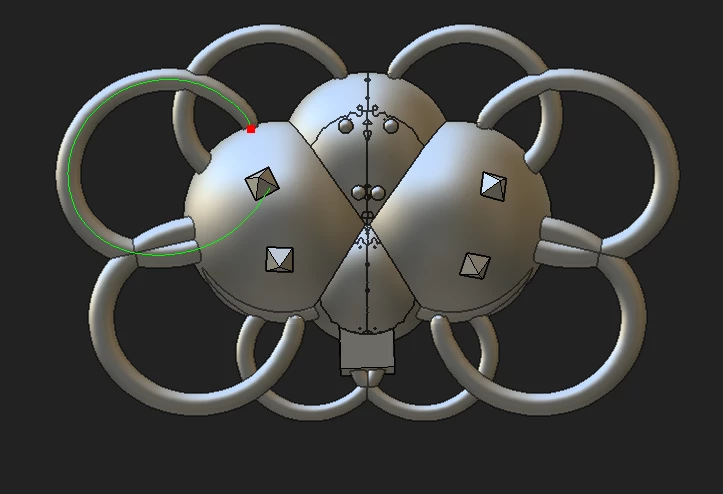
I've just done this with it, and found I was doing a lot better than yesterday. I also discovered that Lazy Nezumi Pro works with it (you have the hook the window) which is a boon because those pipes were all over the place without LNP
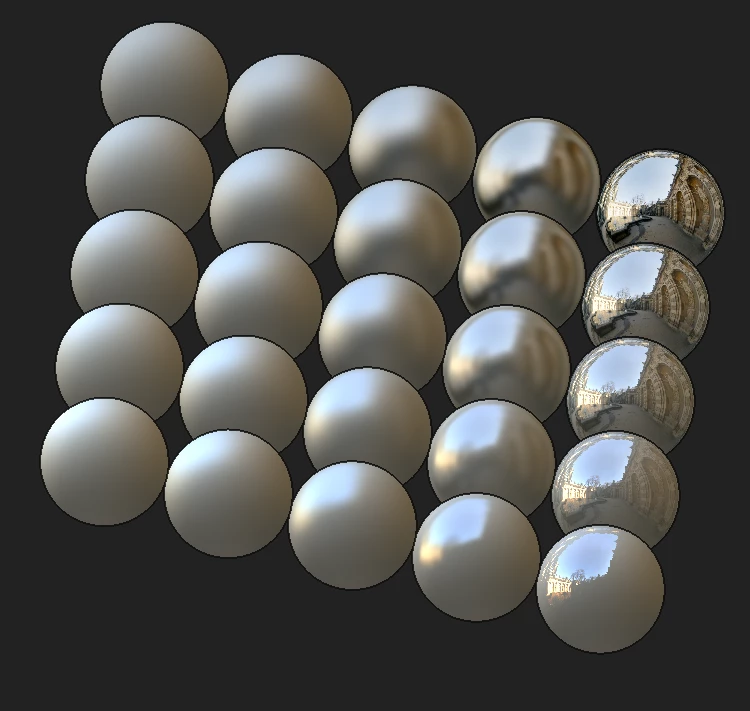
It has a test feature that lets you play with the app, and it also shows the various render possibilities, but I have not worked out how to do that with a new model. It looks pretty flash though.
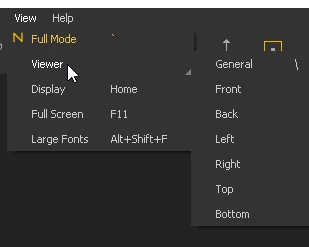
So I guess I am looking for a resource like a forum, or anyone who has been using it for a while. LNP is uber useful with it, but I have not been able to navigate with my 3DConnexion Spacemouse, and navigation is a problem area for me so far. I can rotate and move about with the mouse, but do not have the control to square things up. Hmmm.... I've just had a duh moment, and thought to check the View menu which does exactly what I have been trying to do.  It's all a learning experience
This is apparently what it can do when you know how to drive it. Did I mention that it is free? 

 AdChoices