
Mason24984013xe3h
Participant
June 3, 2026
Question

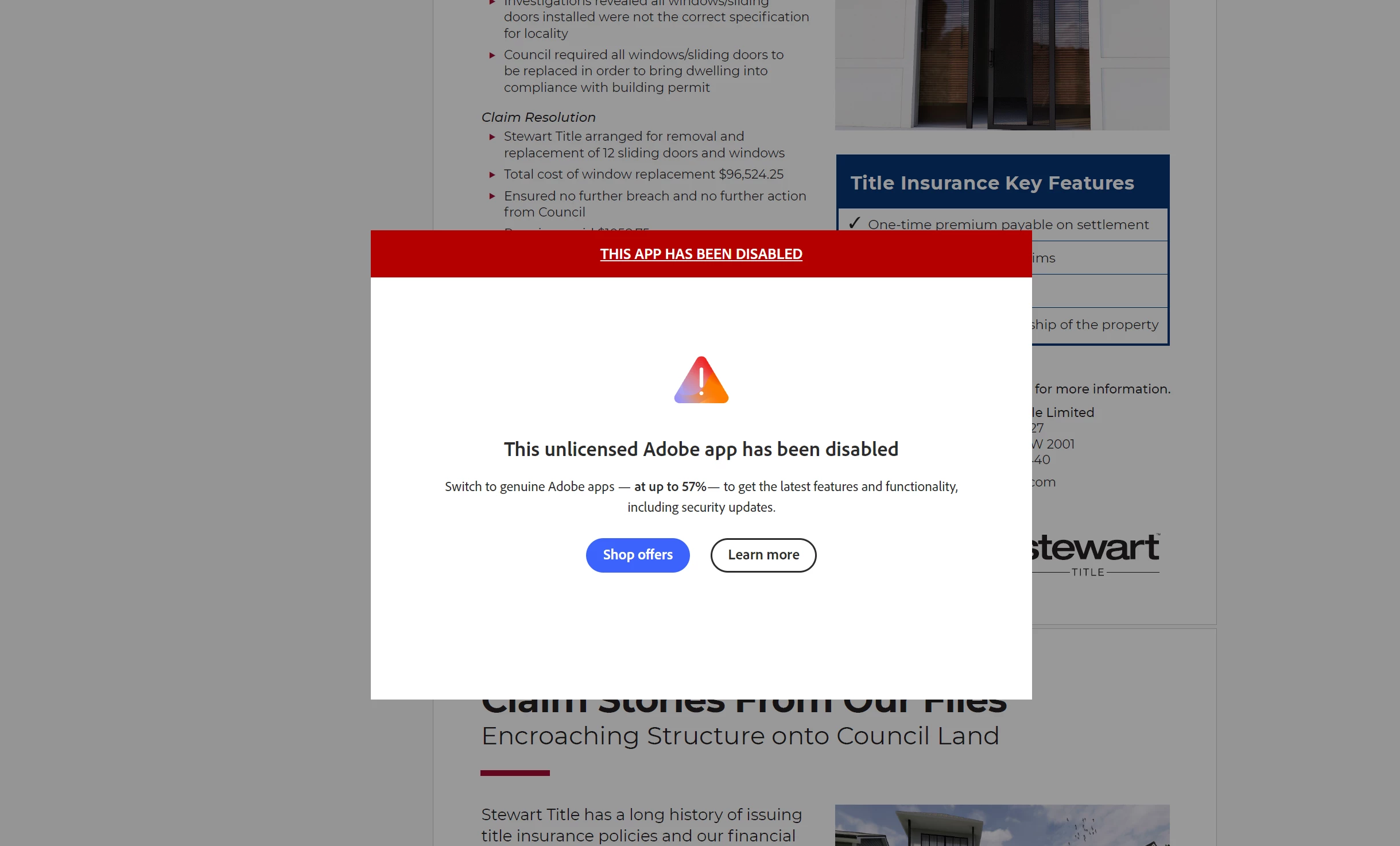
All adobe apps say they're disabled and have done so ever since I bought the plan....
  • June 3, 2026
  • 2 replies
  • 29 views

All my adobe apps as part of creative cloud which I have a plan for have this message pop up no later than 2 minutes after opening. It is super annoying, I can’t use any of the apps I pay for and haven’t been able to since I bought the plan over 6 months ago.

    2 replies

    Dave Creamer of IDEAS
    Community Expert
    Community Expert
    June 3, 2026

    Where did you purchase your Adobe subscription from: Adobe or a third-party?

    (Also, are you saying you’ve been paying for a subscription for 6 months and the apps never worked all that time?)

    David Creamer: Community Expert (ACI and ACE 1995-2023)
    Randy Hagan
    Community Expert
    Community Expert
    June 3, 2026

    Have you signed into your Adobe account?

    I know this sounds simplistic, but generally when someone has bought Creative Cloud and gets messages like this, it’s because they haven’t signed into any of their Adobe applications with their Adobe ID (their email account they used to establish their Adobe account) and password.

    To check: go to the icon at the top right of your application window and click on it, as shown in the screen capture below:

    In the image above, I’m signed into my Adobe apps. It shows my name and (blocked out behind the white box) the email account I use for my Adobe ID. At the bottom of the pull-down menu, it also shows a Sign out menu command. If you’re not signed in, you won’t see the information at the top when you click on the icon at the top right of your application window and the menu command will compel you to Sign in.

    Please check that icon to the upper right of your application window (my example shows in my Acrobat DC Pro application) and make sure that you’re signed into the application.

    Hope this helps. If it doesn’t, we probably need to get more information on what version your installed adobe apps (what version/year of Creative Cloud you’ve installed), whether you’re running it on the Mac or Windows platform, and what version of operating system you’re using on your computer.


    Randy