
Participant
June 9, 2026
Question

PS Express app loads forever and doesn’t start

  • June 9, 2026
  • 2 replies
  • 18 views

Experiencing the same issue others have trying to get PS Express to stop spinning the loading wheel and actually work. Yes, I uninstall/reinstalled and reset my phone, yes I have ample space on my phone, yes I logged out and back into my Adobe account, etc. PS Express was working fine and I was able to use it no problem until a couple months ago and now it’s just stuck on the loading screen and won’t load into the app. Literally can’t click on anything to log into my account or change settings or any of that. 
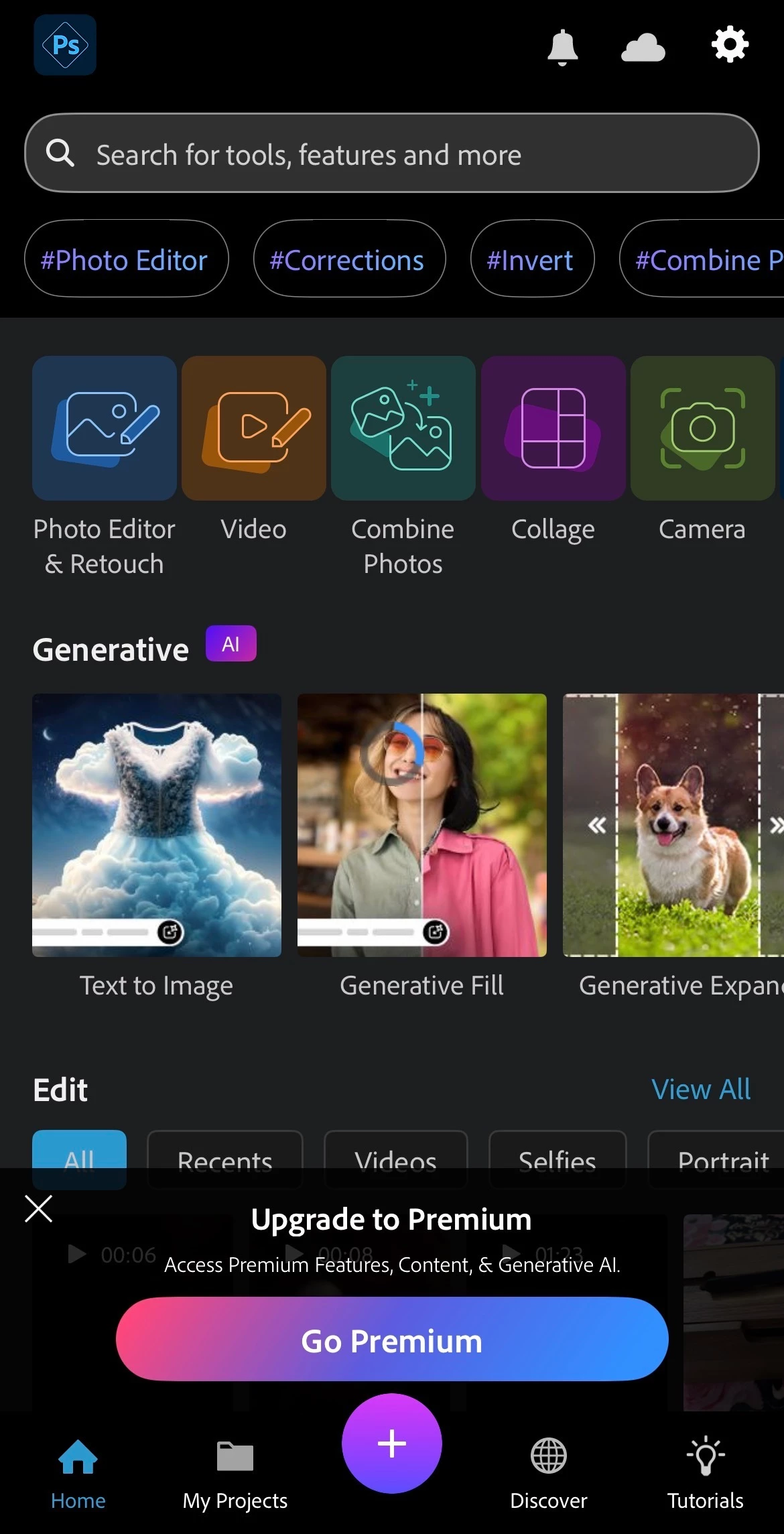


iPhone 14, running iOS 26.4.2, 38GB of space left available. Couldn’t find any solutions in here that worked and have been using a free version of Canva for basic photo features that I already pay for with Adobe. Anyone actually gotten this issue resolved yet? 

    2 replies

    Rose DV
    Community Manager
    Community Manager
    June 12, 2026

    Hi ​@Myslexia!

    Sorry for the delayed response, and sorry you've been dealing with this for a couple of months - that's far too long.


    Since you've already tried all the standard fixes, a couple of additional things worth trying:

    1. Check for iOS restrictions - go to Settings > Screen Time > Content & Privacy Restrictions and make sure Adobe Ps Express isn't being blocked
    2. Reset network settings - go to Settings > General > Transfer or Reset iPhone > Reset > Reset Network Settings. This won't delete your data but can resolve connectivity issues that cause loading loops
    3. Try on a different network - toggle to mobile data if you're on Wi-Fi (or vice versa) to see if the loading issue is network-related

    Could you also let us know what version of PS Express you have installed? 


    If none of those help, if you can get me a screen recording of you trying to use the app, I can add that to a bug report for the engineering team to investigate further. 


    Thanks so much for your patience, 

    Rose

    MyslexiaAuthor
    Participant
    June 15, 2026

    I have screen time restrictions toggled off for everything, and resetting my network settings and trying other networks didn’t help. I have whatever the latest version was out at the time I posted my comment as I had deleted the app and re-installed it from the App Store at that time. Here’s a link to a screen rec of me trying to use the app:


    https://drive.google.com/file/d/1cDGx77jDZrUYekhb5of6JG4M721Lnic4/view?usp=drivesdk

    MyslexiaAuthor
    Participant
    June 9, 2026

    Same issue, tried all the fixed mentioned, still won’t let me use it. This is so frustrating I pay for access to this