
Question
Photoshop Video layers problem - two frames act as one.
I am trying to create frame by frame animation using Timeline and Video layers, but depends on document's fps some two frames would act like one. When I draw something on one of them, same drawing appears on the other, if I delete one of these frames, photoshop deletes both and the problem remains for new frames.
The only thing I mange to do with this problem - is to cut the Video layer, shrink cutted part for that problematic "slave" frame and then stick them up together as a Video group and it becomes a MESS!
I'm working on a complex animation with 60~ frames and lots of layers, so i can not afford to have such a monstrosity in my project! Please help!
My Video Layers have the same fps as my project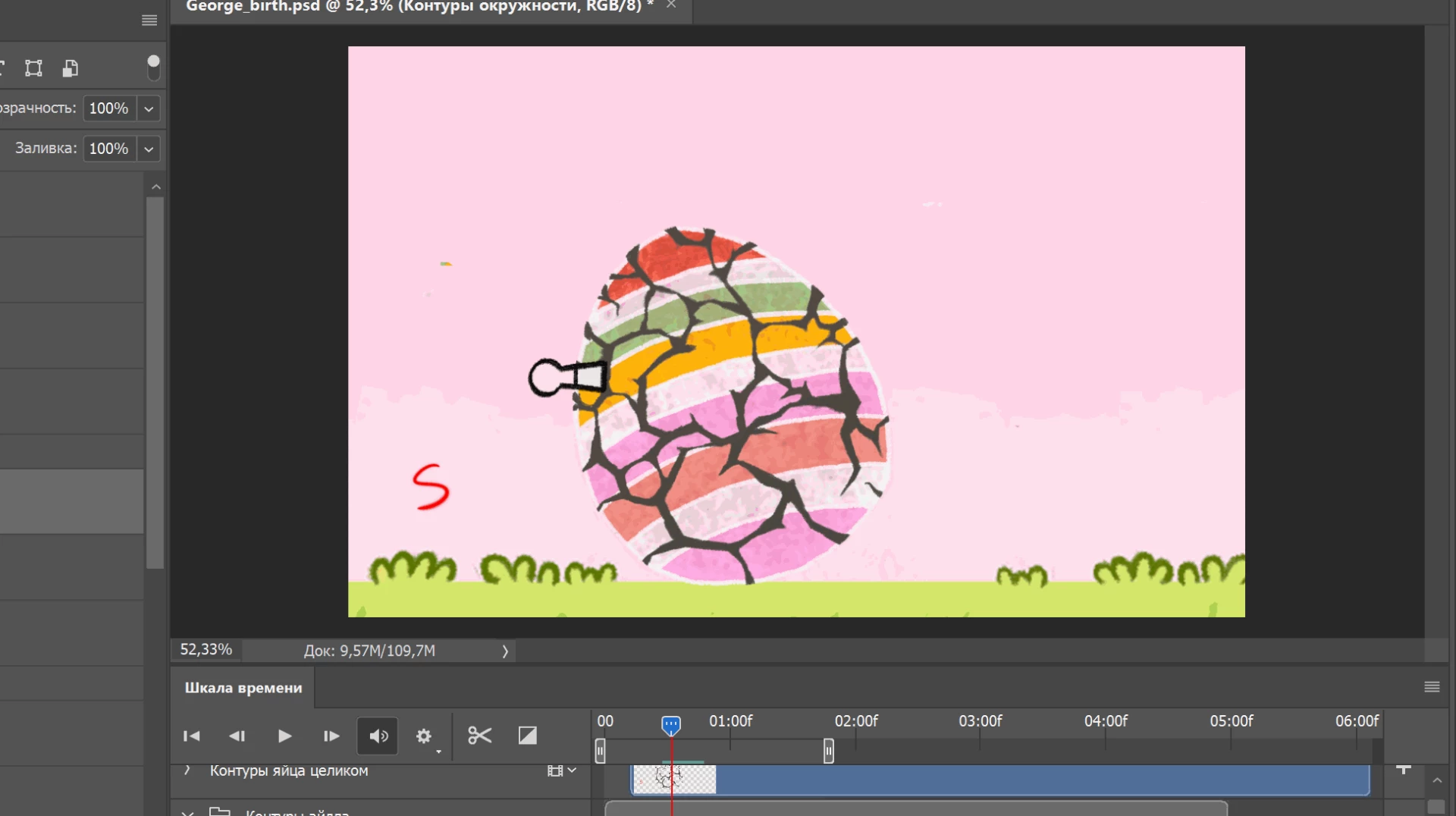
 AdChoices