Participant
May 17, 2018
Resuelto

Convert To PDF - JPEG, has no page size options

  • May 17, 2018
  • 1 respuesta
  • 2309 visualizaciones

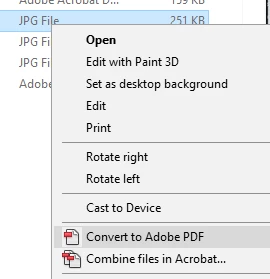
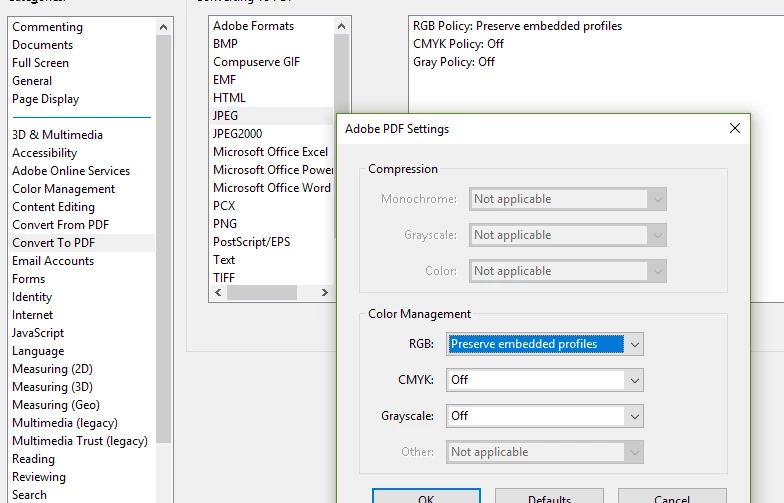
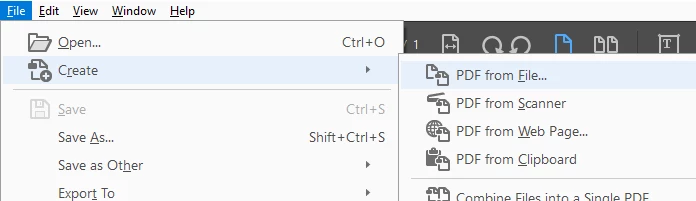
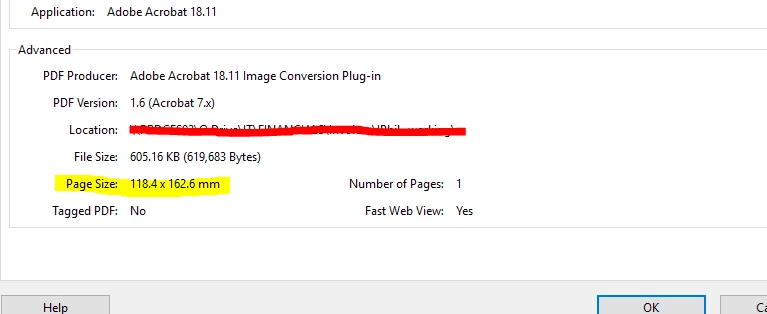
When creating or converting a jpg (jpeg) file to PDF, the resulting page size doesn't appear to be editable.

Is there a way of making the PDF page size A4 210x297mm (or whatever size I need) upon creation from the jpg file, or do I need to first scale the jpg image to A4 before creating the PDF?

This should be an easily accessible feature of converting/creating PDF from jpg (JPEG).

...from "Document Properties"
Este tema ha sido cerrado para respuestas.
Mejor respuesta de philbetea

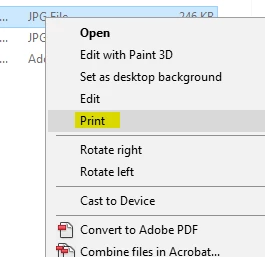
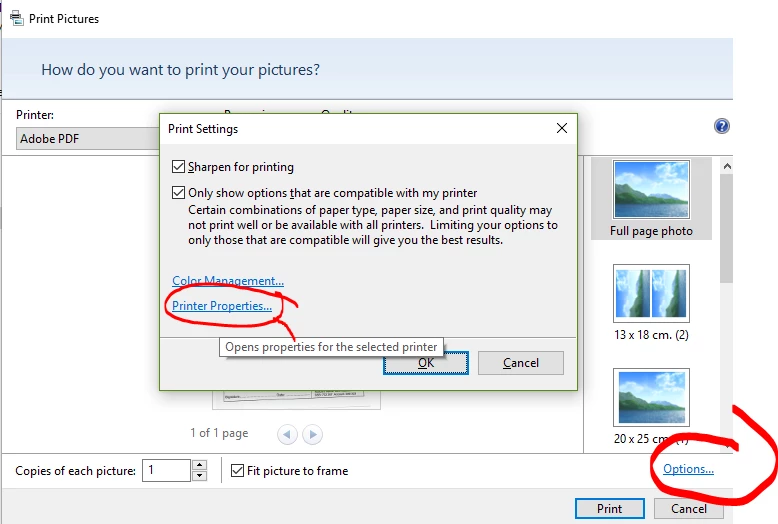
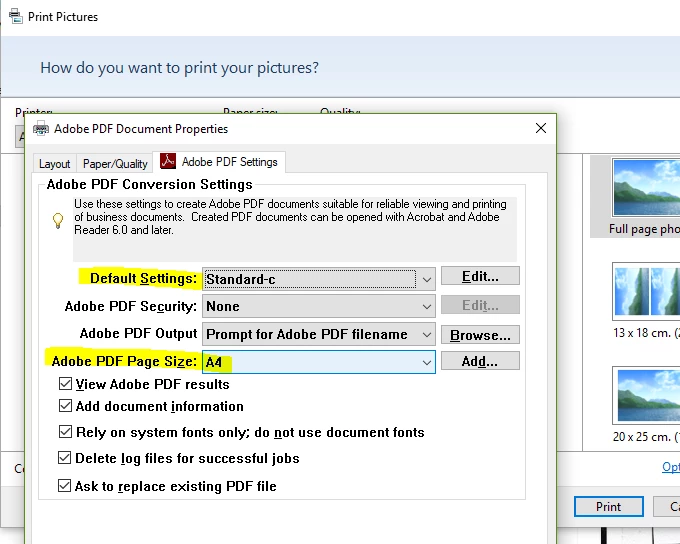
...best option I can see so far, is to Print to PDF instead (using printer "Adobe PDF" from the list of available printers, after clicking right-click-print on the jpg file).

This at least lets me choose the page size - and edit many other PDF settings as part of the "Adobe PDF Conversion Settings", including changing profile (or "Default Settings"), not availble when "Converting" or "Creating" PDF.

Please change this, Adobe!

1 respuesta

philbeteaAutorRespuesta
Participant
May 17, 2018

...best option I can see so far, is to Print to PDF instead (using printer "Adobe PDF" from the list of available printers, after clicking right-click-print on the jpg file).

This at least lets me choose the page size - and edit many other PDF settings as part of the "Adobe PDF Conversion Settings", including changing profile (or "Default Settings"), not availble when "Converting" or "Creating" PDF.

Please change this, Adobe!