

Print to PDF Scaling issue in Excel 2016/Acrobat XI Standard
Howdy folks!
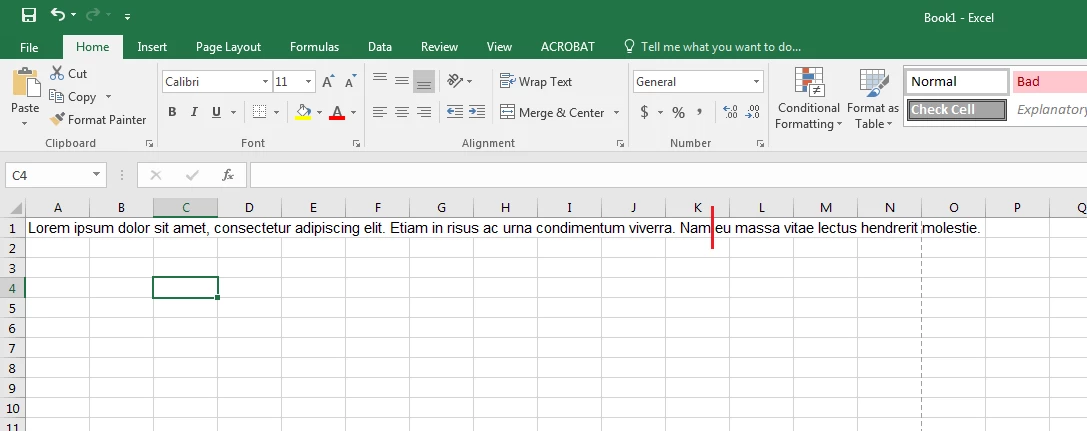
My issue pertains to the way the page is scaled when printing to PDF via Excel. In the below example, We have a line of text that is wider then the page. The red line indicates where the cut off would take place.
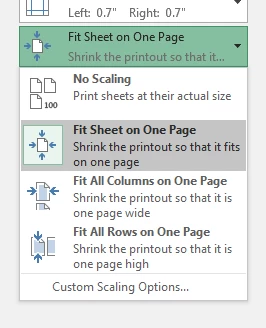
Normally, users would simply choose to "Fit Sheet on One Page" when they print to PDF.
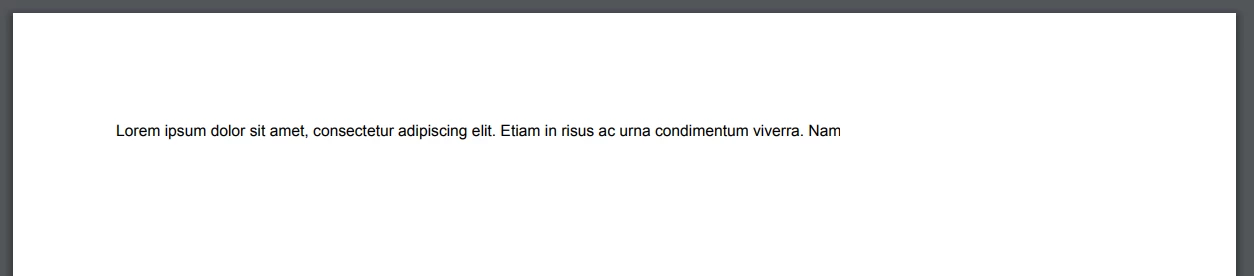
However, when that is selected, the document prints like so. It seems to of lost everything past the cutoff point, even though it is now scaled down.
The temporary solution at this point, is to select "Fit Sheet on One Page," THEN go to custom scaling options and selecting "Adjust to." By first selecting "Fit Sheet on One Page," The value of which the document will be scaled at is filled in for the "Adjust to" value, even though the radio option will be set to "Fit to."
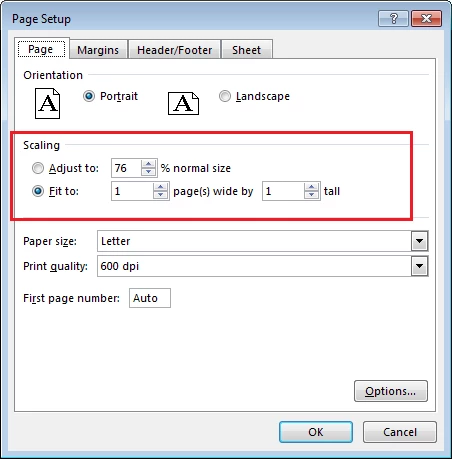
By changing the radio button from "Fit to," to "Adjust to" and using the percentage already supplied from when we selected auto, the document prints properly.
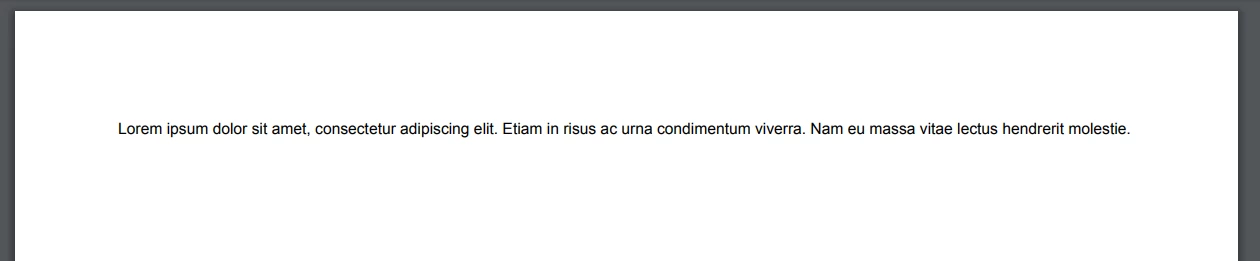
Some additional info:
Since having a user bring this to my attention, I have been able to replicate it across numerous users computers. All machines are running Windows 7 x64 Pro or Enterprise (with latest OS and office updates), and Adobe Acrobat XI Standard 11.0.20. (I have tested this on the recently released 11.0.21 patch, and the issue remains).
Hope someone can provide some insight!
--Nick
 AdChoices