
Answered
Zoom into specific area of a PDF Adobe Reader.
Hi,
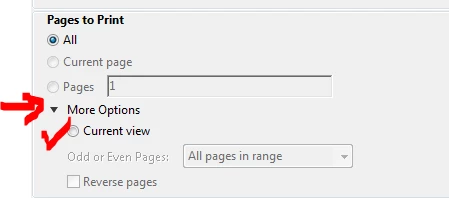
I have a pdf file with large margins on all four sites. I would like to print only the text area, if possible two pages on one site. Adobe PDF does not zoom the text when I tak the option "use real size" or allows me to Zoom into a specific area of the PDF, as it will Zoom into the Top Right corner, removing big parts of the text. Why is there no option to zoom into a specific area of a PDF? If their was one, let me know where to find that. (I just searched for 30 minutes and havn't been able to find anything).
I consider that to be a basic feature, as this would allow proper printing of a large amount of journals that come with arbitrarily large margins.
Thank you,
best regards,
Ernest Aigner
 AdChoices