pomp6597408
Participant
September 16, 2018
Question

Harmonize the sound of a podcast with Adobe Audition CC?

  • September 16, 2018
  • 2 replies
  • 782 views

Hello;
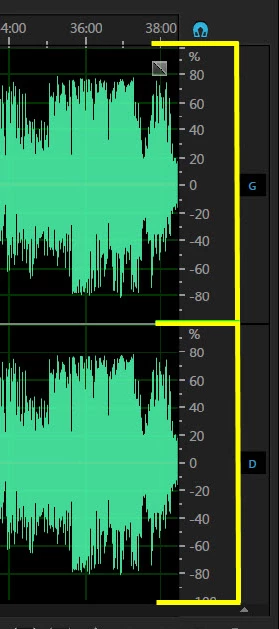
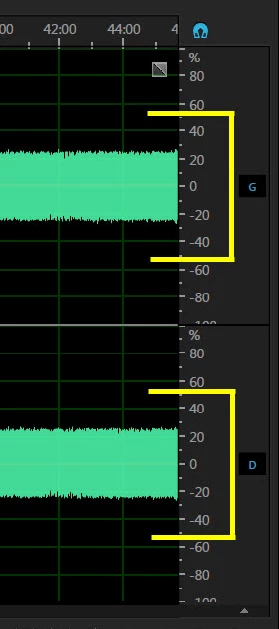
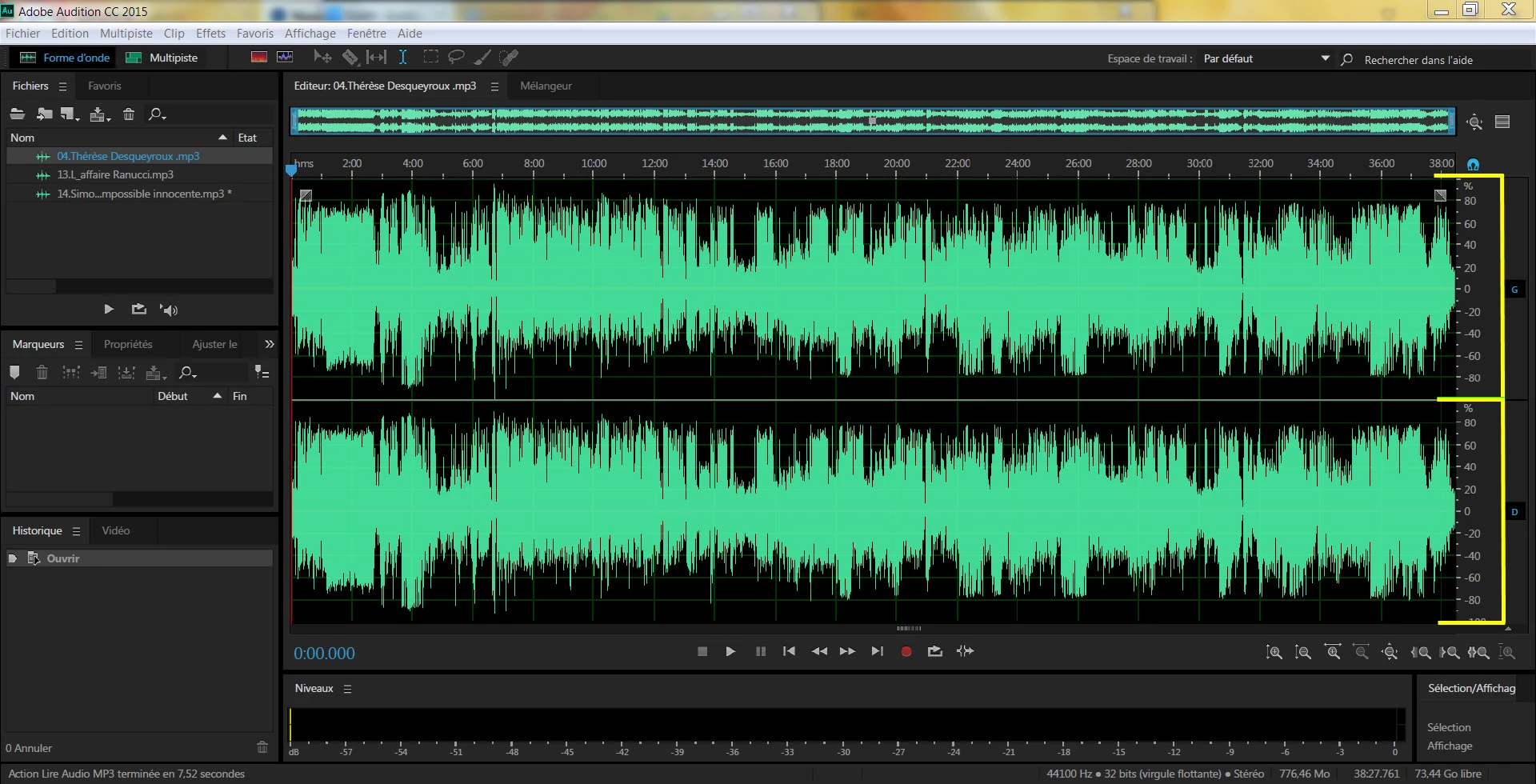
I listen to a podcast every day that I want to keep. But I encounter a problem, from one show to another the power of the sound is set differently (due to I suppose the incompetence of the technician), a sudden the way is almost inaudible and intros rehearsals broadcast after the pubs are thoroughly (See screenshot 1), on others the first part of the show is really too strong and the second part really too low, on certain, the sound of the various speakers is too low or it happens too that there is a difference in overall sound from one show to another (See screenshot 2).

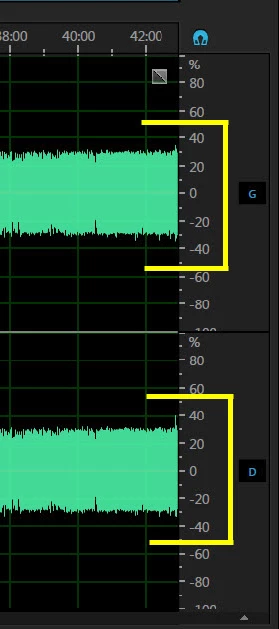
So I would like to know how to do with "Adobe edition cc" to harmonize a show by going up the set to the same level that is to say, to make the track is at the same level as the intro recovery, with Adobe Audition CC taking as "template" an episode of the show whose sound has been recorded correctly (See screenshot 3).
Could you help me please ?

Ps: I am french and I use google translator.

See screenshot 1 :

See screenshot 2 :
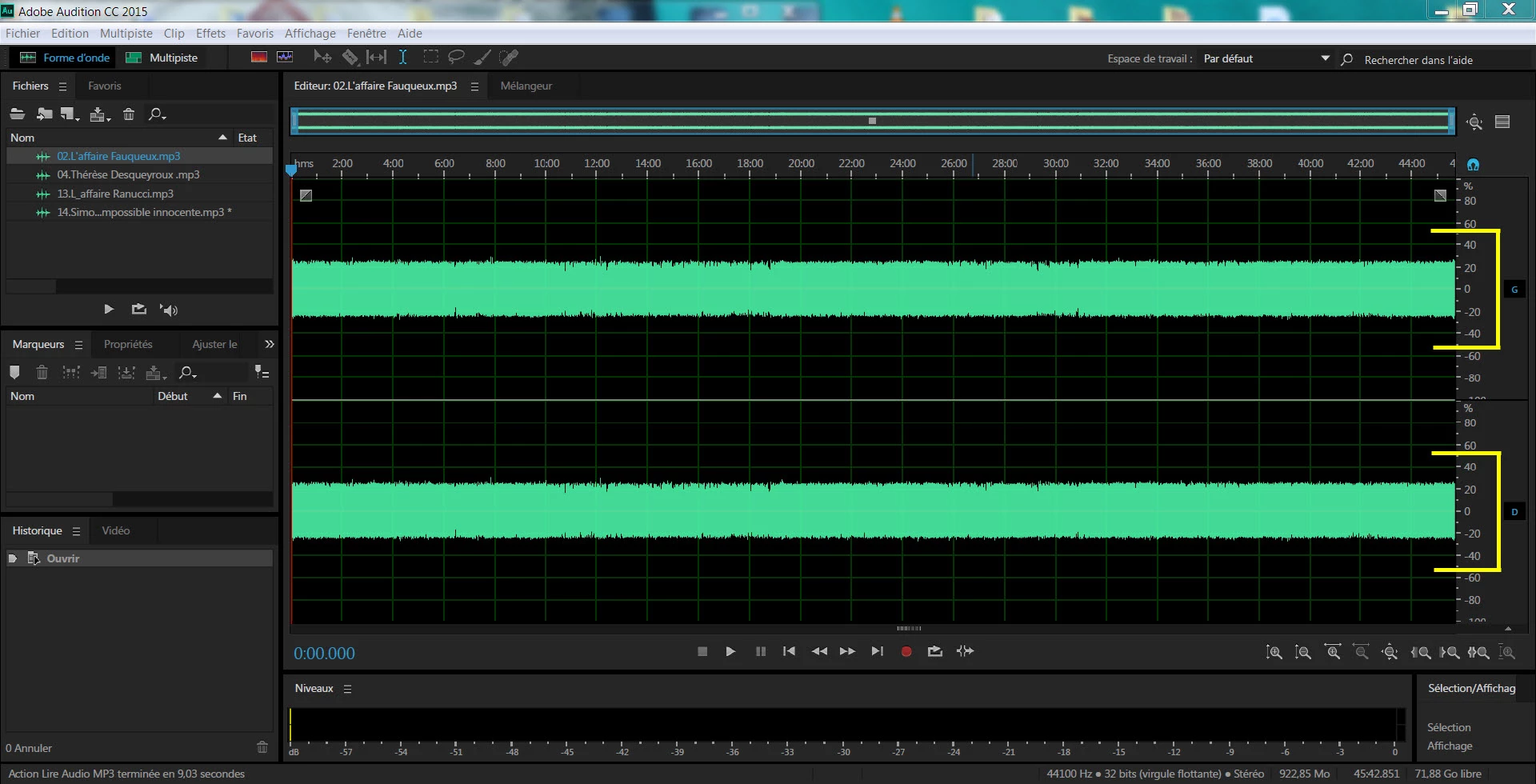

See screenshot 3 :
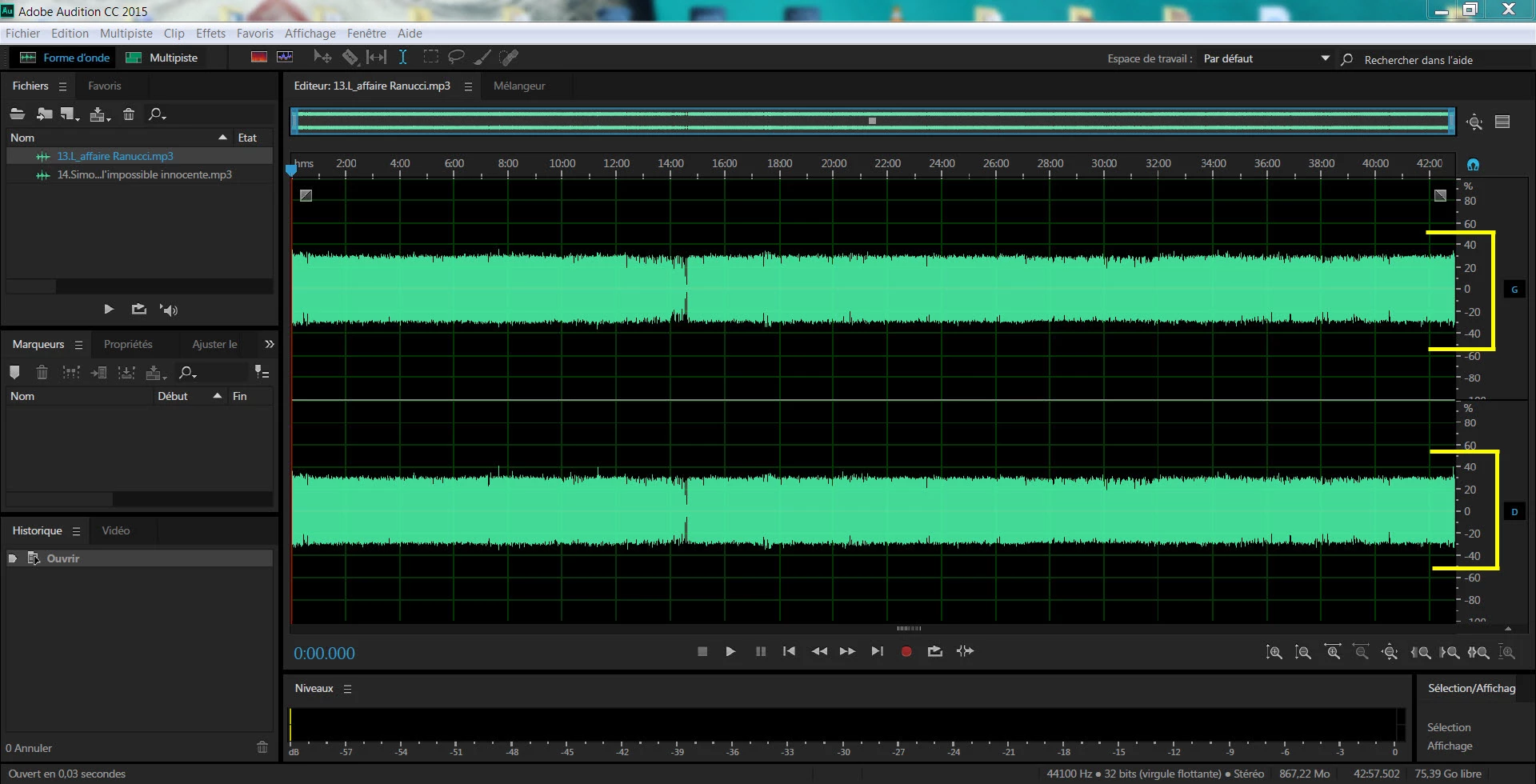

screenshot

    This topic has been closed for replies.

    2 replies

    Participant
    September 18, 2018

    You might try loading the recording into a multi-track session, then making Split edits at each point where the loudness of the program audio changes. After you've divided the file into sections you can go to each section, which is now it's own "clip,"  right click on that clip and select "Match Clip Loudness."  You have several different loudness standards to choose from - for your purposes, it doesn't really matter which one you select, just make sure you use the same selection on all the clips.

    Then after you've run that process on all the clips, mixdown the file.

    SuiteSpot
    Inspiring
    September 16, 2018

    If I understand correctly what you are saying you might try using a compressor or a hard limiter

    ryclark
    Participating Frequently
    September 16, 2018

    Looking at the waveforms in the screen shots the audio signals appear to be already compressed to some extent. So perhaps Normalization would be best. Actually I would say that Screenshot #1 would be the preferred level for a podcast in order to get the maximum out of the transmission system. If all three parts are recorded by you separately and you are editing them in Audition you could use Normalise to bring up the quieter ones to the same level as the loudest one. From the Effects menu Amplitude and Compression/Normalize then set that to 80% should make the quieter ones similar in level to the louder one.