Participant
September 17, 2019
Question

On Enter Advanced Action and Buttons with Success function doesn't work

  • September 17, 2019
  • 1 reply
  • 304 views

I'm using Captivate 2019.   

I use some similar Slides in my project and it doenst work. 

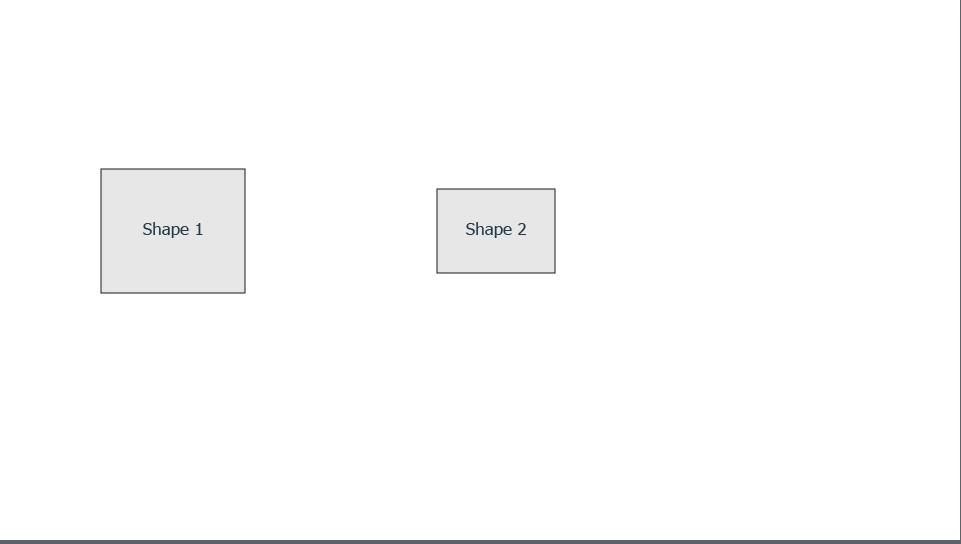
I have 2 Objects (Shapes1 and Shape 2) on one Slide.

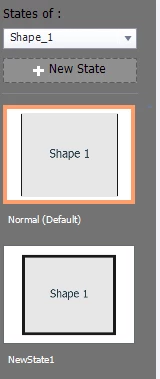
Shape 1 has a State, the State has a stroke. 

Shape 2 is hidden. Shape 1 has "On Success, show Shape 2"

So far so good. 

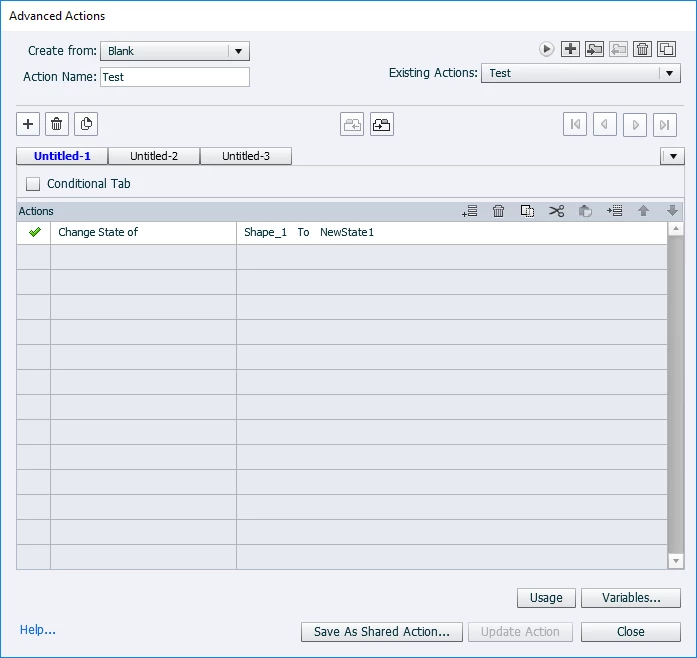
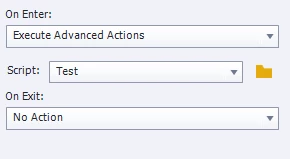
I added on the Slide itself  an "On Enter" advanced action. With a simple command. "Change State of Shape 1 to New State"

If i try to click Shape 1 it doesnt show Shape 2

do i miss something?


Thanks

    This topic has been closed for replies.

    1 reply

    Lilybiri
    Legend
    September 17, 2019

    New to multistate objects and advanced actions? Maybe I have some issues with terminology, in that case I apologize. I understood:

    1. You have a shape which is a multistate object, Normal state has no stroke, second state ' NewState1' has a black stroke.
    2. Shape 1 is defined as button? I am not sure at all, because I don't see the Properties, nor the default Rollover and Down state for Shape 1. You cannot click a shape which has not be defined as button.
    3. Shape 2: just a shape, but hidden in output.


    You use an On Enter action to change the state of Shape 1 so that it shows the stroke. The playhead will remain at the first frame of that slide, because you didn't release it with a Continue command.


    BTW which exact version do you use? Look under Help, About Captivate. Most recent version is 11.5.1.499.

    If shape 1 is defined as a button it should have an action to be triggered on the Success event. That action can be a simple action 'Show Shape 2'.