

Sheena Kaul
Community Manager
Community Manager
September 27, 2019
Question

How about moving the drawing to Photoshop?

  • September 27, 2019
  • 4 replies
  • 6342 views

So we all know that we can get our files from Photoshop to Fresco, how about moving the artwork back to Photoshop from Fresco? 
 

It is as simple as it sounds. Check out how: 


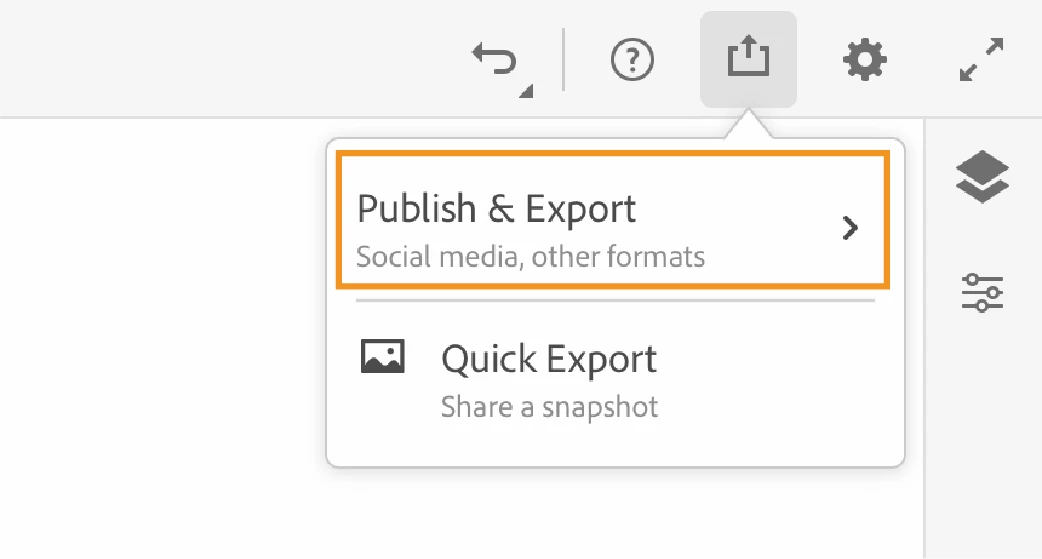
1. Tap on the share icon on the title bar 



2. Tap on Publish & Export. 


3. Tap on Export As and then select PSD as the output format. 
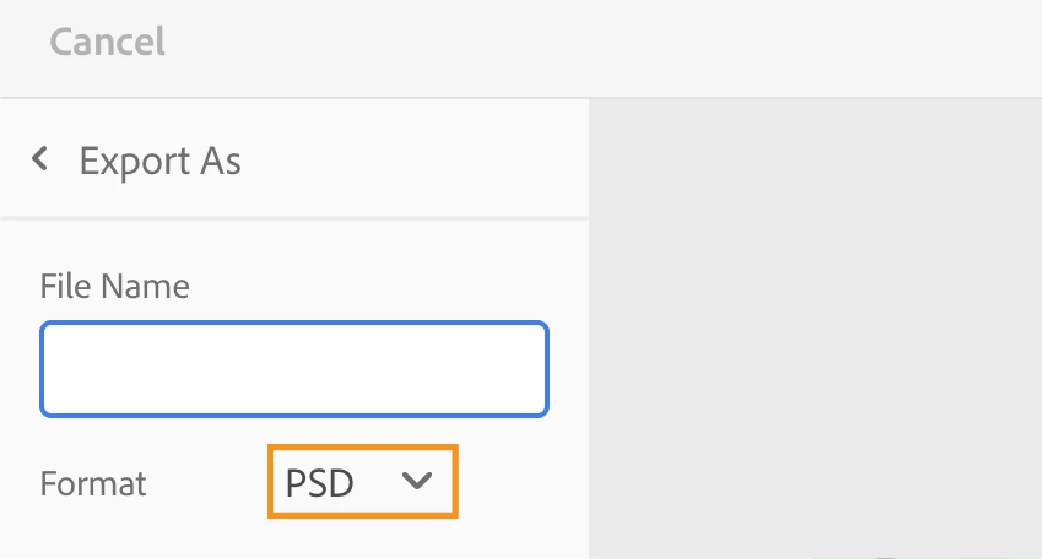


4. Tap on the Export button. 

5. Choose a location to save the PSD and then tap on Add. 


You can also refer to the help document here: https://helpx.adobe.com/fresco/using/fresco-and-photoshop.html to know more about the workflow between Fresco and Photoshop. 
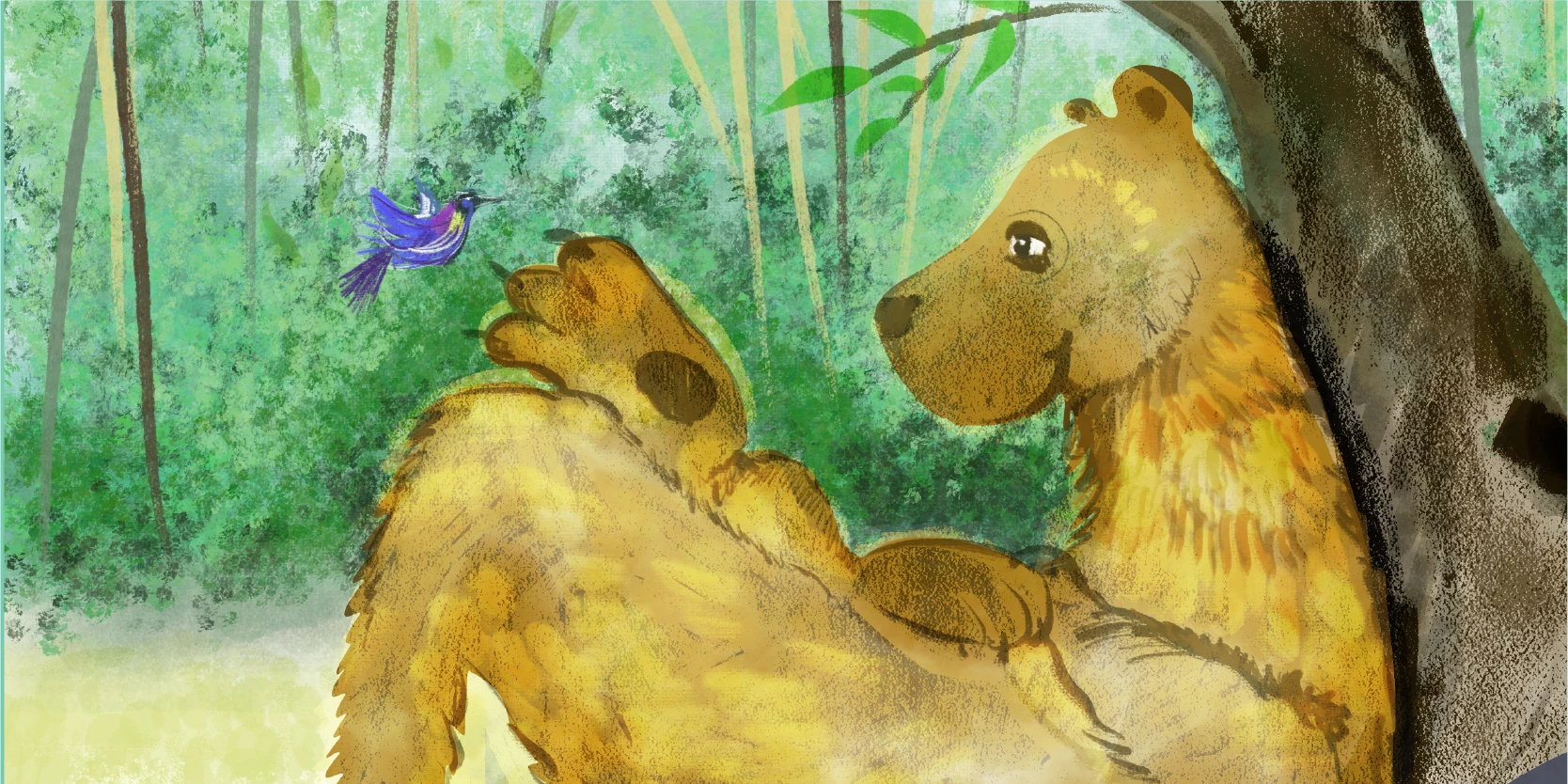
 

Let us know if you’re facing difficulties in sharing your work in any format. We’re here to help! 


    This topic has been closed for replies.

    4 replies

    manal shanableh
    Community Expert
    Community Expert
    March 22, 2022

    Adobe fresco is amazing!

    I just finisheed a full story for kids

    Easy entegration with photoshop, moving to cc librarry, puplishing from indesign!

    Babington. Co
    Inspiring
    May 25, 2022

    Did you publish print books? If so, please share your CMYK conversion workflow as I'm seeing different suggested ones and am painting my illlustrations right now. My printer doesn't convert so I will, since Adobe unfortunately chose to omit CMYK options from Fresco. Thanks.

    Babington. Co
    Inspiring
    May 25, 2022

    I researched and answered my above question, and share here in case it helps someone else. 

    The most efficient workflow from Fresco to InD for CMYK output:

    1. Create illustration in Fresco.

    2. Export as Psd file.

    3. Place in InD file. (No need to first open in Ps.)

    4. The Psd file will still be in the RGB color so if you need it in CMYK to send to Printer for print production, export the InD as PDF/X1a:2001 or PDF/X3:2002, as follows:

    5. Select FILE > Export or FILE > Adobe PDF Preset

    6. Select a location to save your PDF; save.

    7. In Export window that appears, click Adobe PDF Preset drop down, then click either Press Quality or PDF/X1a:2001. That will ensure any RGB colors in InD file are converted to CMYK, including Fresco art exported and placed directly as Psd files. Do not modify any of the default settings. The exported pdf will have CMYK settings. Send that to the printer.

    Participant
    October 11, 2019

    It seems to be rather difficult to share Fresco files seamlessly with Photoshop. Adobe Sketch simply has a 'share to Photoshop ' ability and bingo there is your file open in Photoshop. Why not the same for Fresco?


    Participant
    October 11, 2019
    I've tried exporting as a PSD file and keep getting an alert triangle and 'tap to try again'
    Sheena Kaul
    Community Manager
    Community Manager
    October 17, 2019
    Hi there, are you connected to the internet and signed in to your Fresco app?
    Participant
    October 3, 2019

    I am very dissappointed that Fresco and Photoshop files are not seamless. I thought the same psd file would work across both platforms without fuss. Currently, it is still ALOT of fuss with dubicates files and multiple steps! Will this change in the future? Honestly, working with Photoshop files and Fresco without swaping in and out of different file locations is the one feature that would set this apart from other ios apps.

    Sheena Kaul
    Community Manager
    Community Manager
    October 4, 2019
    Hi me2gingko, I'm sorry that you are not happy with the cross product feature. Could you elaborate a little more on what you're seeing right now that isn't working for you and what would you like the workflow to be in future so that I can capture your feedback and pass it onto the product team.
    Participant
    October 4, 2019
    I was expecting the same PSD file to sync seamlessly across devices. Allowing me to start a Photoshop document on the computer and continue to work on the same project within Fresco. No exporting or file conversion needed. As an illustrator, I already use several excellent drawing apps on the iPad. Like Fresco, files need to be turned into PSD files to use with Photoshop, creating many duplicates and a tedious workflow. Fresco would be valuable to me only if it offered a seamless workflow with Photoshop. Others might want it to be seamless with Illustrator! Either way, converting files and having multiple versions of the same illustration is unproductive. Thank you for hearing my thoughts,
    raluca72222
    Participant
    September 30, 2019

    It's not as simple as it used to be to just send your artwork to open photoshop or illustrator. I had the best time with that feature (even though it worked better on pc than on the mac). Wonder if we will ever get those again?

    Sheena Kaul
    Community Manager
    Community Manager
    October 1, 2019
    Hi raluca72222, thanks for the feedback. I'll pass it onto the product team here so that they can work on this aspect of the app as well.
    paulb82674407
    Participant
    November 23, 2019

    Thanks! -Yes, this would be great to have. The opposite would be nice too. Where I can easily send a photoshop file from my desktop app the other way to fresco with a one click option.