
Participating Frequently
August 10, 2019
Answered

Gaps When Brush Strokes Overlap

  • August 10, 2019
  • 1 reply
  • 2174 views

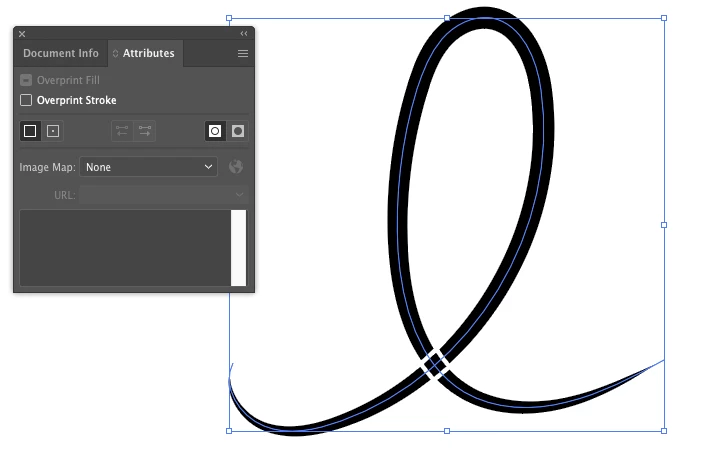
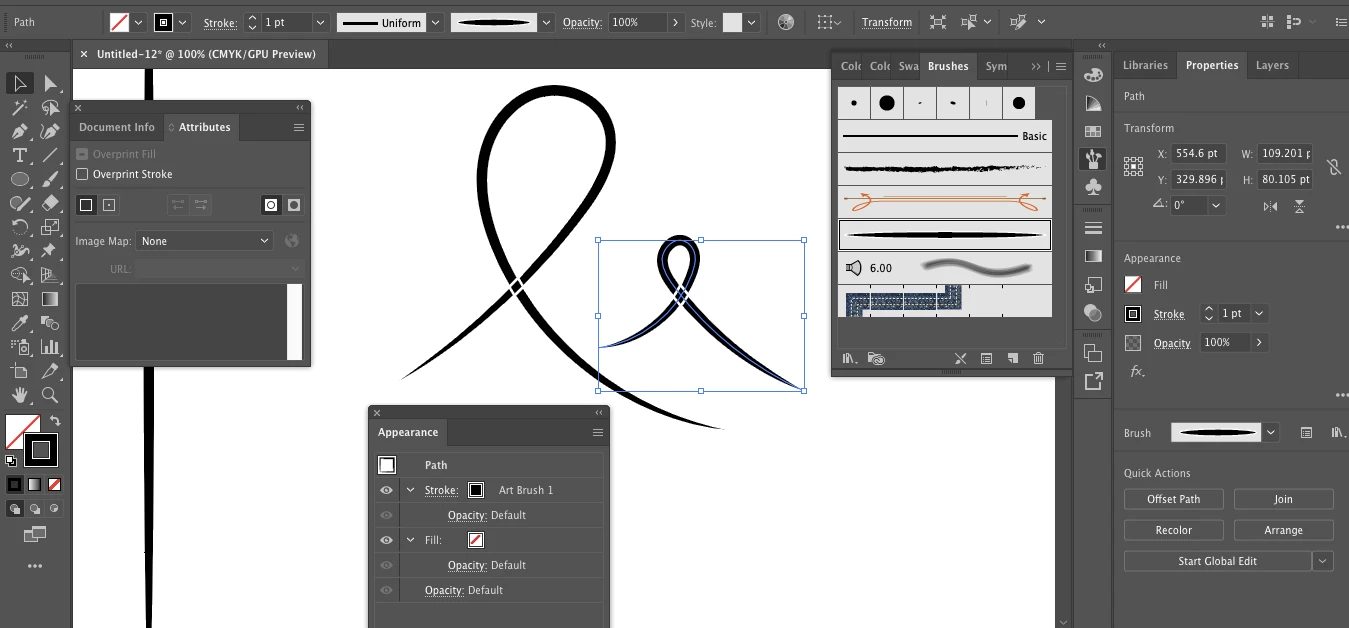
I made a custom brush, and when a stroke overlaps itself or another stroke there are white gaps around it. I did a search and found that I need to use the "Non-Zero Winding Fill Rule". I included in my screenshot that this rule is enabled so I'm not sure why this is happening.
    This topic has been closed for replies.
    Correct answer Monika Gause

    Thank you for your help troubleshooting. I changed the stroke to black, and the same problem occurs:


    You have to edit the brush shape.

    1 reply

    Monika Gause
    Community Expert
    Community Expert
    August 10, 2019

    The winding rule must be applied to the brush shape itself, not the path the brush is applied to

    iammaxxAuthor
    Participating Frequently
    August 10, 2019

    Thank you for your response. How do I apply it to the brush shape? The shape I originally used to create the brush has the correct winding rule

    Monika Gause
    Community Expert
    Community Expert
    August 10, 2019

    In that case please opn the appearance panel and show us a screenshot with object selected.