
Inspiring
December 20, 2017
Answered

Moved anchor point: How to fill path with colour automatically?

  • December 20, 2017
  • 1 reply
  • 1064 views

I vectorized a picture and got this paths:
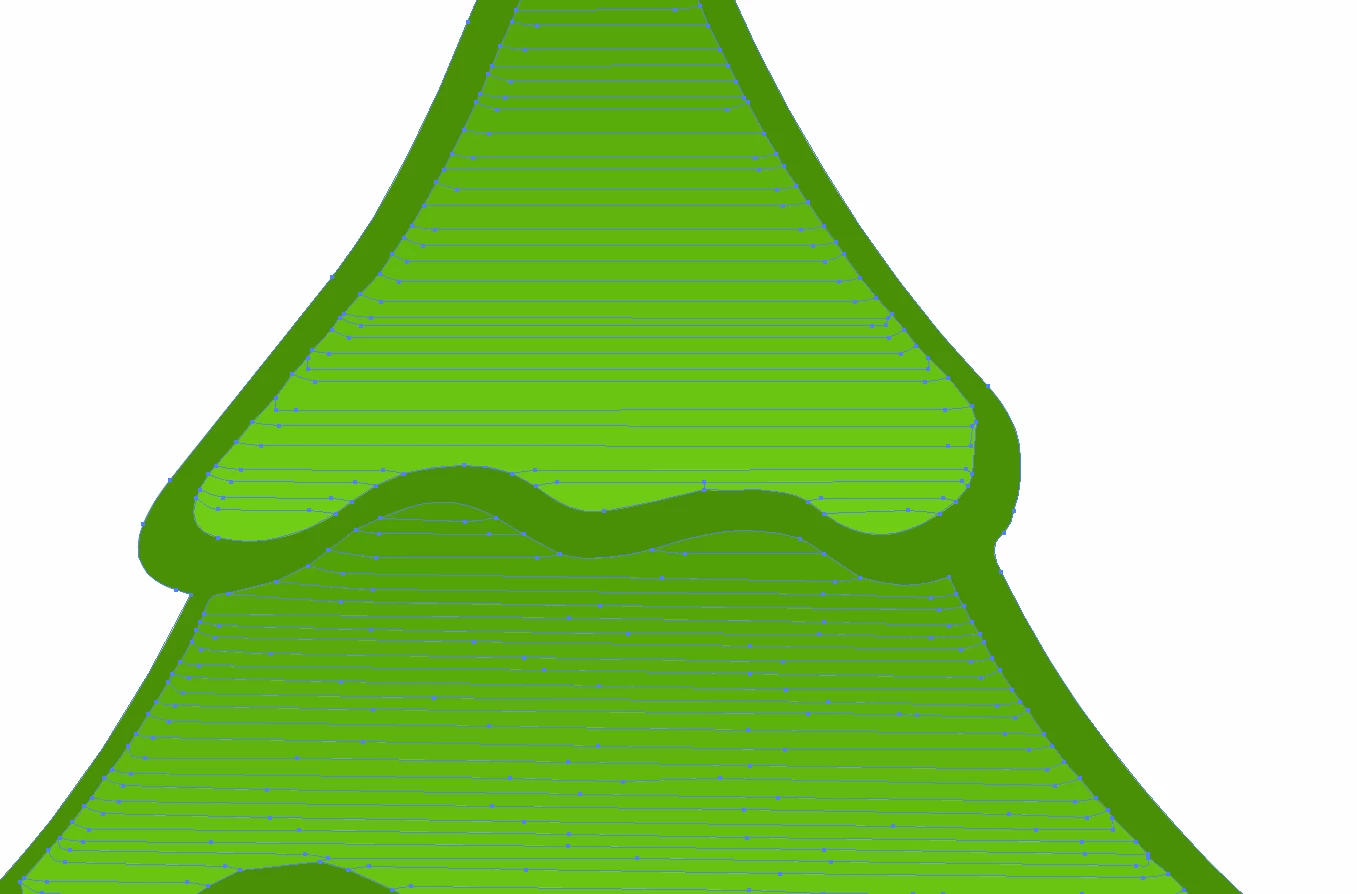
I think the dark green area is one closed path

because if I choose the direct selction tool

I get this:
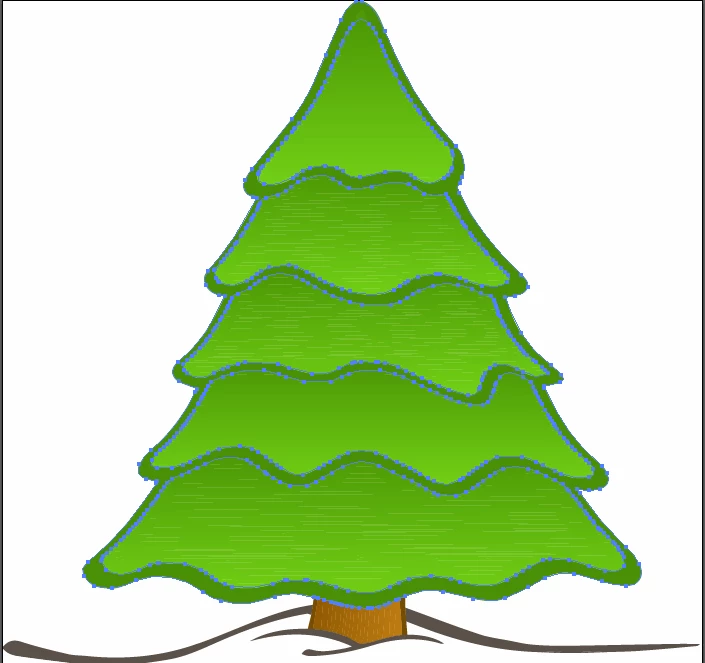
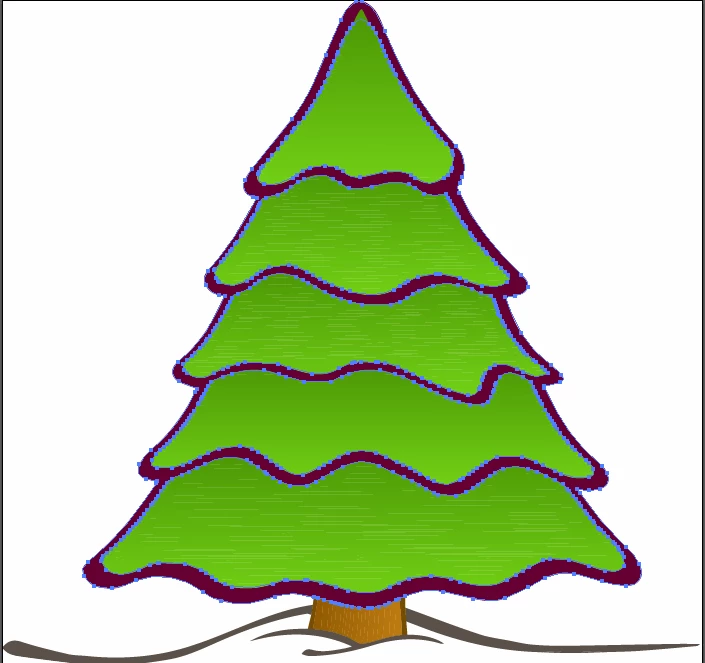
And if the red green path is choosed I can change

the colour with one click:
I added an anchor point to the red green path but If I move the anchor point

the new area isn't filled automatically with the dark green colour:
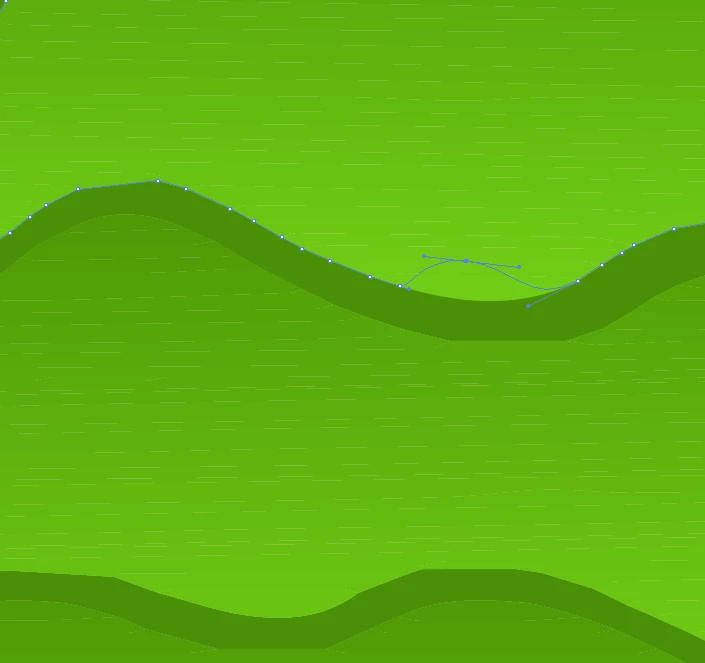
Why isn't it filled?

Isn't it a closed path against my assumption?

If it is a closed path: Why isn't it filled? And how can I do it?

If it is an open path: Why can I then change the color with one click (picture before)?

What's then the best solution to fill the new area with the colour of the rest of the path?

Is there a setting to do

automatically fill areas of open paths with the

filling path colour of the rest if the area is

resized with anchor points?

This topic has been closed for replies.
Correct answer John Mensinger

The constructs resulting from auto-trace may leave you encountering one unexpected thing after another, not necessarily following the logic typical of a graphic assembled by a person. For that reason, anyone who doesn't actually have the graphic to analyze can only really guess at what's going on there. My first guess would be that the dark green object is behind (lower in the stacking order) the lighter, 'gradient'-filled object, and you are altering it, but the change is covered up by the object in front.

1 reply

John Mensinger
Community Expert
John MensingerCommunity ExpertCorrect answer
Community Expert
December 20, 2017

The constructs resulting from auto-trace may leave you encountering one unexpected thing after another, not necessarily following the logic typical of a graphic assembled by a person. For that reason, anyone who doesn't actually have the graphic to analyze can only really guess at what's going on there. My first guess would be that the dark green object is behind (lower in the stacking order) the lighter, 'gradient'-filled object, and you are altering it, but the change is covered up by the object in front.

BaCbDcAuthor
Inspiring
December 21, 2017

Thank you for your answer. You are right. The dark green object was behind the lighter.

I brought it to the front and now the new area is filled automatically with red green.