
Nate213
Participant
September 4, 2018
Answered

Vector Brush Pack Imports random Brushes

  • September 4, 2018
  • 2 replies
  • 876 views

I recently downloaded this graffiti brush pack. It is supposed to look like this, and this is the image that comes with the pack download itself.
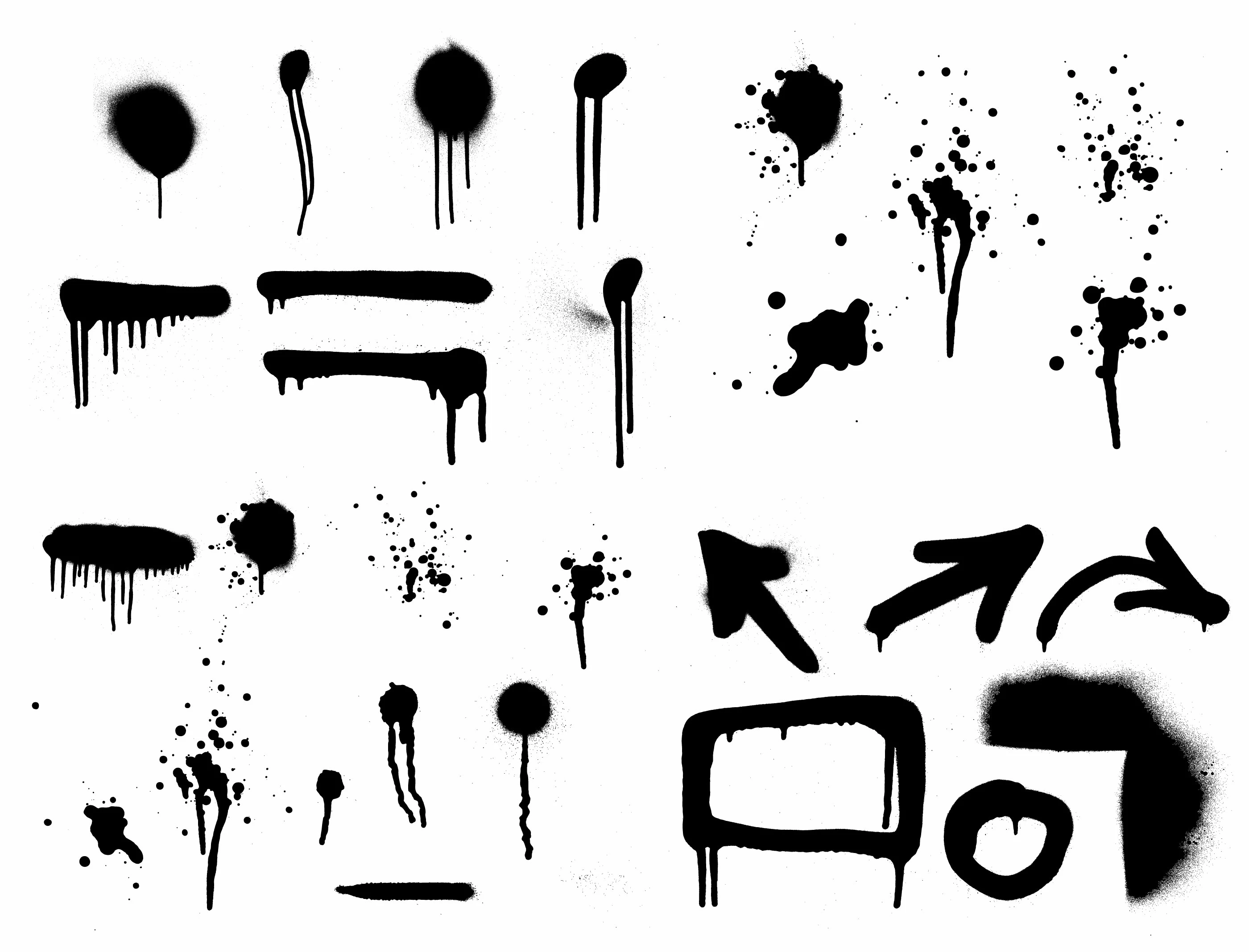
However, when I load it into illustrator the normal way by selecting "other library" and selecting the .ai file that comes with the pack, the brushes that get loaded are these. (The ones in the Brushes window, the file that is open is the one that came with the pack)
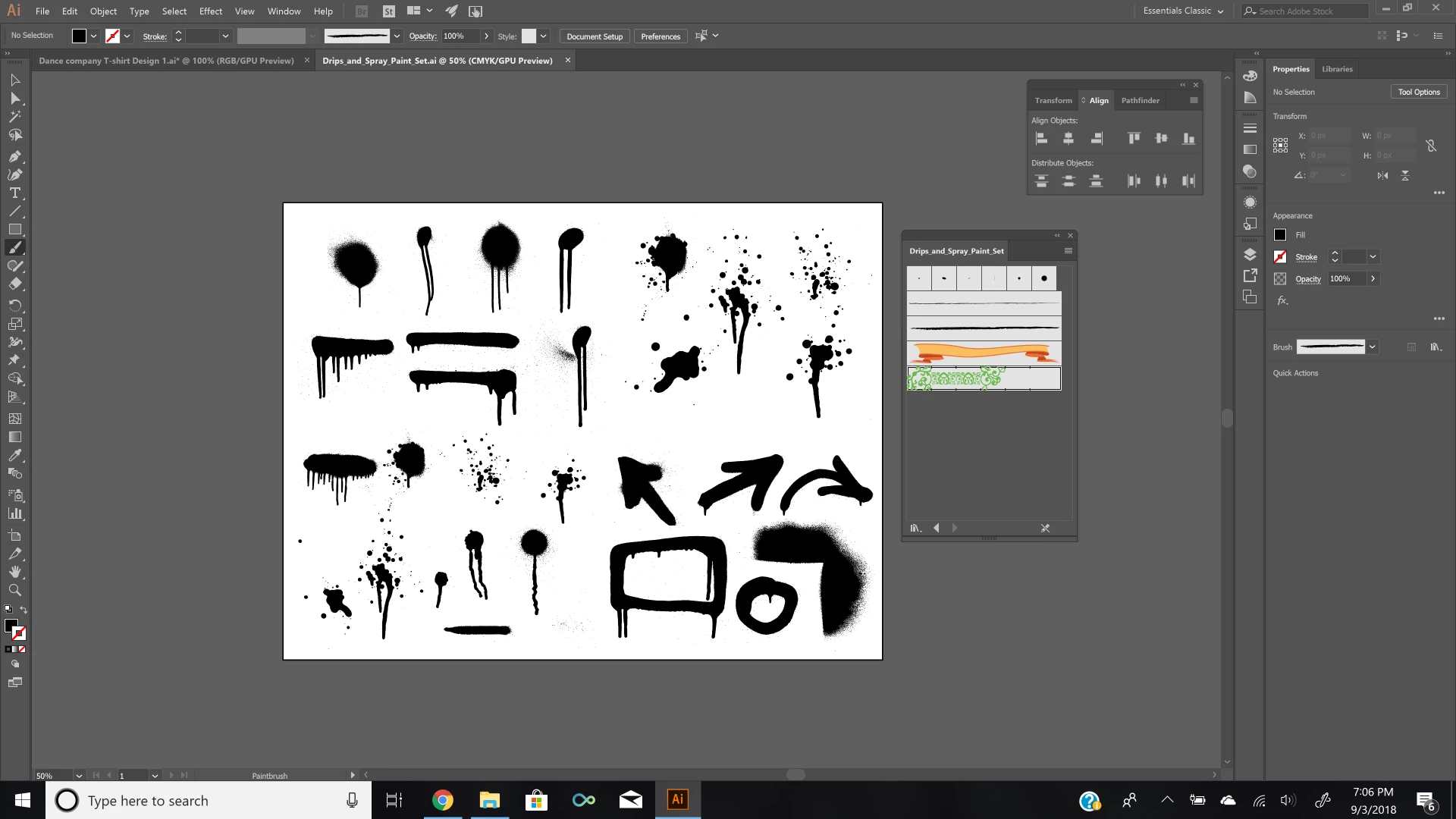
How can I get it to load the proper Brushes?

    This topic has been closed for replies.
    Correct answer Monika Gause

    THose are not brushes, but just shapes.

    Drag them into the brushes panel one by one to create brushes. For some of them art brushes might make some sense, but for most of them only scatter brushes make sense.

    Don't expect them to work like in Photoshop.

    2 replies

    Ton Frederiks
    Community Expert
    Community Expert
    September 4, 2018

    Are you sure these are made for Illustrator?

    Looks more like Photoshop brushes.

    Monika Gause
    Community Expert
    Monika GauseCommunity ExpertCorrect answer
    Community Expert
    September 4, 2018

    THose are not brushes, but just shapes.

    Drag them into the brushes panel one by one to create brushes. For some of them art brushes might make some sense, but for most of them only scatter brushes make sense.

    Don't expect them to work like in Photoshop.