Exit
  • Global community
    • Language:
      • Deutsch
      • English
      • EspaƱol
      • FranƧais
      • PortuguĆŖs
  • ę—„ęœ¬čŖžć‚³ćƒŸćƒ„ćƒ‹ćƒ†ć‚£
  • ķ•œźµ­ ģ»¤ė®¤ė‹ˆķ‹°
0

Keyboard Shortcut to 'Show Library Subset'

Explorer ,
Mar 22, 2018 Mar 22, 2018

Hi,

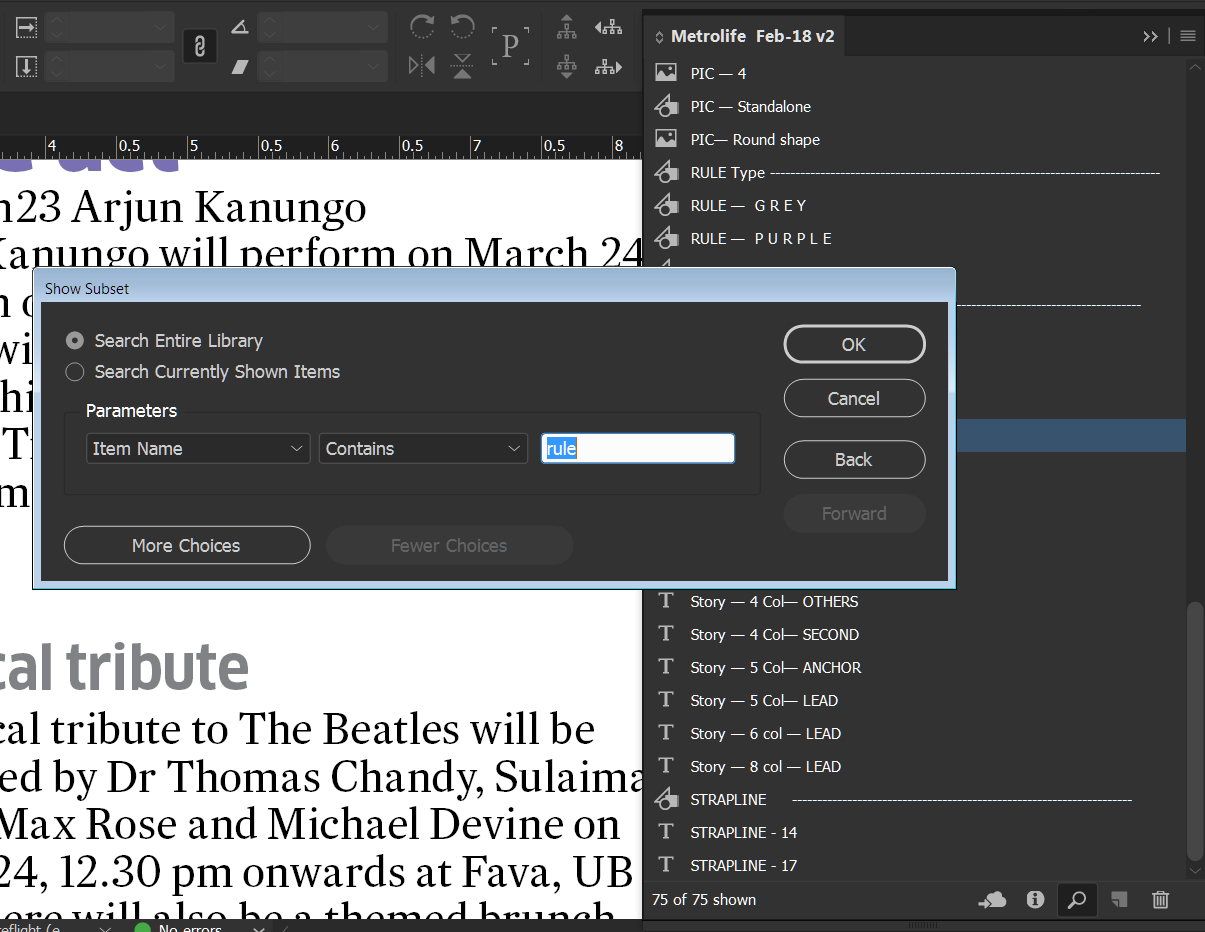
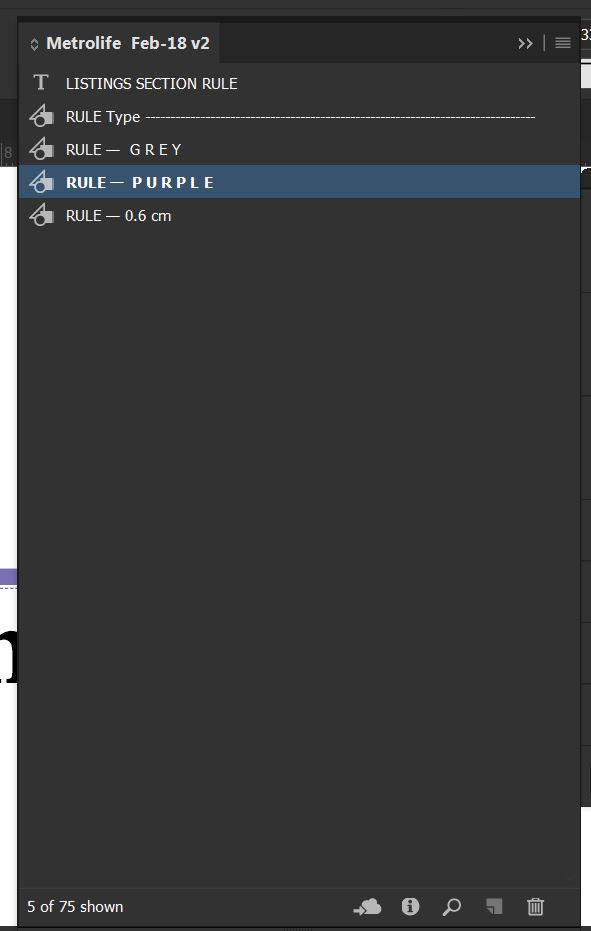
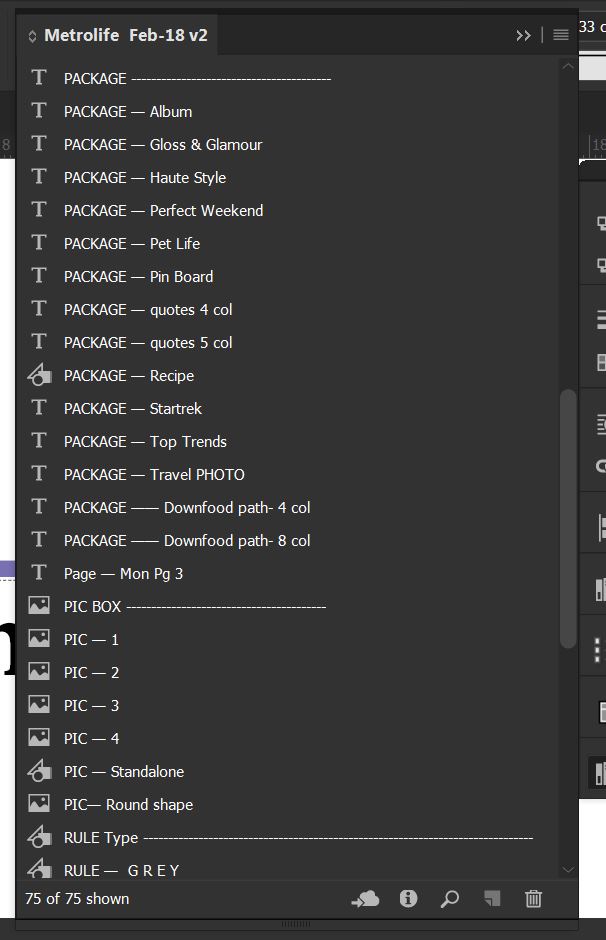
I work in large document with plenty of Library items, There are about 50-90 library items in an library, i use the 'Show Library Subset' to key in the required library item and drag it to page. I want to know is there any shortcut to directly go for  'Show Library Subset' . I have attached a sample here, there are 75 items.
Lib1.JPGlib2.jpgLib3.JPG

518
Translate
Report
Community guidelines
Be kind and respectful, give credit to the original source of content, and search for duplicates before posting. Learn more
community guidelines

correct answers 1 Correct answer

Community Expert , Mar 22, 2018 Mar 22, 2018

There is not a built-in keyboard shortcut for "Show Library Subset," but you can define one.

Choose Edit > Keyboard Shortcuts. Create a new set of shortcuts. Then go to Product Area: Panel Menus. Scroll down to "Library: Show Subset" and create your own keyboard shortcut and save it.

InDesign CC154.png

Translate
Community Expert ,
Mar 22, 2018 Mar 22, 2018

There is not a built-in keyboard shortcut for "Show Library Subset," but you can define one.

Choose Edit > Keyboard Shortcuts. Create a new set of shortcuts. Then go to Product Area: Panel Menus. Scroll down to "Library: Show Subset" and create your own keyboard shortcut and save it.

InDesign CC154.png

Translate
Report
Community guidelines
Be kind and respectful, give credit to the original source of content, and search for duplicates before posting. Learn more
community guidelines
Explorer ,
Apr 03, 2018 Apr 03, 2018
LATEST

Thanks it works

Translate
Report
Community guidelines
Be kind and respectful, give credit to the original source of content, and search for duplicates before posting. Learn more
community guidelines