
Animated .gif not moving
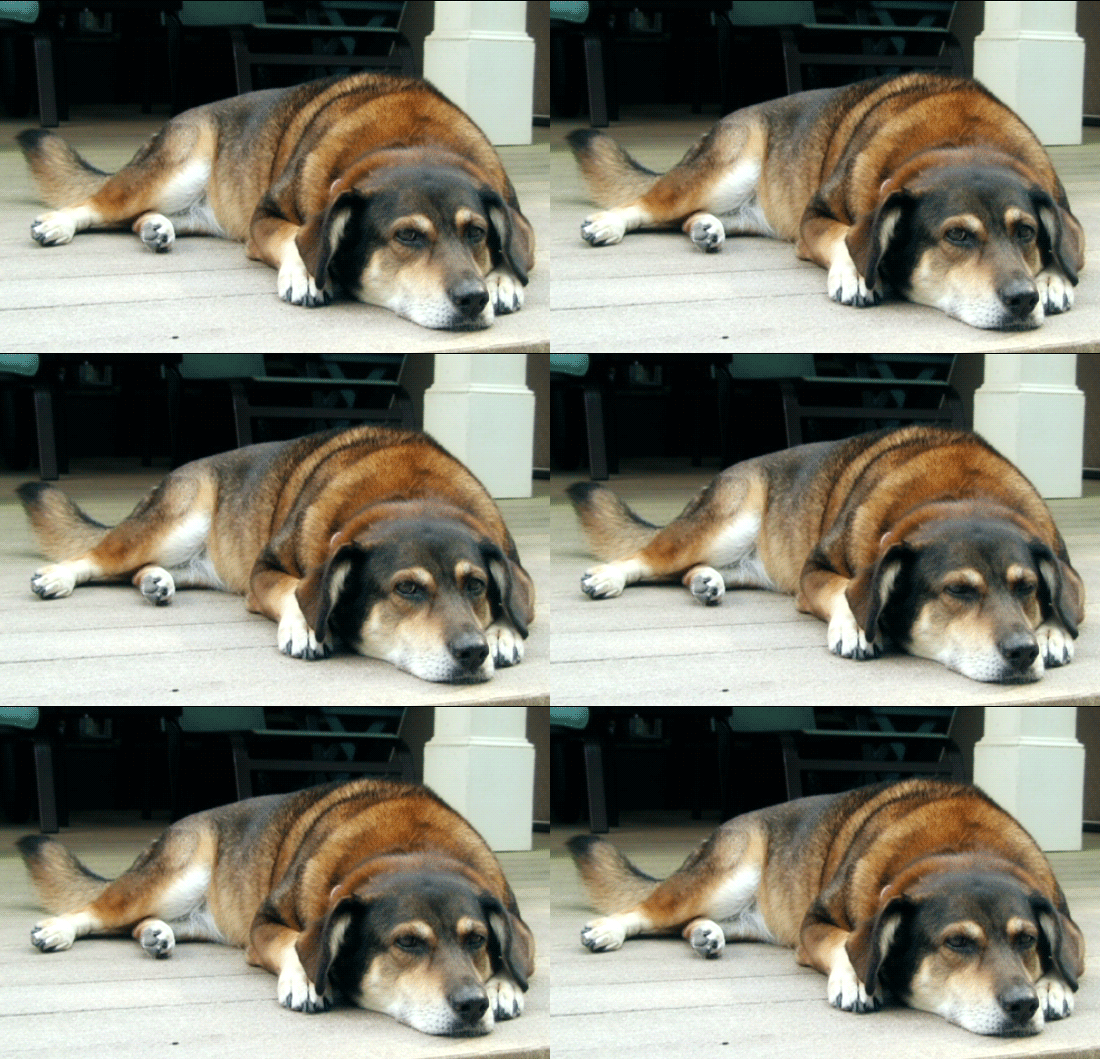
I've been intrigued by the new animated "postcards" or cinemagraphs (for example, see http://fromme-toyou.tumblr.com/tagged/gif). I found a great tutorial about how to do this using Photoshop Extended and the animation panel. I created my own, and then followed the instructions for saving the file:
1. "Save for Web and Devices"
2. make sure to save as GIF, looped "forever"
When I previewed the gif (from the "save for web and devices" dialog box), it worked great.
But when I save the gif, it doesn't move. It is just one frame of the animation, as a static photo. When I click the file, I get a "Preview" that shows all the frames, but I can't ever get it to move.
Is there a step I'm missing? Or is there some operating system setting I need to change? I've never created an animated gif before, but I can see other people's animated gifs in my email. (I'm attaching my gif in case you can figure it out from that.)
OKAY...I looked at the attachment, and it moves (my dog's eyes). This is the only time it has worked. I've tried to email it, post it on Tumblr, open it in my browser, but it never worked. Now, I post it here, and--at least as I look at the attachment--it works here. How can I get it to move when I post it online or try to send it via email?
I'm running Mac OSX 10.6, Photoshop CS 5.1.
Thank you!
Carol


 AdChoices