Onion Skinning is a video editing feature in Photoshop for editing in between frames by hand. The only feature that Photoshop Frame animations has for in between frames is tween.
Frame animation uses normal Photoshop layer not video layers. A frame animation frame is a composite of one or more layers and the layers position when the frame is created. A frame is more a less a snapshots of the composite of one or more layers at their current positioning when the frame is created. Frames in Frame animations are internal to the Frame animation panel. You can not paint on frame.
Video layers are different Video frames are not a composite of one or more regular Photoshop layers with recorded positioning. A video layer is quite different. It contains all the frames in the video. In Photoshop most likely all frames are full frames so onion skinning is possible for you can paint on video frames. When encoded into a video file all frames are not full frames.
Onion skinning is not possible in frame animation. You can not paint on frame animation frames how could you when a frame can be a composite of layers their masking their styles and their positioning.
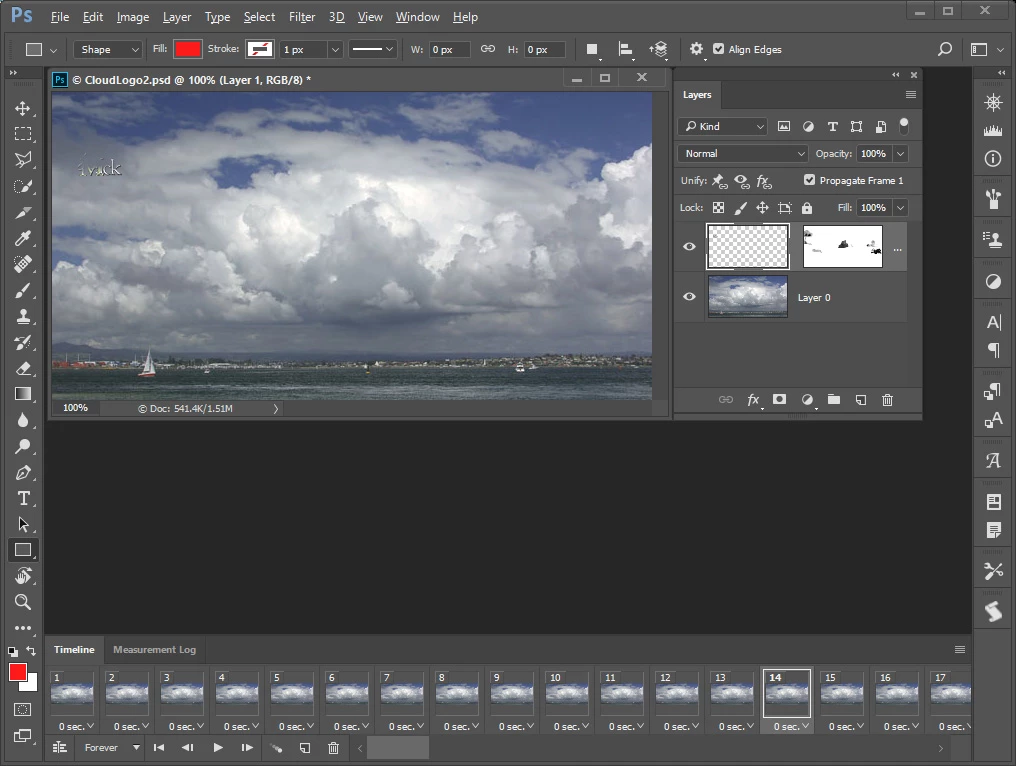
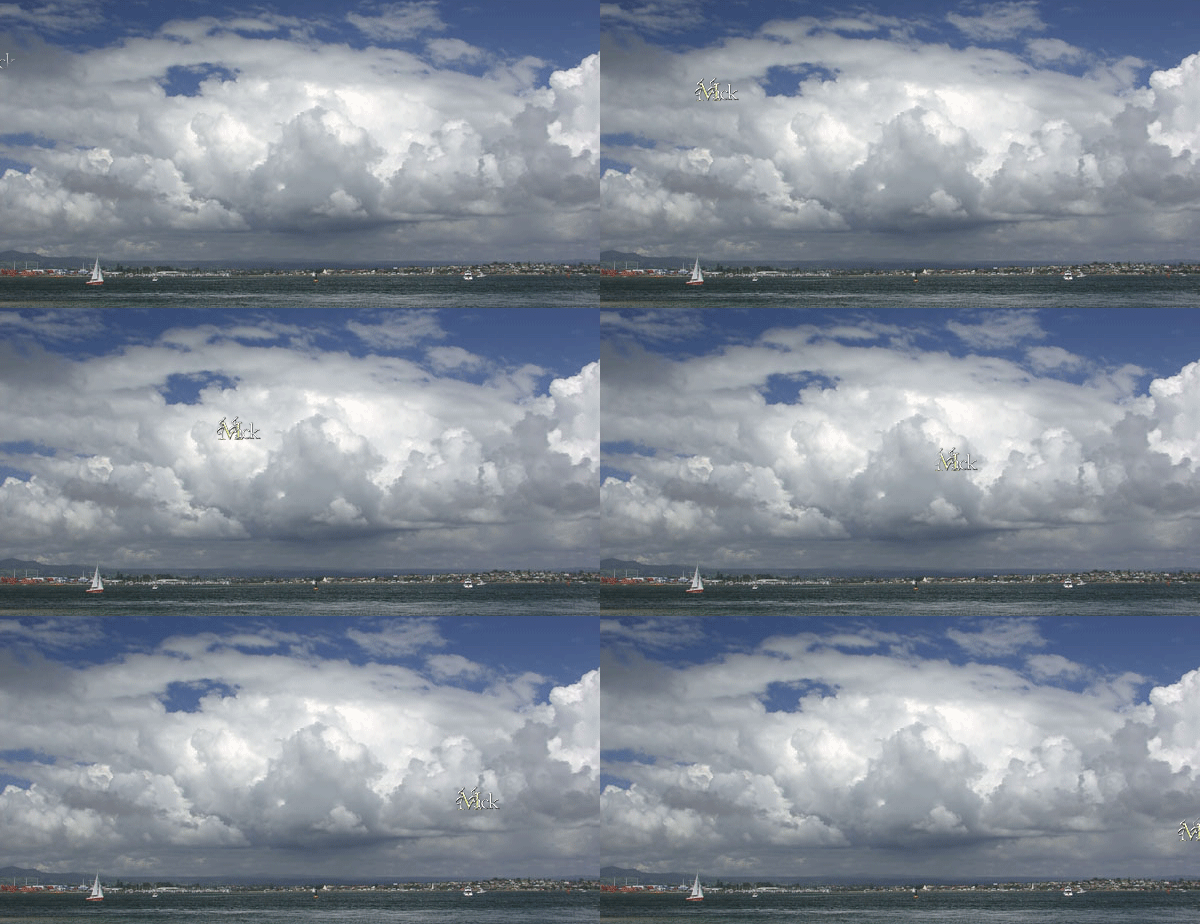
Here is one of my frame animations. It has two layers and 150 frames. I create two frames and used Photoshop's tween to create the 148 frames between them. It not possible to paint on frames only possible to paint on pixel layers and layer mask. You can step forward and backwards between frames and see them. However if you paint on a layer your paint on every frame that layer is part of. It is possible to make a frame animation where each layer is a frame. In that case Painting on an layer is like painting on a frame. So you can add a new layer make a frame from it and paint on the layer.


 AdChoices