Exit
  • Global community
    • Language:
      • Deutsch
      • English
      • Español
      • Français
      • Português
  • 日本語コミュニティ
  • 한국 커뮤니티
0

CCX Process Update?

Contributor ,
Nov 18, 2018 Nov 18, 2018

After updating to PS 20.0.1 from PS 20.0.0 and experiencing a slew of new issues that I've commented on elsewhere, I just received another PS update entitled CCX Process Version 2.5.2.11. What is this for and what does it fix?

5.6K
Translate
Report
Community guidelines
Be kind and respectful, give credit to the original source of content, and search for duplicates before posting. Learn more
community guidelines
Adobe
Community Expert ,
Nov 18, 2018 Nov 18, 2018

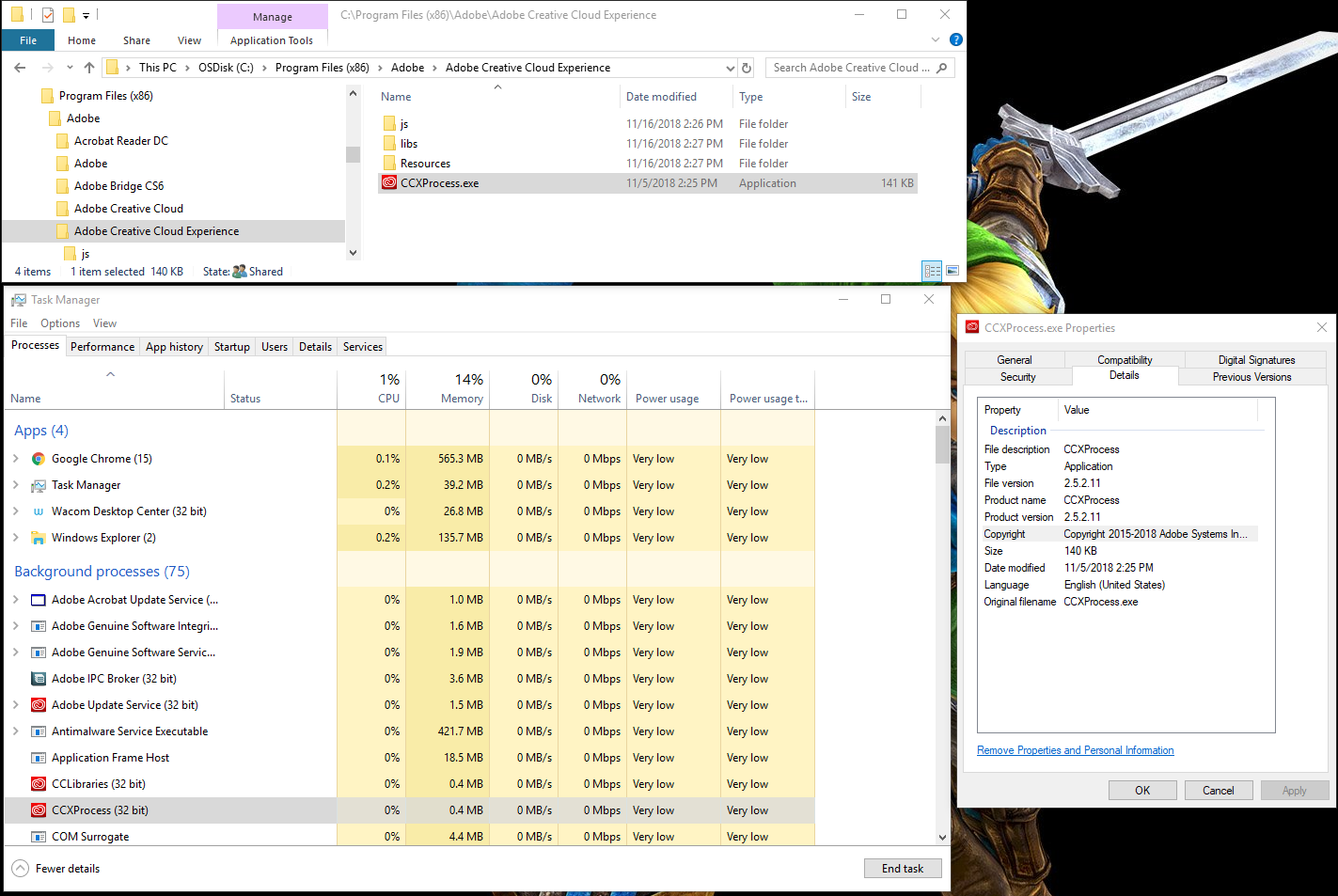
I do not remember getting and update entitled CCX Process Version 2.5.2.11..  It does seem to be the version running on may machine.  It must be installed along with Photoshop or Creative cloud desktop application.  That the only Adobe beside Acrobat Reader I install.

JJMack
Translate
Report
Community guidelines
Be kind and respectful, give credit to the original source of content, and search for duplicates before posting. Learn more
community guidelines
Contributor ,
Nov 18, 2018 Nov 18, 2018

I've update Ps twice in the last week or so 20.0.0 and 20.0.1 now. This just popped up last night as an update to Ps. Don't know why it hasn't shown up before. This am on the Win 7 Pro 64 bit OS. What version of Ps are you running? Thanks for the info.

Translate
Report
Community guidelines
Be kind and respectful, give credit to the original source of content, and search for duplicates before posting. Learn more
community guidelines
Community Expert ,
Nov 18, 2018 Nov 18, 2018
LATEST

I got the same CCX Process Version 2.5.2.11 on the Mac side using photoshop cc 2019 (20.01) on MacOS Mojave 10.14.1

There are a couple of inquires about the update over here as well:

CCX Process Update | Photoshop Family Customer Community

Photoshop CC 20.0.1 is now available. | Photoshop Family Customer Community

Translate
Report
Community guidelines
Be kind and respectful, give credit to the original source of content, and search for duplicates before posting. Learn more
community guidelines