

Can you reference a layer inside of a folder for Generate > Image Assets
I am trying to create a template for others to use to export 20 files easily.
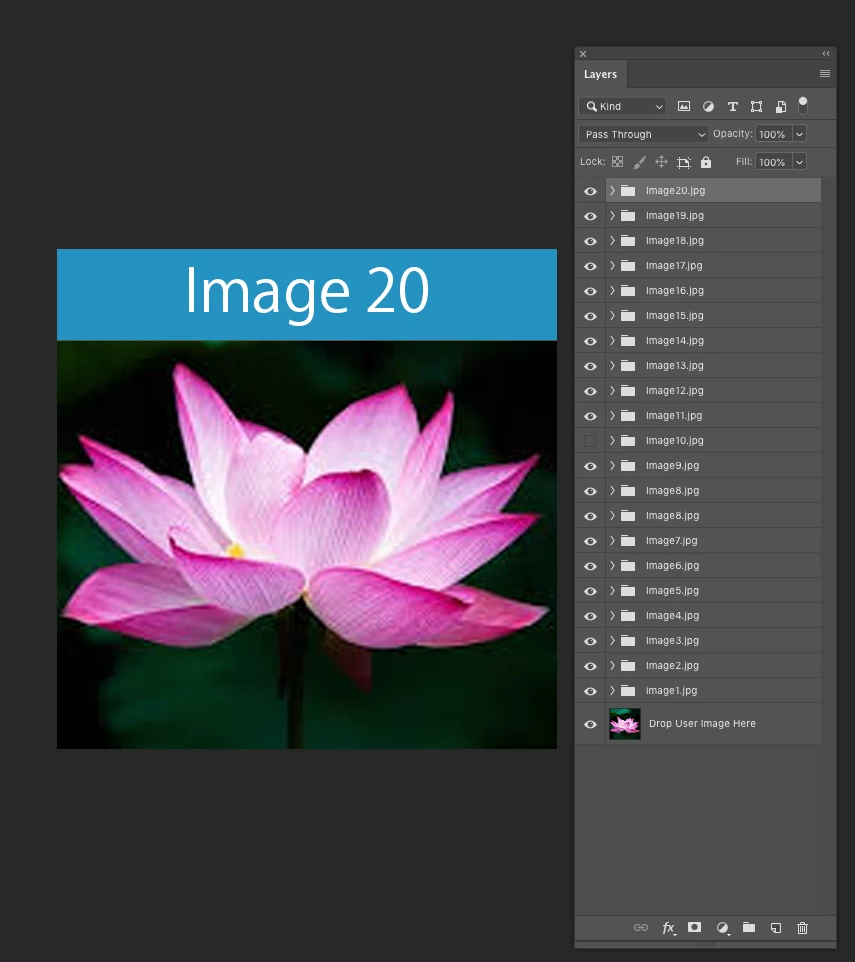
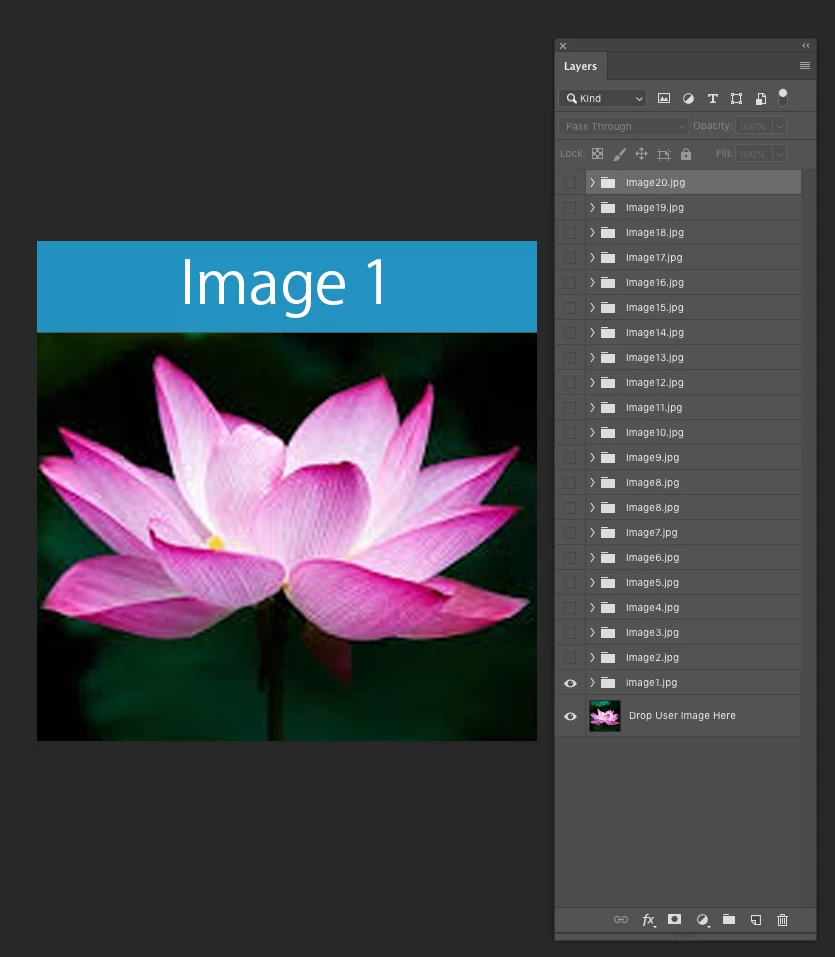
Inside this template I want the user to drop in a single image of their choosing at the bottom layer. Each export will have a different overlay. For example I in the folder above I have "Image1.jpg" and another folder "Image2.jpg" and another folder "Image 3.jpg". . . . "Image 20.jpg" etc etc.
To have this easily auto generate 20 images with the different seperate folder names.
Generate > Image Assets is the easiest and quickest way to export these assets, but this doesnt work since the image is at the bottom layer and not inside all the folder individually and I dont want the user to have to drop in their image into every folder.
Is there anyway to use Generate > Image Assets and have the 20 different folder somehow refence to export with the bottom user image layer as well?
Here is the heirarchy that I am using:
 AdChoices