Inspiring
July 20, 2017
Answered

Changing a black silhouette I made from a photo to a specific Text color in CC 2017

  • July 20, 2017
  • 1 reply
  • 6833 views

Using Photoshop CC 2017 > Hello!  I'm trying to colorize a nice silhouette I made from a photo.  I need to match color of some text that the client fell in love with.  Just using Hue and Saturation adjustment can get kind of close - but how can I dial in exactly the colors I have numbers for with the text ? Here are some screenshots of how I have driven myself loco and hungry.  Thank you for any and all help!!!
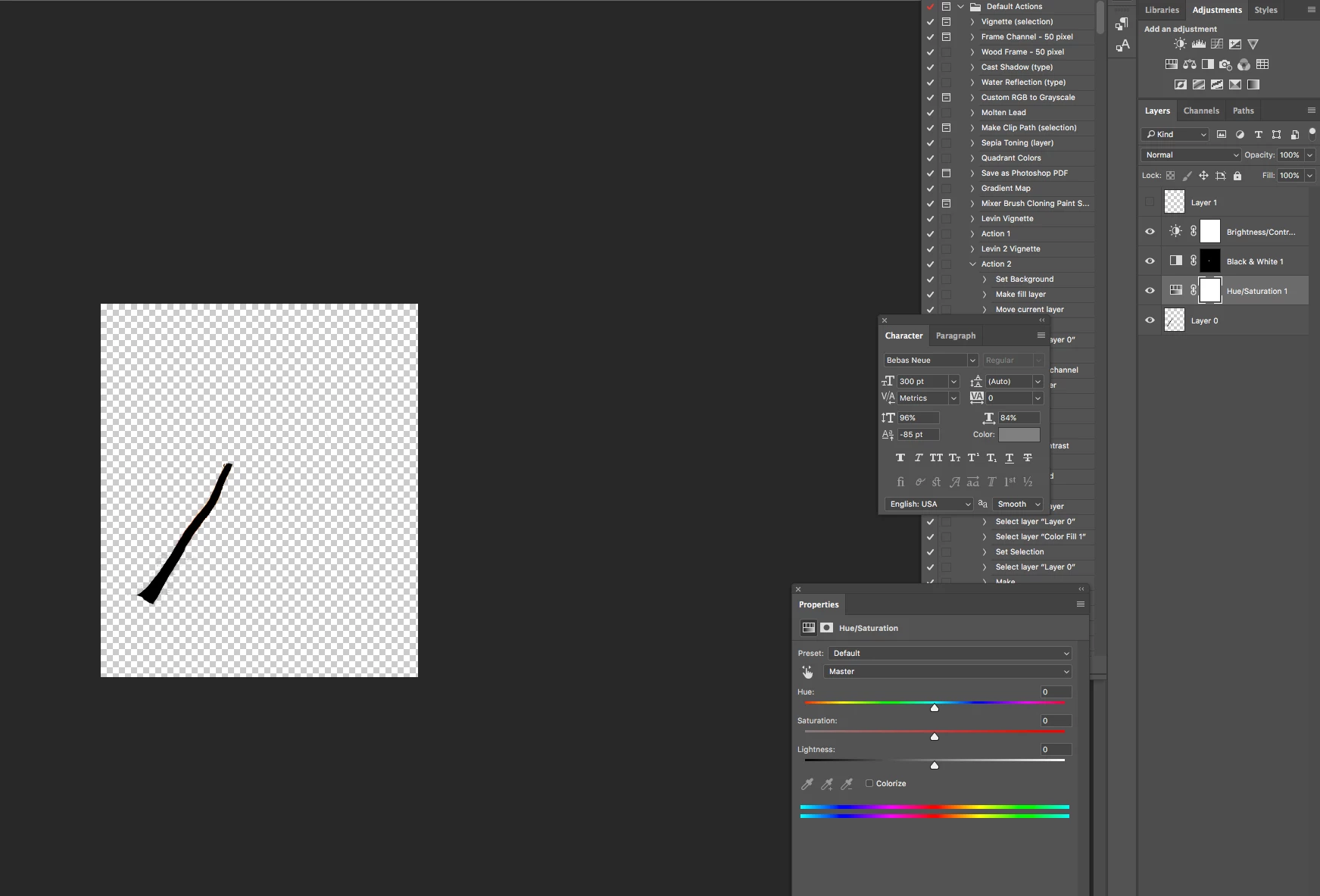
Thank you thank yo thank you for any and all help!!!

This topic has been closed for replies.
Correct answer davescm

Quick way

Go to menu Layer - New Fill layer - Solid color to add a color fill layer above your tree trunk

Set the color fill to the required green (use the eye dropper)

Alt click on the border between the layers - so the color fill layer clips to the tree trunk layer

Dave

1 reply

barbara_a7746676
Community Expert
Community Expert
July 21, 2017

I don't see why you couldn't just use the Eyedropper tool to click on the text. Then check the Color panel for the RGB color numbers.

garry101Author
Inspiring
July 21, 2017

Hi Barbara -

I do have the the RGB numbers,  But I can't seem to (or don't know how to) change the "tree trunk" silhouette of a palm tree I made black. I can have the tree trunk active but can't seem to change the color to the pin or green in the Text.  I have a png file of the "tree trunk" and a psd but can't figure it out.  Hue and saturation I can change the color but it's a guess and a bit off....

Thanks for any and all help and info......!

garry101Author
Inspiring
July 21, 2017

another note - I can see the eyedropper in Hue and saturation but can't activate it - even when I check "colorize"

Thank you Barbara for any and all help!

Garry