Participant
June 20, 2019
Question

Color Issue in channel section on photoshop

  • June 20, 2019
  • 1 reply
  • 303 views

Hello I've issue about channel.

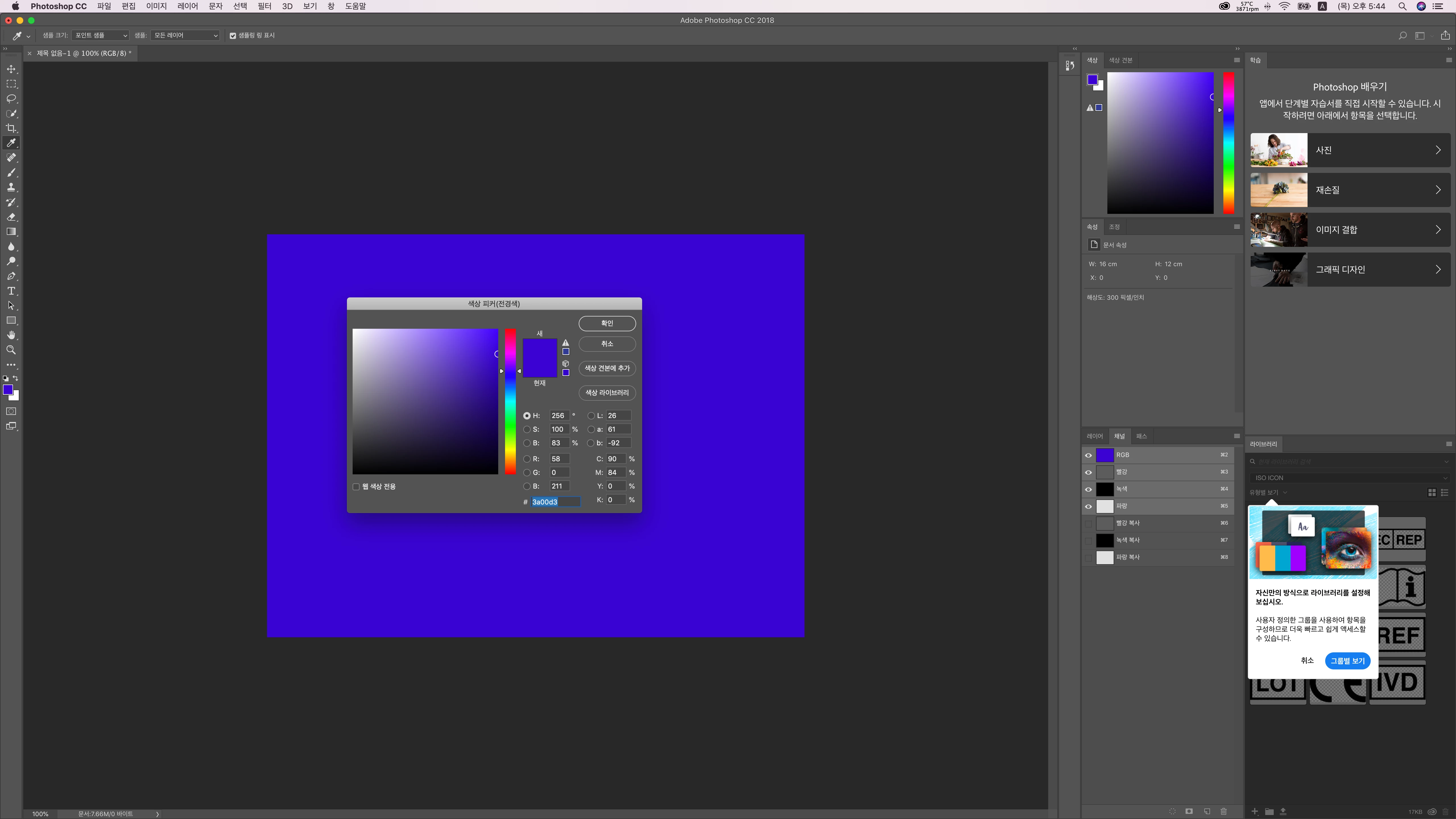
I filled RGB(58,0,211) on the artboard and check each RGB in channel

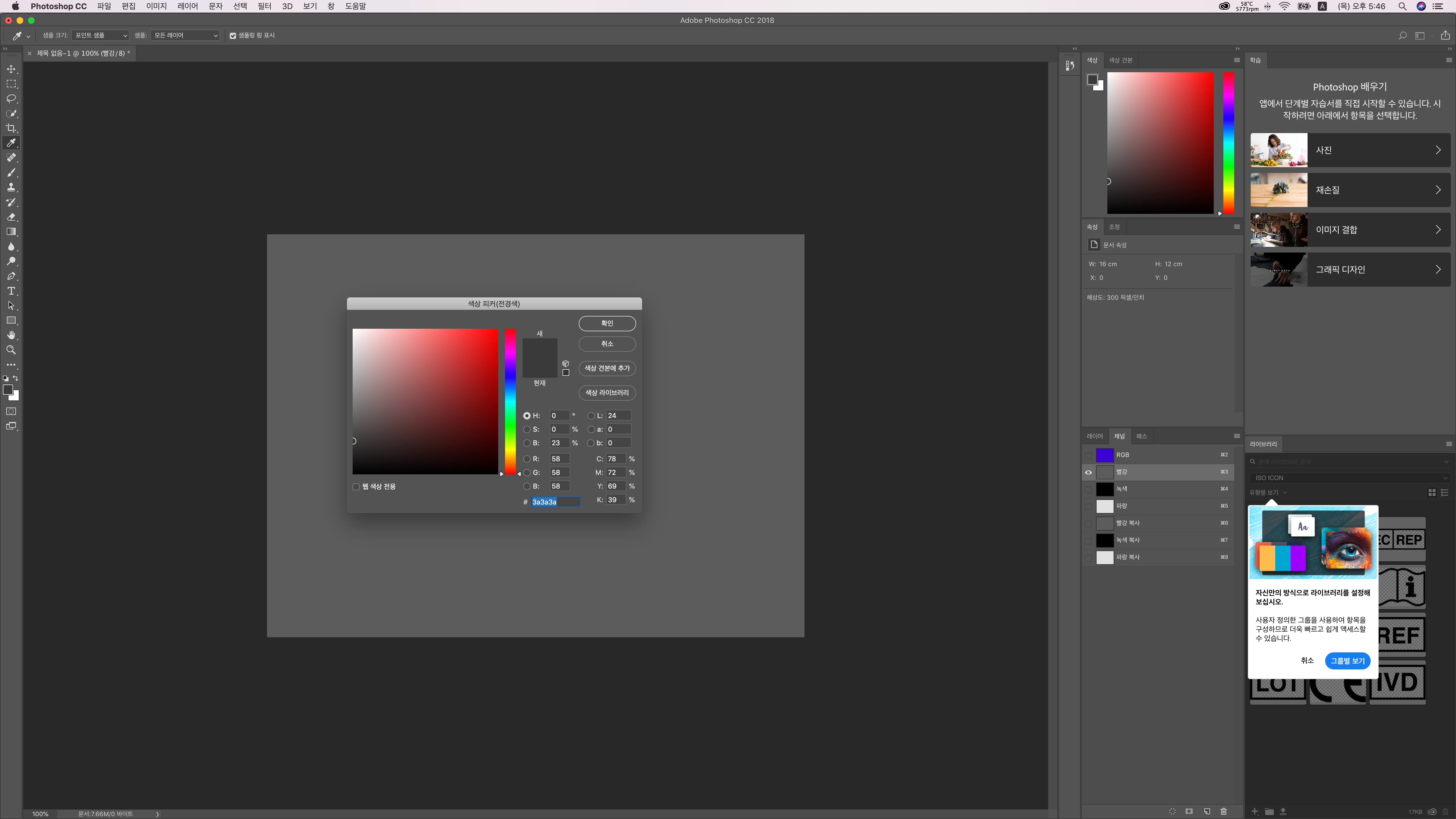
original result was

R(58,58,58)
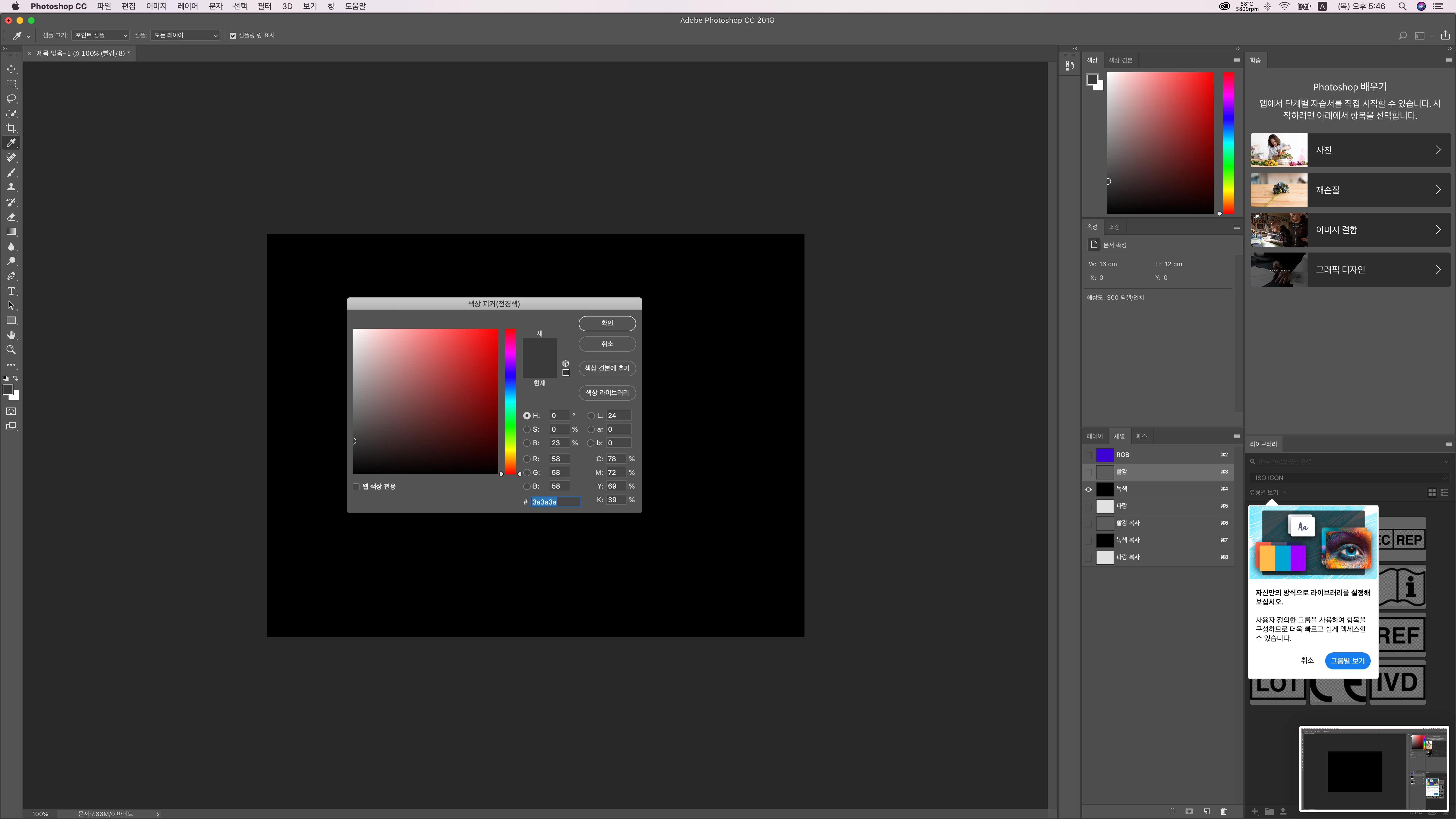
G(0,0,0)
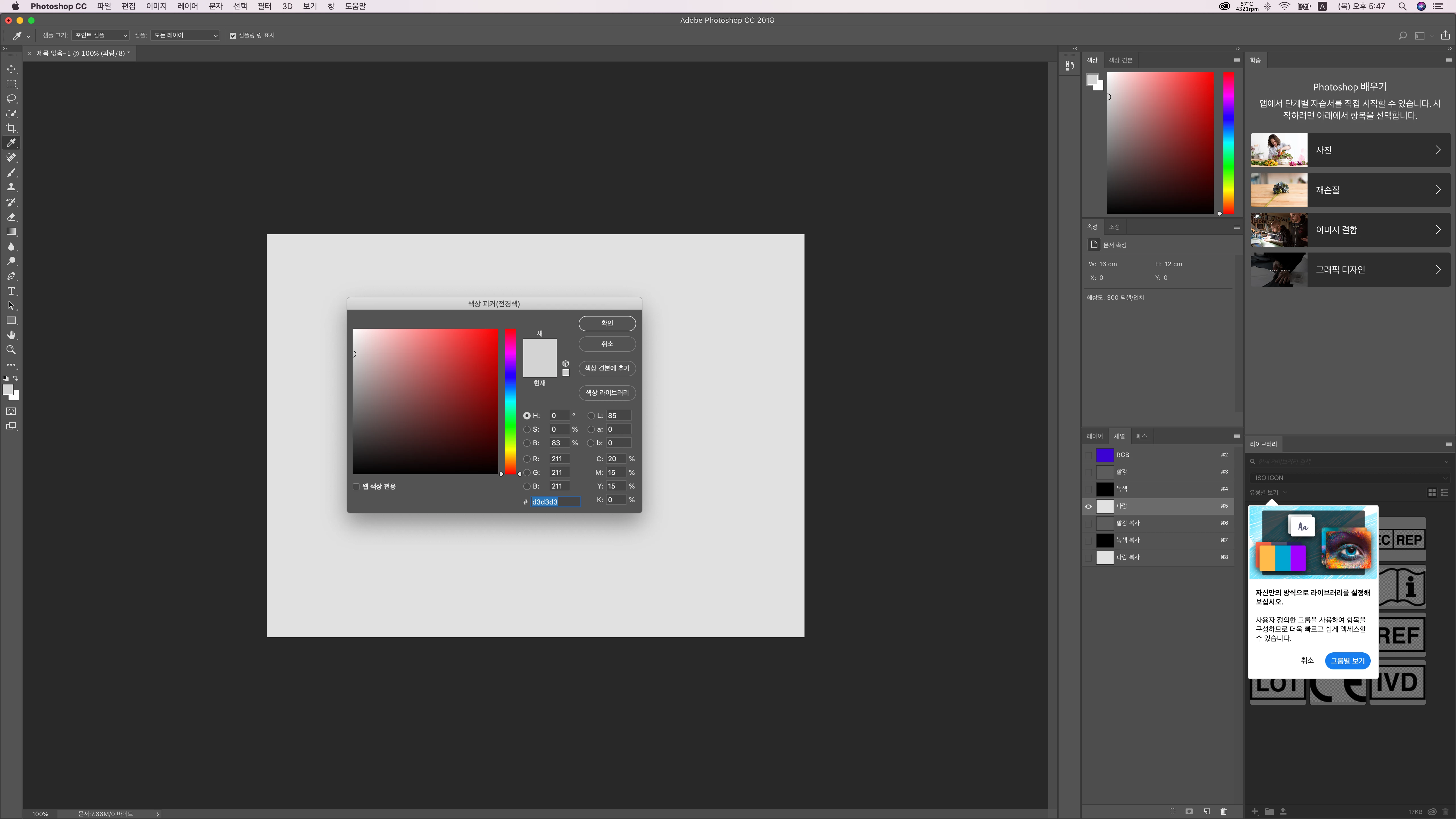
B(211,211,211)
and I copied each R,G,B layer in channel and then RGB result was

R(92,92,92)
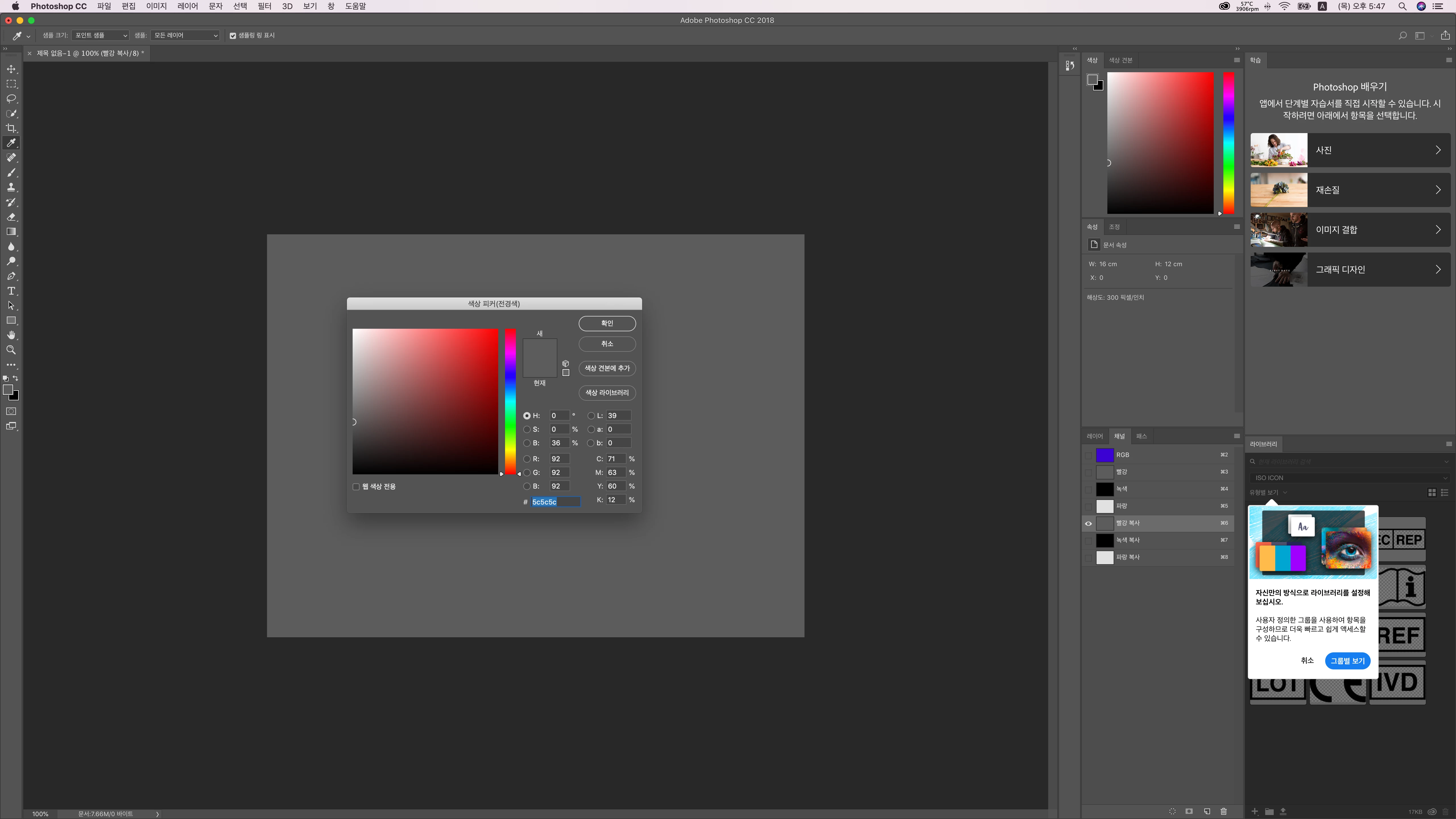
G(0,0,0)

B(225,225,225)
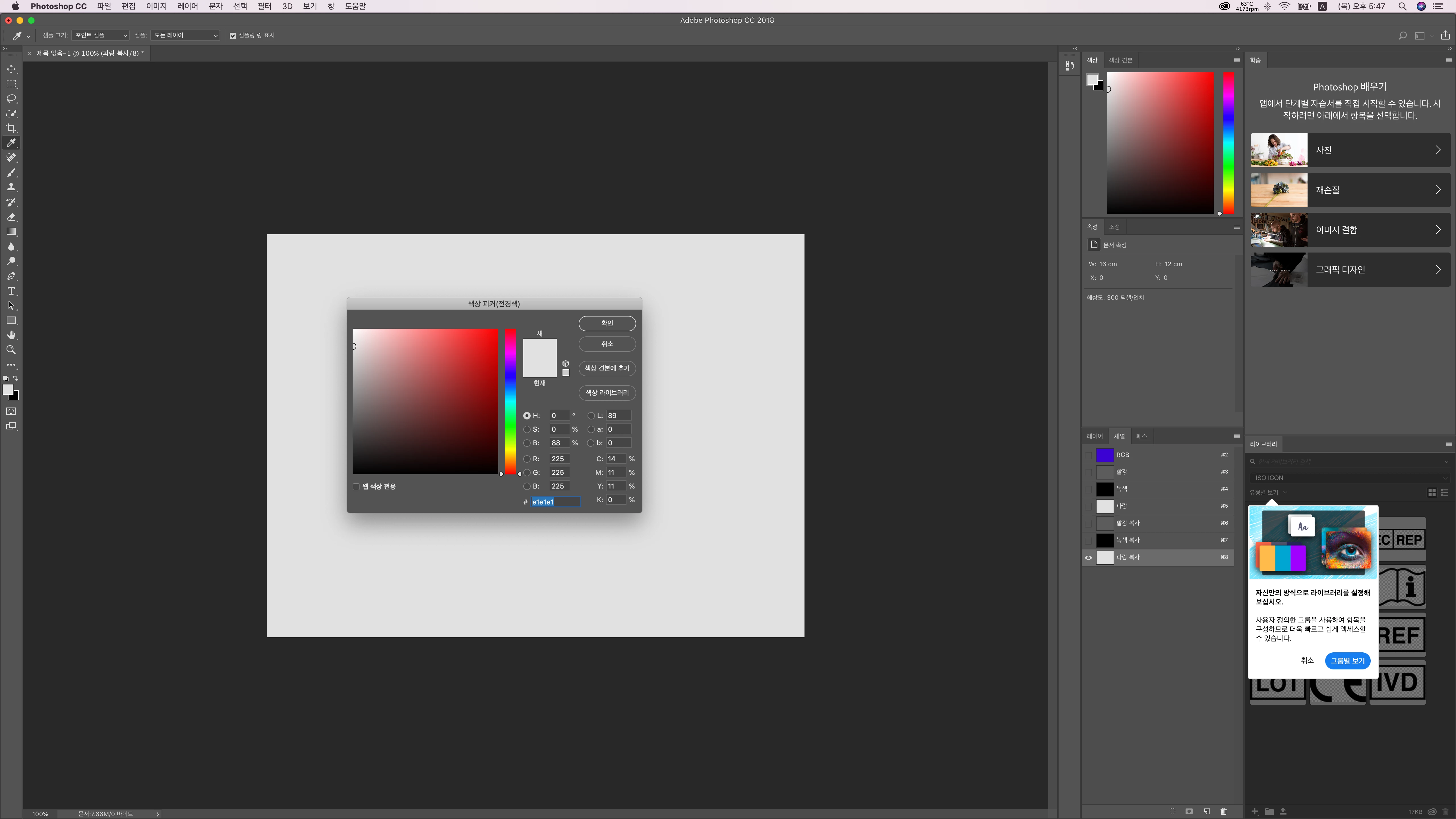
I want to know why RGB result change only copy the layer.

I'll wait your reply.

Thanks!

This topic has been closed for replies.

1 reply

davescm
Community Expert
Community Expert
June 20, 2019

Hi

The duplicate is the same colour but represented by a different number.

The RGB numbers only represent a colour in the context of a colour space. So the same colour can be represented by different numbers in different colour spaces. Similarly, the same numbers can represent different colours in different color spaces

So the RGB value and the separate Red, Green And Blue channel values are in the context of your document colour profile (e.g sRGB, or Adobe RGB)

However the copied channels are represented in the the context of your "working grey" color profile (so they are the same shade of grey but a different number)

To get the numbers to match, go into colour settings and set your working grey to Grey Gamma 2.2

Dave

D Fosse
Community Expert
Community Expert
June 20, 2019

Yes, a single channel is a grayscale image. And since there is no grayscale profile embedded in it, only an RGB profile for all three, the working gray is assigned.

Gray Gamma 2.2 will be a perfect match for Adobe RGB, which also uses a straight gamma 2.2 tone response curve.

For ProPhoto, the tone response curve is gamma 1.8, so that's the working gray to match it with.

sRGB has a very idiosyncratic and irregular tone response curve, nowhere near a regular gamma curve. A little known gray profile called "sGray" will match this. Actually I think this should have been the default working gray in Photoshop, considering that sRGB is the default working RGB. Much better than the totally useless and obsolete Dot Gain profiles.