

Question
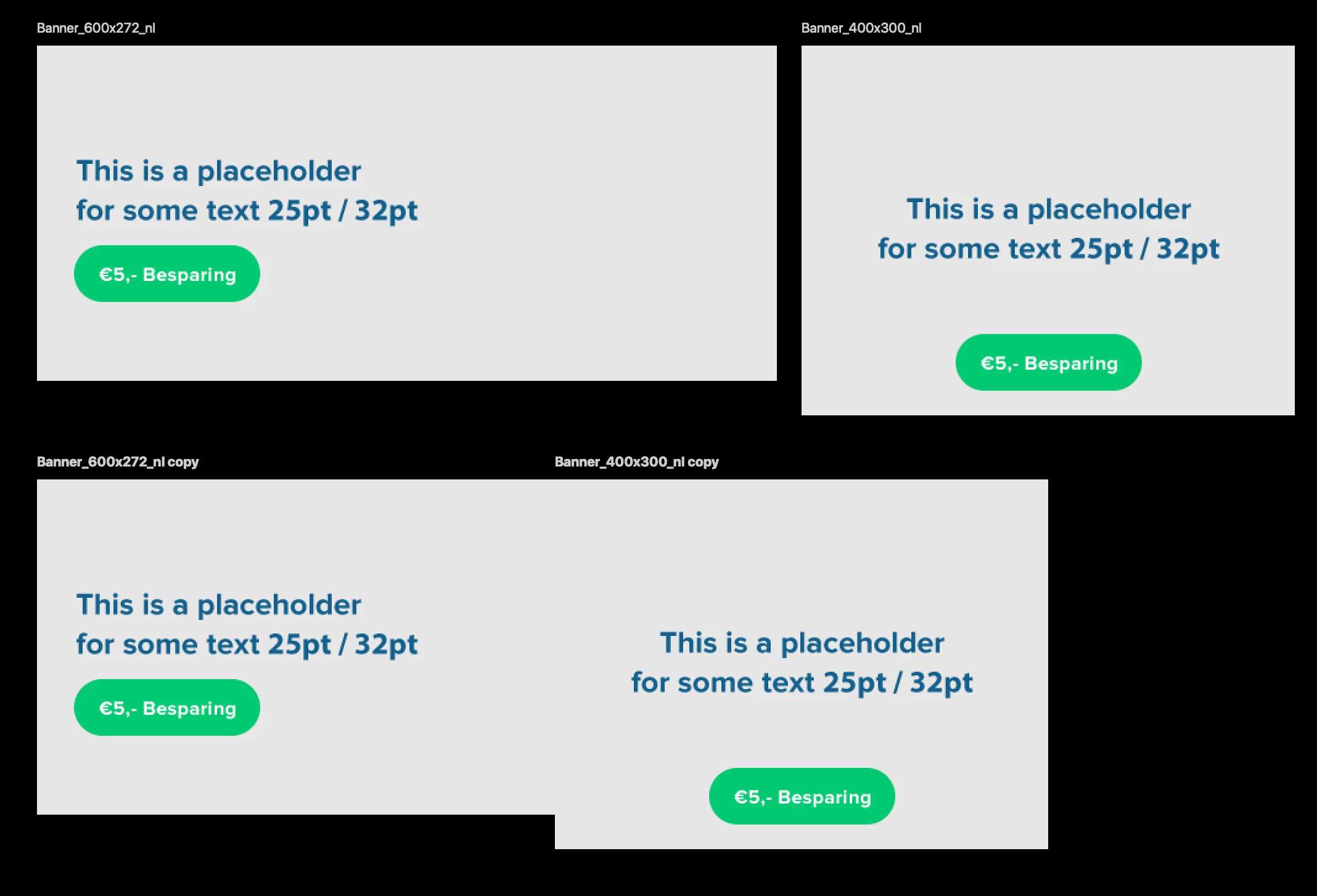
Duplicate 2 Artboards weird placement
Hey people!
I want to dublicate 2 artboards, so I select them both and use CMD + J to copy them.
Photoshop copy them on top of the other artboards (okay not that big deal).
But If move the copied artboards they aren't next to eachother with the space between. I've tried to copy and past in place but doesn't work as it should.
Is there a shortcode to copy them just the way they are? Now I have to move them again. (if you have a lot of banners you don't want to correct them every time) Is there a sollution?
 AdChoices