
tonyl46208138
Inspiring
November 7, 2018
Question

Export Artboards to PSD Files Not Working in CC 2019 (General Photoshop error occurred)

  • November 7, 2018
  • 8 replies
  • 9687 views

Trying to save artboards to PSD files in CC 2019 and seeing this error message.  It worked fine in the previous version of Photoshop.

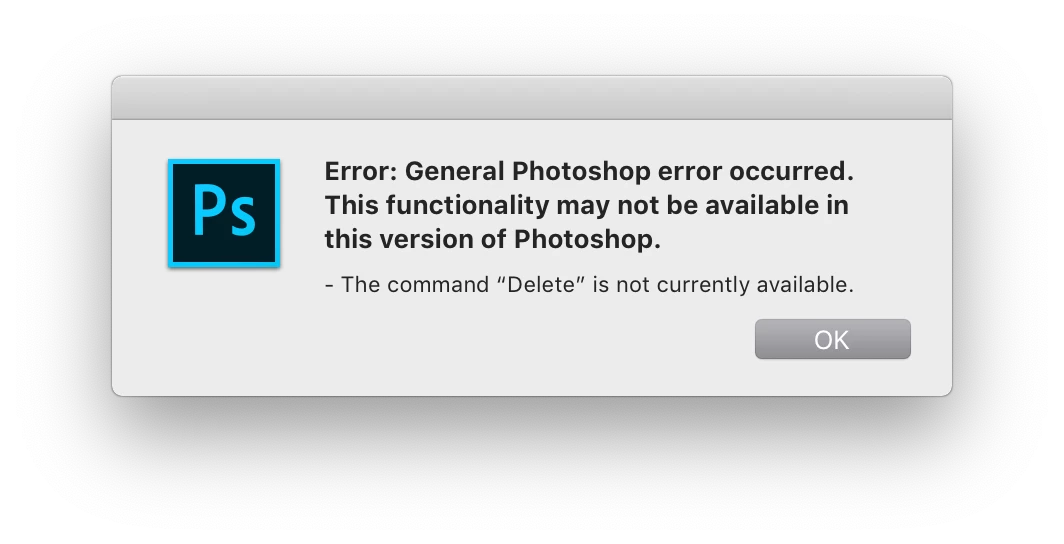
Error: General Photoshop error occurred.  This functionality may not be available in this version of Photoshop.

- The command "Delete" is not currently available.

Tried restarting photoshop and using different export options - export to JPEG works but export to PSD does not work.

Mac OS 10.14.1

Photoshop CC 2019 (20)
8 replies

helpful_scientist5EB7
Participating Frequently
September 27, 2023

Just updated to Photoshop 2024 and I got this error for the first time. The same work-around mentioned works, to deselect preserve artboard.

Participant
January 21, 2022

Hi there! January 2022, today I had the same error message with Adobe Photoshop 2022 23.1.1. The solution, in my case, was that I was missing a linked image in my file. I didn't get the typical error message about the linked image, however. But I noticed it wasn't linked, reconnected the file, and the artboards exported as expected.

Participant
October 20, 2020

Just updated Photohop 21.2.5 and Camera Raw 13.0 and then tried to export artboards to PDF and I get the same error message with "File not found." This is occurring across older versions of Photoshop.

Participant
July 27, 2021

7/27/2021 with latest version and latest MacOSX. Same thing. What worked for me is unlocking the actual artboard and a few layers that were locked. Note: not the transperancy lock (which also shows the little lock icon) but the move lock for the layer.


Participant
April 25, 2019

I can't even export Artboards to JPG I get - "Error: User cancelled the operation" (very very very repeatable no options change this - But seems to do ok with include overlapping areas OFF -- But I need this functionality) Only seems to happen in some PS files. Very upsettings and frustrating when co-workers are waitings for files to review. Just thought I"d add on to this pile. It used to work great. I have to revert to a previous version.

Participant
November 26, 2019

I am getting this issue on all available versions in Creative Cloud (21.0.01, 21.0, 20.0.7).


My specific case is 'Exporting Artboards to Files - exporting to JPG'. It works once when I open PS then if I attempt to repeat the process it crashes with the following error:


"Error: General Photoshop error occurred. This functionality may not be available in this version of Photoshop. - Could not complete the command because a linked smart object file is missing."


A few points:

- Yes have verified that no linked smart objects are missing. This function (export artboards) works once then crashes every time.

- I would not view this feature of Photoshop as an 'edge case'. It is used by many professionals across many creative industries.


Can someone please sort this out?


Adobe Employee
November 12, 2018

Apologies for letting this get by us. We're currently looking into the problem and will be working on a fix. In the meantime, it looks to me like the problem may be tied to the "Preserve Artboard" option found in the extra PSD options located in the "Artboards to Files" dialog. If preserving the artboard is not important to you when performing the export, you can try turning this option "off" and see if that will serve as a temporary work-around.

Tom

Ous.saadi
Participant
January 3, 2019

I had the same issue, turning off "Preserve Artboard" actually works, Thanks!

ChristopherButler
Adobe Employee
Adobe Employee
November 9, 2018

I think we'll need a set of support documents that exhibits the problem. We'll need to reproduce on our machines and debug what went wrong. If you can PM me directly with a location (e.g.DropBox) which contains sample files that exhibit the error, we'll take a look.

tonyl46208138
Inspiring
November 9, 2018

CJButler Just sent you a test file via DM - thank you!!

ChristopherButler
Adobe Employee
Adobe Employee
November 9, 2018

Got it - Thanks!

With your help, I've managed to reproduce the Program Error and I've created Bug PS-26454 "Program Error Exporting Artboards to PSD".

This is probably a corner case we missed when updating the "Artboards to Files" scripts for 20.0. We'll know more once the engineer analyzes the failure in detail. I've included a link back to this thread, so even if we don't manage a fix in the near term, we might be able to provide some guidance on how to avoid it.

Participant
November 9, 2018

Actually this only happened when my artboards were locked. When I unlocked them I was able to export. Should be allowed to dot it even if layers/artboards are locked though

tonyl46208138
Inspiring
November 9, 2018

Hmm, none of my artboards are locked and this still doesn't work 

I had to reinstall PS 19 and open the files in that to export properly.

Participant
November 9, 2018

Oh. That is not cool. I thin Adobe has a lot of patches to work on for all their new CC19 apps. They all seem to have bugs.
Hope it get's sorted out for you.

Cheers

Participant
November 9, 2018

I'm also getting that error message. Seems all their software updates have broken most of the applications. I'm having issues with After Effects too. Quite disappointed in Adobe rushing their updates for Adobe MAX, only to have basic functions break.