
Known Participant
July 6, 2018
Question

Frame animation problem

  • July 6, 2018
  • 2 replies
  • 817 views

Hey all,

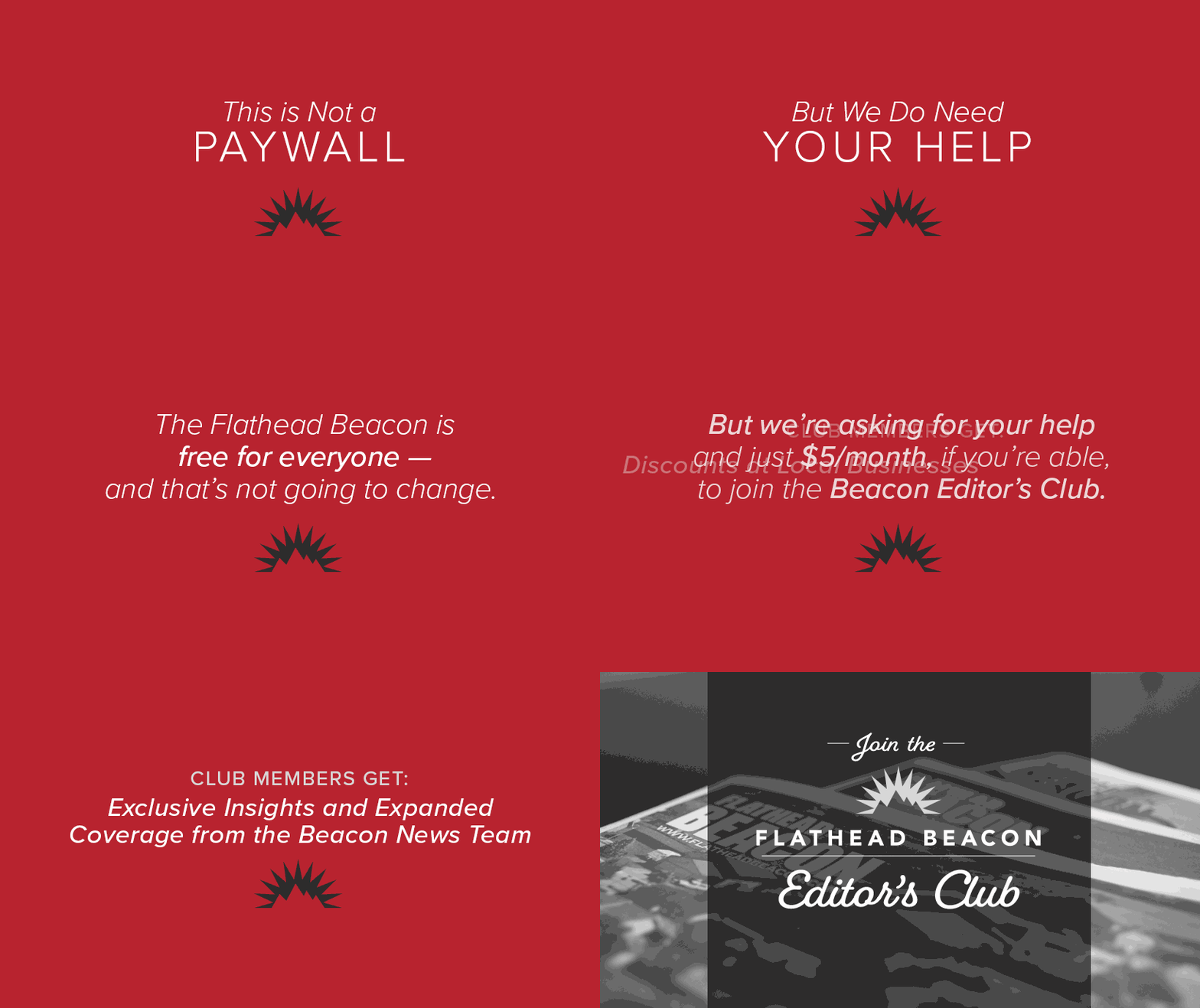
I'm creating a frame animation, and I just want the text in one frame to fade out, and the text in the next frame to fade in, but when I do it, it's adding motion in the text that is not there. It's happening between several frames. All text should be static and just maintain a fading in/out effect. When creating it, I selected two consecutive frames, select a 3 frame tween and it seems to be adding motion for the text. Do you know why this is happening? The last few frames are unfinished because I can't figure out the issue with the moving text. I have the psd file if I can send it somewhere, but It won't let me load it here. Thanks for your help!
    This topic has been closed for replies.

    2 replies

    Trevor.Dennis
    Community Expert
    Community Expert
    July 7, 2018

    Yes, that's not very tidy.

    You'll need to tell us your exact workflow to see what is happening. 

    You can definitely start with one frame with a type layer on and 100% opacity.

    Make a new frame and turn the type layer off, and tween between them.

    That will give you a nice fade out.

    I just knocked this up as an experiment, and I am able to tween directly from one type layer to the next, but I made sure that the area covered was the same in each layer (as it would be with the layer simply reversed).

    I very strongly suspect that what you are seeing with the Çlub...' section of the animation is exactly what it looks like. The layer was inadvertently nudged while making it.  Frame animations are not the most intuitive of Photoshop skills, and there are so many ways it can go wrong.  How about doing that bit again, and turning on Lock Position for that layer? If you are just tweening opacity, I think that should be OK.

    JJMack
    Community Expert
    Community Expert
    July 7, 2018

    You can upload your PSD to any file sharing service like dropbox and post a link to it.

    JJMack
    Known Participant
    July 10, 2018

    Dropbox - ThisisNotaPaywall.psd

    Ok, here is the psd. Thanks for taking a look!

    JJMack
    Community Expert
    Community Expert
    July 12, 2018

    I do not have the fonts you used.  However your animation seems the be working as you created it. varying frame durations where most layer visibility are visible in most frame  however you control what  is visible by setting layers opacity in the frames.  You also seem to have to few frames your fades seem to be at most two or three frame and the last three frames three different images within a second and a half is not going to register with the viewer. Only in frame 13 do you seem to create  a more normal frame where just a few layer are visible.

    JJMack