
Answered
How do I create a grayscale halftone
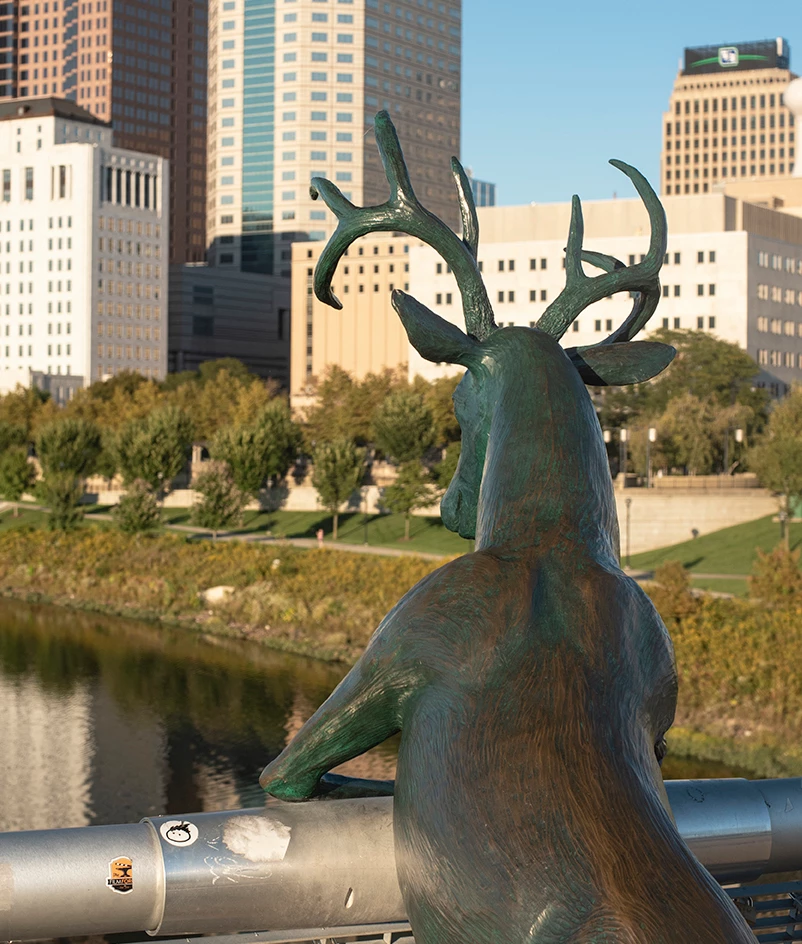
How do I create a grayscale halftone that looks like this.

With the dot screen. I created this image when I had Photoshop CS5 and can not duplicate it since upgrading to my current version.
I work with Photoshop CC version 20.0.3 on a MacBook Pro (15-inch, 2017) High Sierra 10.13.6. I have followed these directions:
https://www.shutterstock.com/blog/how-to-halftone-images-in-adobe-photoshop
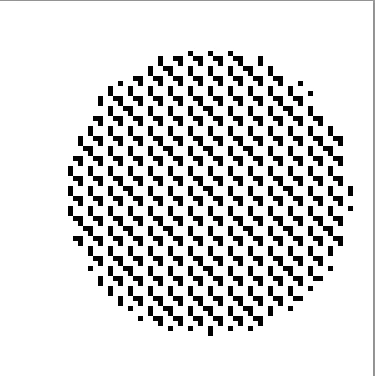
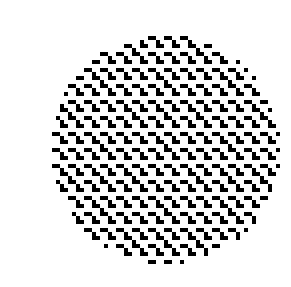
But I get squares instead of dots.
Thank you, Marta
 AdChoices