

Answered
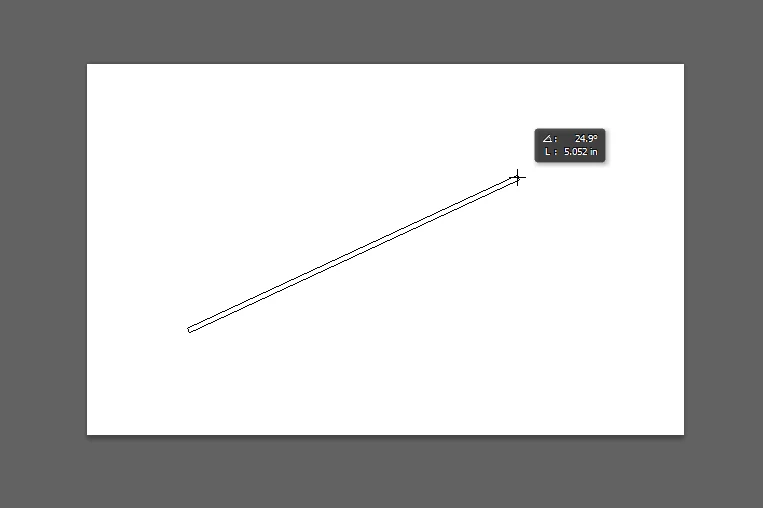
How do I disable that little black box when moving/placing shapes/etc? [PS CS6]
Hi guys, this is my first time posting here. Hope I'm doing it right  This question is regarding Photoshop CS6...
Can anyone tell me how to get rid of that annoying little black box? (Sorry, I tried thinking of every single thing it would possibly be called and I still couldn't find anything.) Anyway, whenever I use the shape tools, it either gives me the height and width or (like the image below) the length and angle of the line tool. When I move something, it tells me how far I'm moving it left/down/up/right. Also shows up when cropping.
It gets in the way and blocks my view - can anybody tell me how to disable it?
Thank you, any help is very much appreciated!!
 AdChoices