
How to get rid of stray pixels?
So I'm working on this huge scan of a map, about 15.000 x 15.000 pixels. The background is cleared, so most of the file is transparent pixels as in the attached (very small) sample, and inbetween the lines and text of the map.
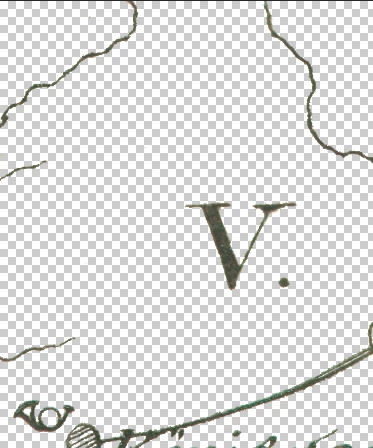
Problem is, I got countless stray pixels of all colors left (not on the sample image, at least not visible ones). While I can make them visible easily enough with Curves or other means, they are just way too many to delete manually with such a huge file.
I would imagine there is a way to select only objects in an image of a certain size, say, nothing larger than 1x1, 2x2, 3x3, 5x5 pixels, is there? With an option like that, I could just select all of the tiny stuff and delete it with one stroke of a key without affecting the larger structures at all. I've been trying different tools to achieve that but haven't found a way yet. Does something like that exist?
 AdChoices