Participant
May 22, 2017
Question

Photoshop CC mouse cursor is tiny

  • May 22, 2017
  • 4 replies
  • 3057 views

Hi, I just got Photoshop CC on a computer with high-dpi, and most of the interface is pretty small, but the mouse cursor is fine. Setting dpi aware to false in Photoshop.exe's manifest solves this, but then the mouse cursor becomes tiny, which is especially annoying for tools like the brush and pencil.
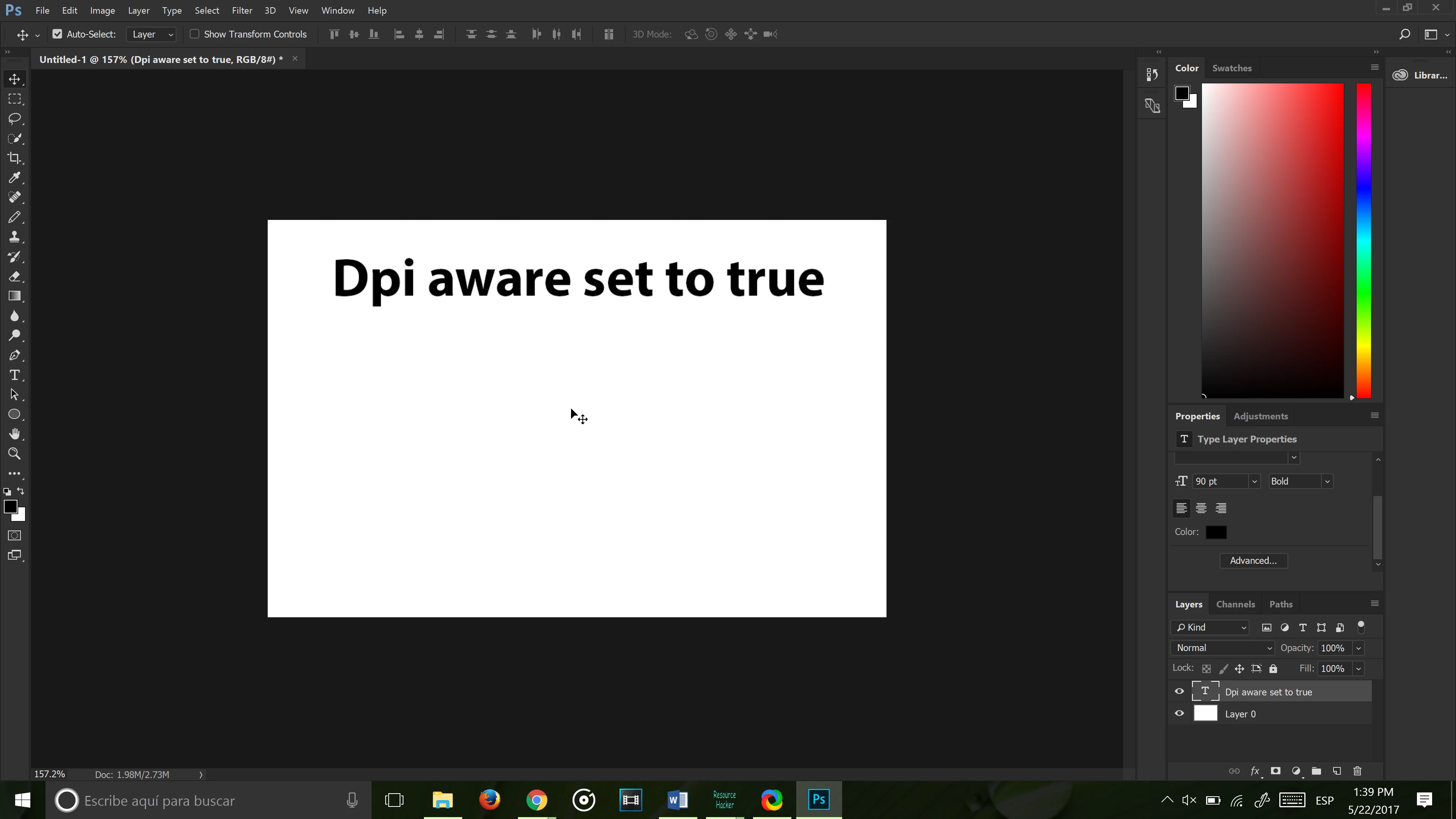
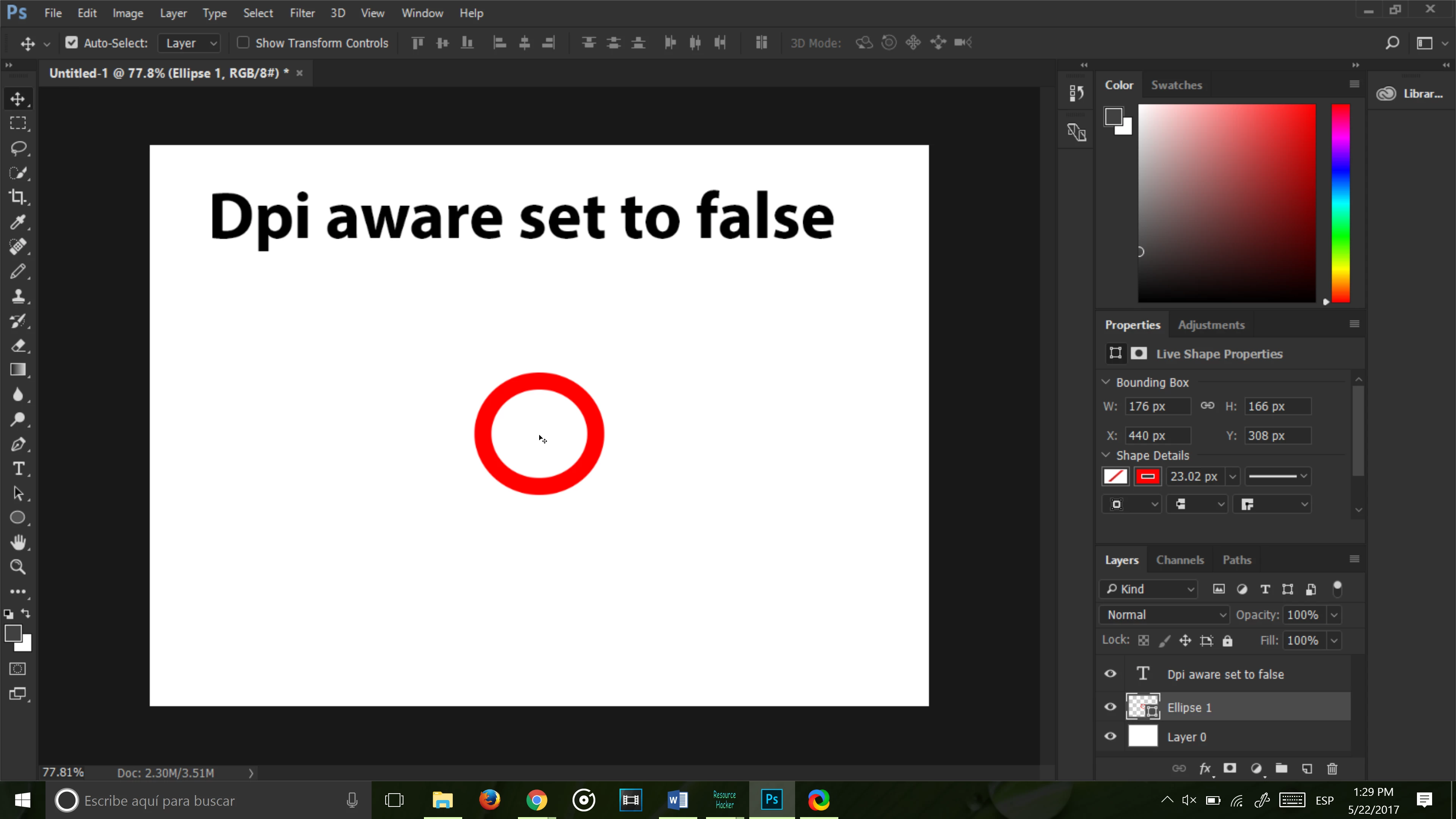
Changing the UI Font Size and Scaling only affects the one with dpi aware set to false, where the UI is already fine, and it doesn't change the mouse cursor. Windows' settings don't help either, they just make everything else on my computer huge. I thought about looking for the mouse cursor files in the dll's and replacing them with bigger versions of themselves, but I haven't been able to find them, and the files I have replaced haven't had any effects on either version of the .exe. If I do find them, will this work? Or is there another way around this problem?

Thanks.

This topic has been closed for replies.

4 replies

Participant
July 12, 2020

I just upgraded my PC to a Surface Studio which has a default screen resolution of 4500x3000.  Now my Photoshop UI fonts and icons are so tiny as to be unusable.  Does anyone know how to fix this?

Thanks in advance,
Michael Bate


muhammadb112211
Participant
July 18, 2017

I have the exact same problem, No solution yet?

Ostrich4Author
Participant
August 6, 2017

I coudn't find the icon files with Resource Hacker, so a second monitor is the only one I know of, though it pretty much removes the purpose of a high dpi screen. We might just have to wait for the next version, honestly.

JJMack
Community Expert
Community Expert
June 9, 2017

Adding an additional low resolution display to your system will get around your problem.

JJMack
Sahil.Chawla
Adobe Employee
Adobe Employee
June 8, 2017