
Photoshop Renders Gifs Faster Despite Setting And Displaying The Correct Framerate In The Program
Hello.
I have a serious problem which is seriously starting to damage my career (specially considering the recent popularity of .gif files to showcase your work).
I have been trying to fix it for a year and i had it with all the releases of photoshop since late 2015 and across different installation on Mac OS X; i'm also having little luck researching the problem online.
I have created a custom example to showcase the issue in detail and to provide as much information as possible.
(Note that this happens with every single video i produce, both at 25 or 30 fps)
I create a 30 fps video of a ball moving each second to a new position, inside After Effects.
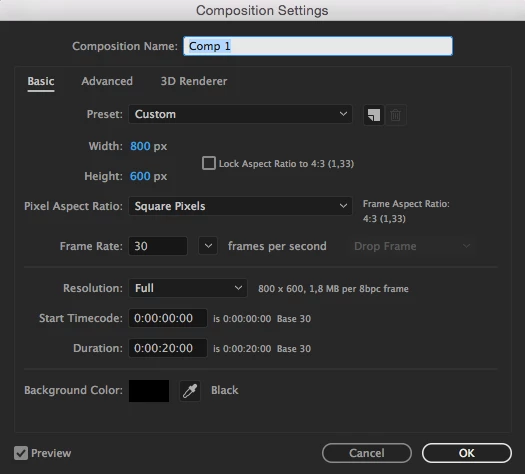
Here's the video: Comp 1_1 on Vimeo
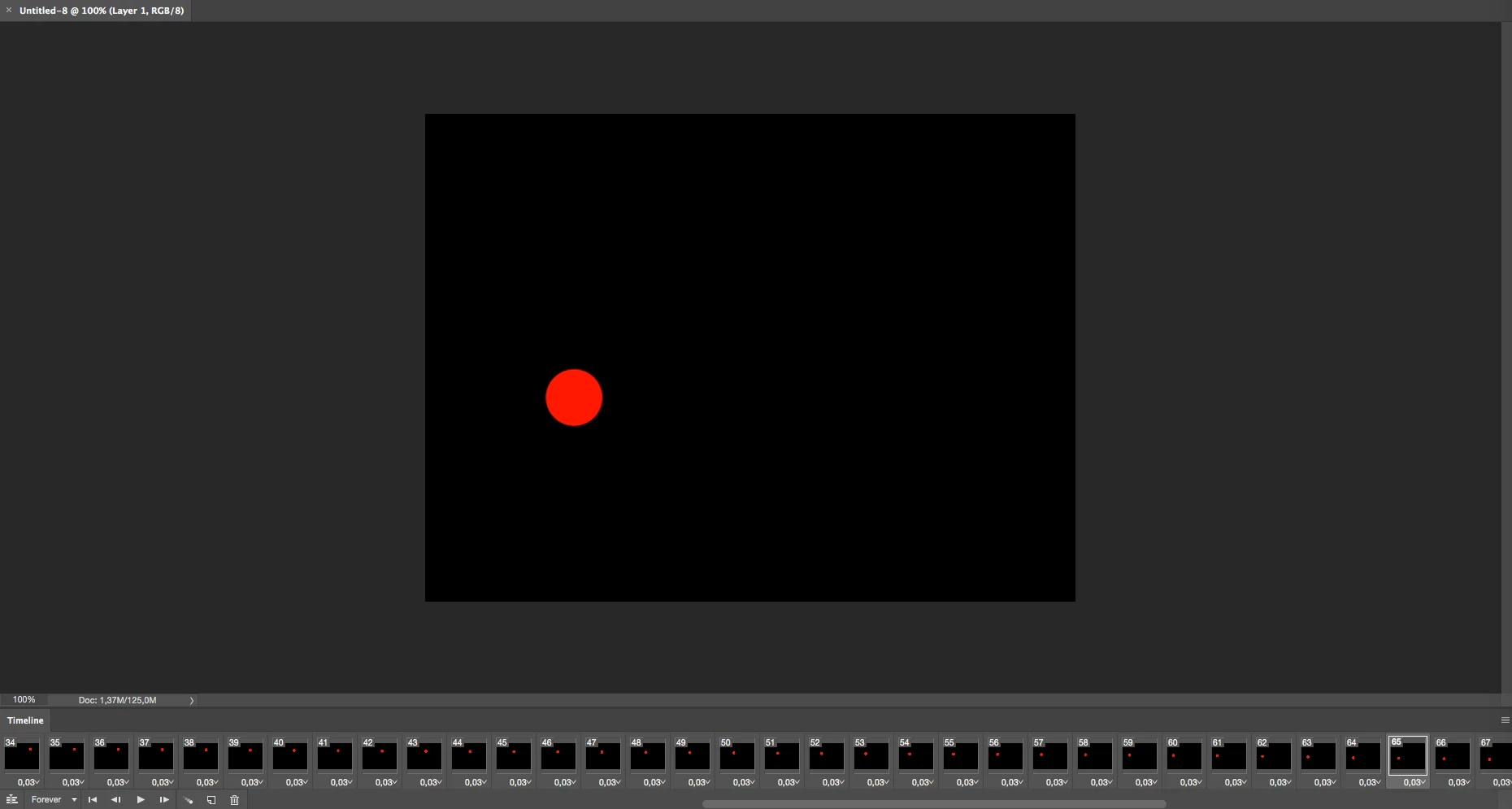
I import the video (which is exactly 30 fps) into photoshop (doesn't matter the version, had this issue consistently since 2015)
I'm using the "Import Video Frames to layers" option, but i have the same issue if i render a png sequence from After Effects and then import it to Photoshop and setting the framerate to 30.
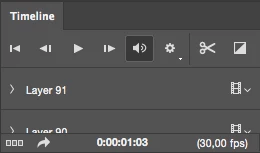
You can also see on the timeline at the bottom the 0,03 delay time (which is the correct time for a 30 fps video).
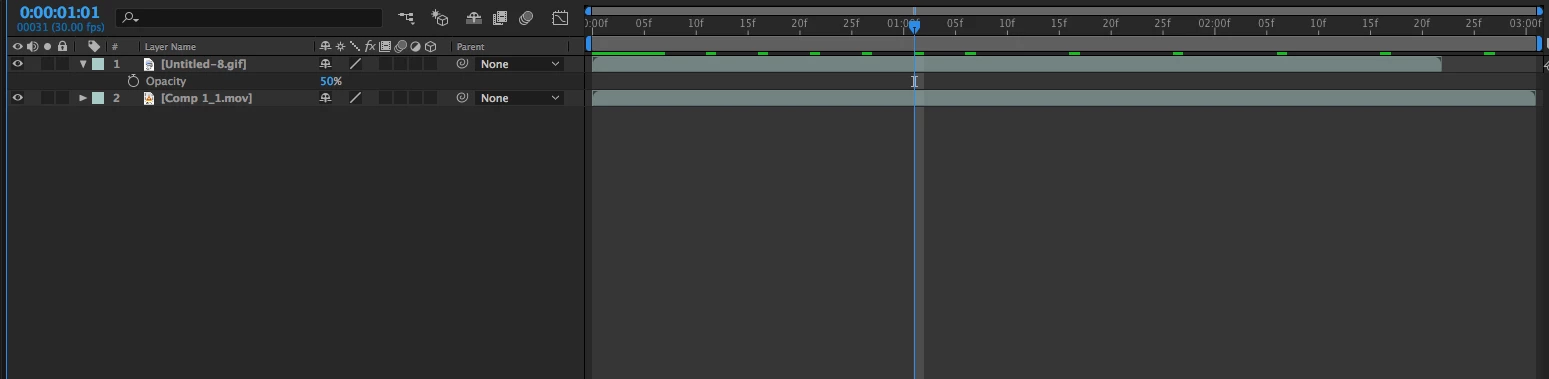
I render the gif (with the "Export - Save For Web Legacy" option), and then i open it in after effects putting it on top of the original video, with a 50% opacity.
As you can see the gif file is inexplicably shorter and obviously faster (you can see the offset of the red ball, despite being the exact same file and setting it to 30 fps in photoshop.

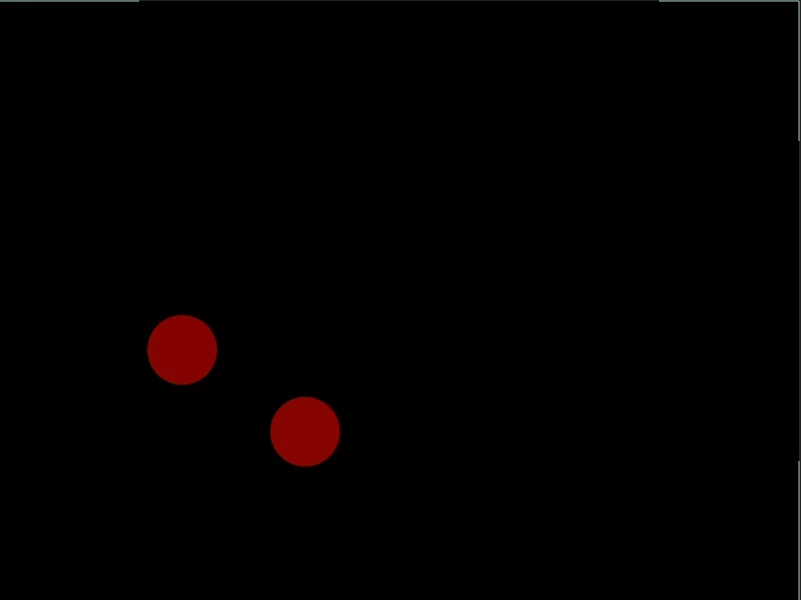
You can clearly see the different in length in the timeline as well (they should be the same length).
As a matter of fact if we check the info of the .gif file in after effects it shows a 33,3 fps framerate, despite double, triple, quadruple checking it was 30 fps both in photoshop and after effects.
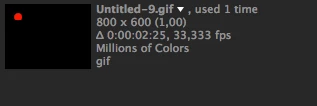
It seems like photoshop is physically incapable of rendering a 30 fps gif, and i have very similar issues (with slightly faster playback) even with 25 fps files.
Animation is all about timing, so i don't see why i should have my carefully produced animation being played back faster for absolutely no reason whatsoever.
This is damaging my career because showcasing artworks with gifs on such sites as "Behance" or "Dribbble"is becoming very important these days.
Also, considering i pay for these programs, i seriously hope to find a solution.
Sorry if i sound a little bit annoyed but i have been wrestling with this annoying issue for almost 2 years and i'd like to know from the photoshop team if the program is simply incapable of making smooth 30fps gifs (and not 33,3) or if there's some kind of solution.
I don't know if the problem comes from After Effects or Photoshop but i'd like to point out i have absolutely no issues with framerate when producing videos.
This problem is .gif files specific.
Millions of users produce .gif files from their videos so i really hope to find some contributors to this discussion.
Anybody who will help me with this issue will have my deepest gratitude.
Thank you very much.
 AdChoices
