
Photoshop adds gray line when printing through Cricut Design Space
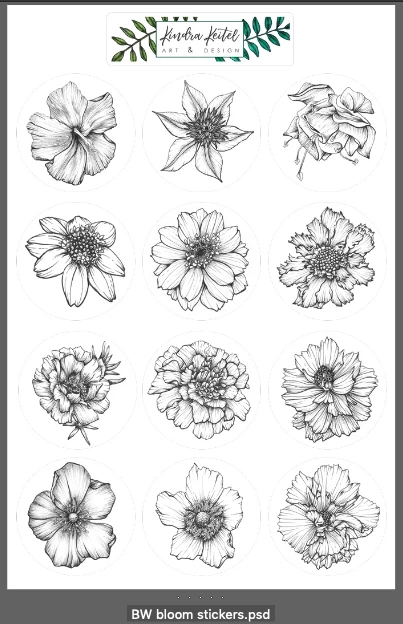
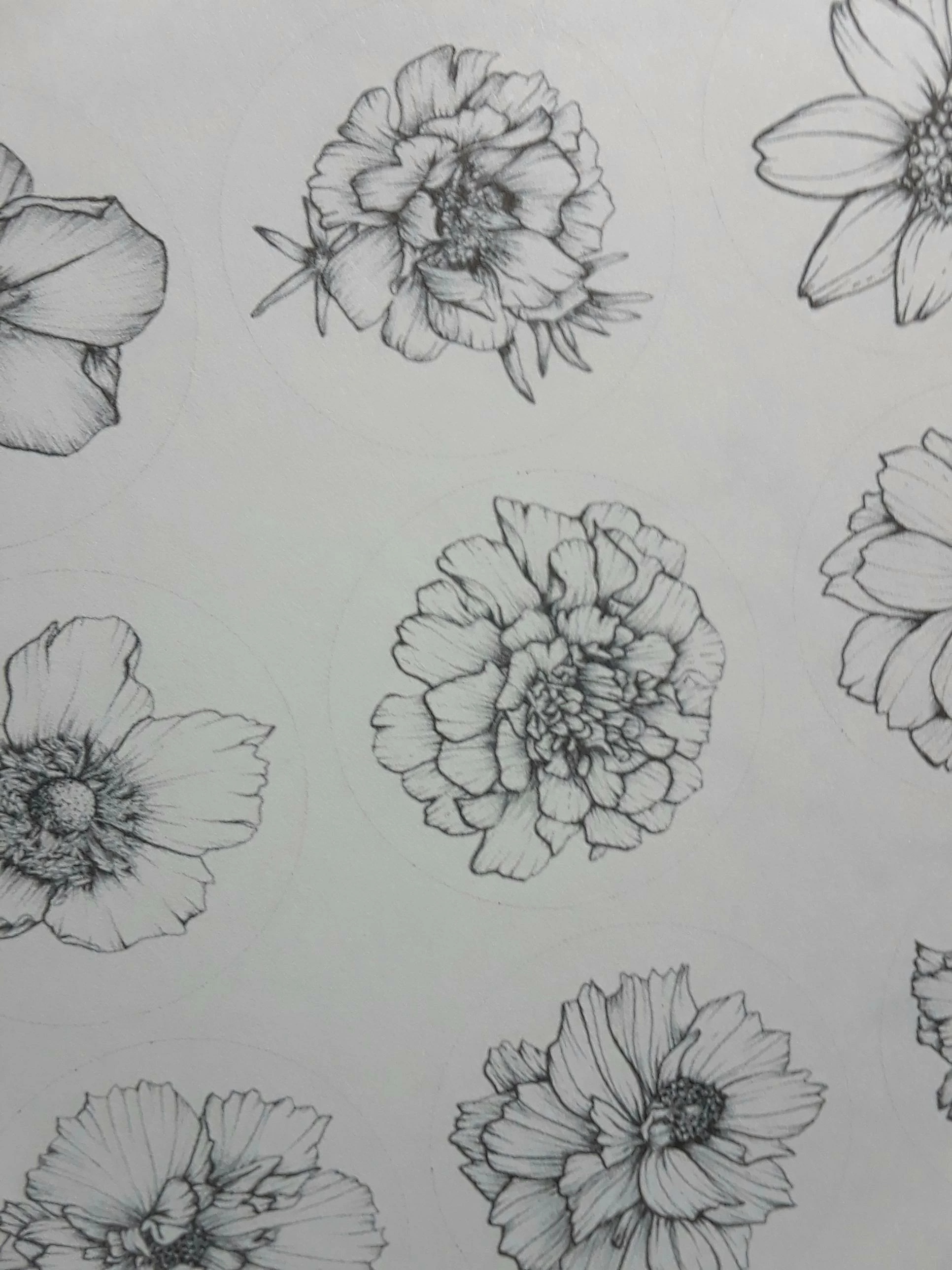
I am designing stickers in Photoshop to be printed and then cut via the Cricut Design Space software. When I print the stickers out, I find that Photoshop has added a gray line around each individual sticker. At first, I thought it was a Cricut software problem, but when I view the psd image via Bridge, I can actually see that gray line around each sticker. The line disappears when viewed with the loupe in Bridge or when open in Photoshop.
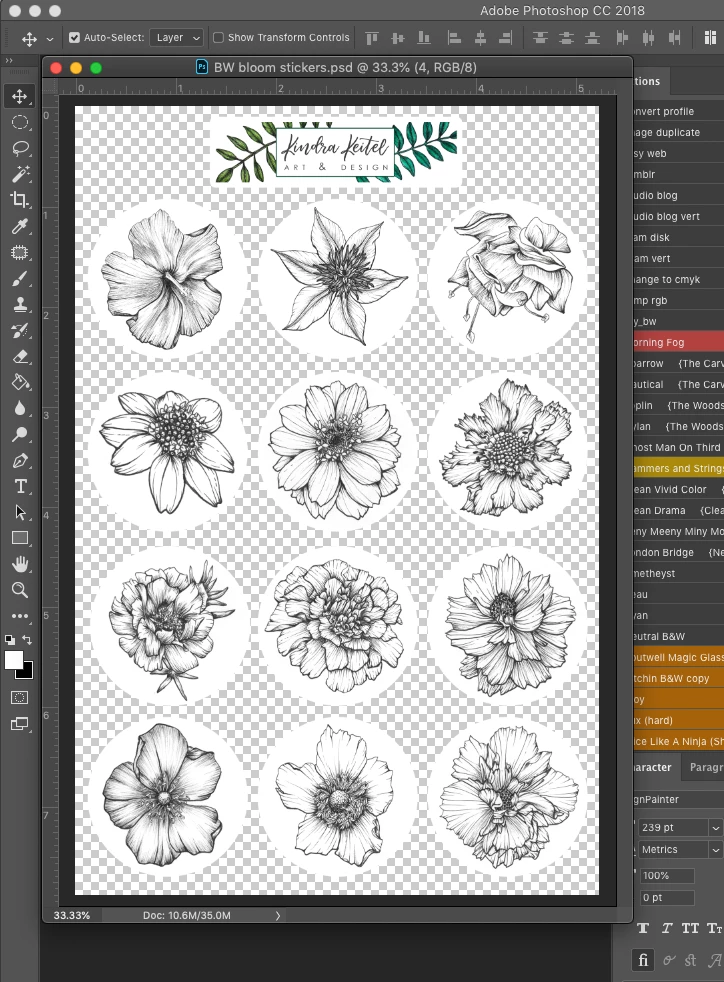
The stickers are white circles, each containing a floral design and all on a transparent background. If anyone could offer any insight, I would so appreciate it. I'm about to go bonkers trying to figure this out.
I'm attaching a screen shot of what I see in Bridge, the open file in Photoshop, and a photo of the printed sticker sheet.
 AdChoices