
Place Files with its actual artboard size
Hey Guys, I am trying to split my file from artboards to separated files, unless there is still a bug with the artboards size (If you crop the artboard to a certain size, the size of the project will remain at its bigger size which leads to bigger images when exporting for web).
So I got a web project with a full page file (only one artboard) and another file will have a few artobards for the menu prototype.
For the prototype I would like to embed the actual page as a linked file - so I have always the actual file in my prototype when I change something. So basically the original use of linked smart objects!
The problem is, that the page view has some obejcts beyond the artboard which will lead to a bigger object when importing it in my prototype file:
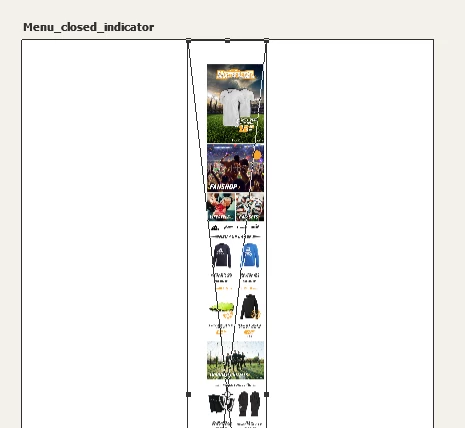
So even if I resize the screen to its proper size, Photoshop will [Profanity removed by moderator] up everything again when I change something in the page view file - like increase or decrease the width of any object. So the proportions will change and I dont want to change the size of the embedded files each time there is a change by hand.
Edit: This problem seems to be only with files including artboards. Unfortunately I am forced to use artboards for InVision prototypes.
Another thing: I would like to prevent exporting the page to png or something else because I would like to keep my workflow the same as always.
Any suggestions?
 AdChoices