
Problem exporting artboards to files
So I had a really large document, consisting of 3 artboards (~25 inches by 48 inches each), that I had been working on. It exceeded the limit photoshop could save (I think 2g, I forgot), so what I was doing was exporting artboards to files. It worked the first time, so each day I would just keep working on the large document, not saving or closing it, and then each night exporting my artboards. Well now photoshop was getting glitchy so I decided I had to quit and restart it, not saving my untitled doc, and just again exporting my boards. But, it didn't properly export them, and it looks like it hasn't been since my first night of exports.
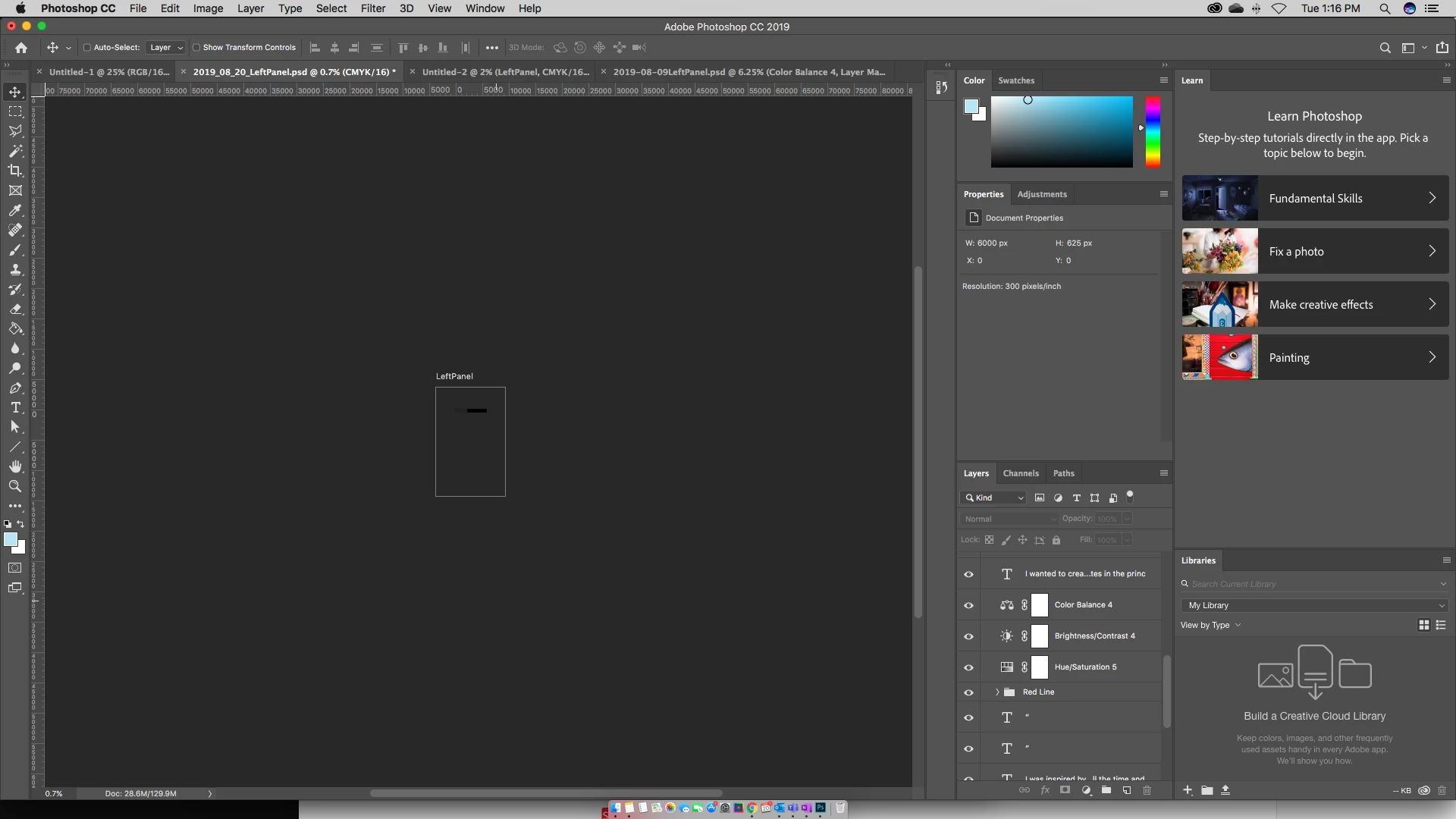
So below is what my most recent artboard exported as, although the layers panel shows that it has most of my layers, though not all.
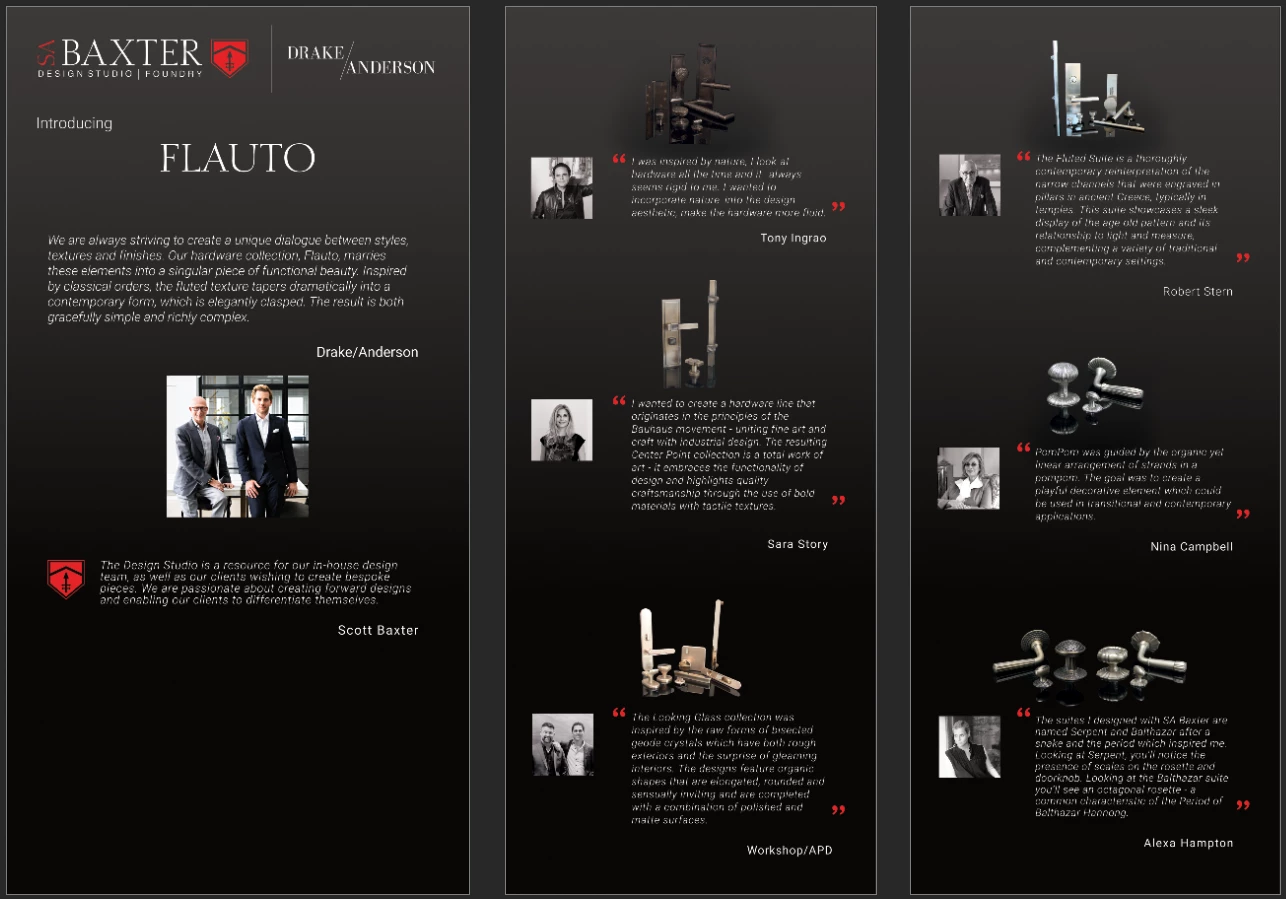
And this is what the file with all three artboards had looked like.
My scratch disks seemingly weren't properly set, and I didn't have anything auto-saving. Are my files completely gone and I'm screwed? And how should I g about working on such large documents?
Thanks,
LD
 AdChoices