
Answered
Recent problem: Brush stroke gets "jerky" (not pixelated) / Uneven stroke!
I'm not entirely sure when this began, maybe the most recent photoshop update, or the one before that?
When I draw with the brush tool in photoshop, the lines become really jerky and ugly - like my hand was shaking like crazy, which I'm pretty sure it isn't. See picture below as example (zoom to see better):
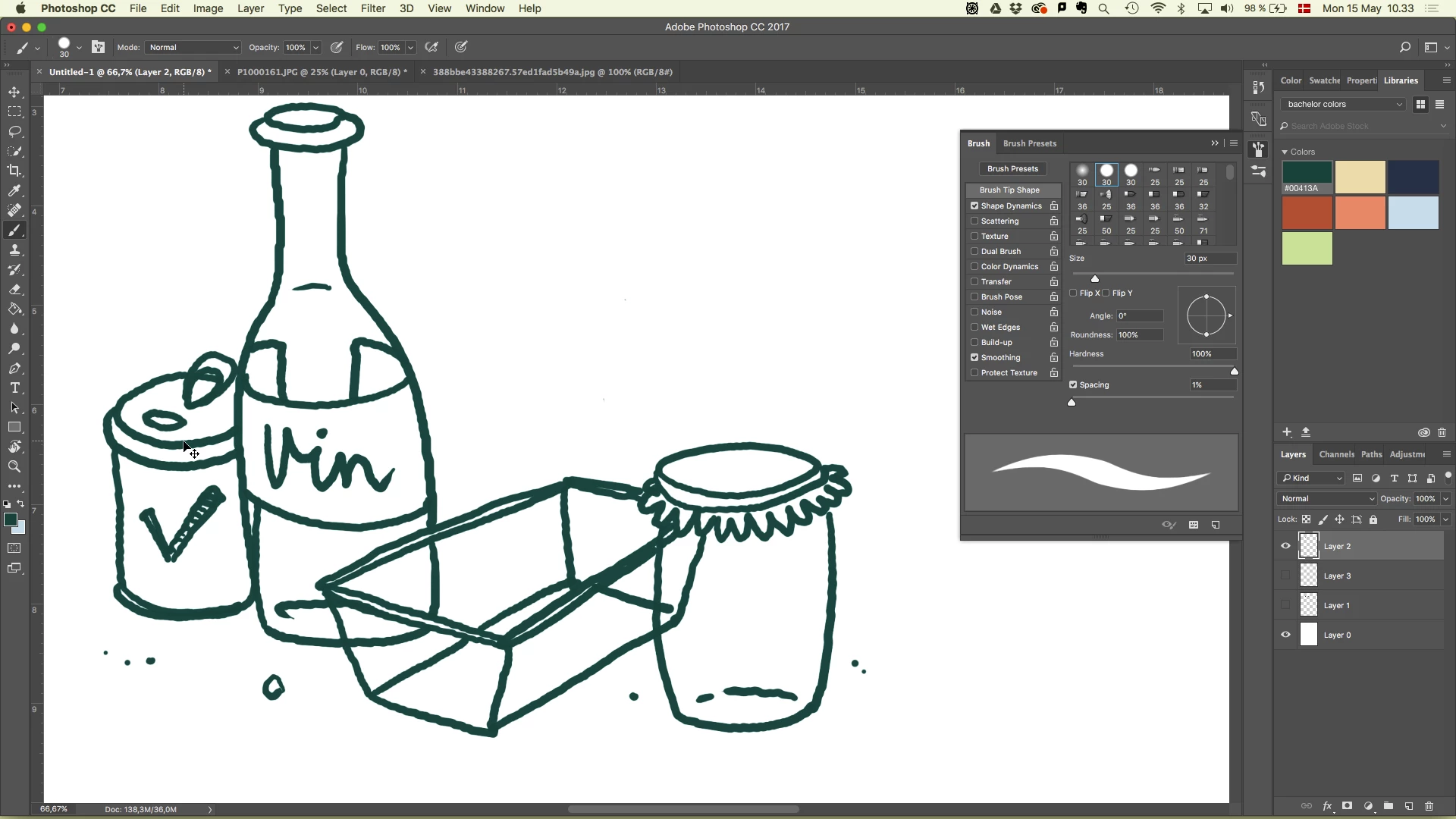
And here's the actual psd-file.
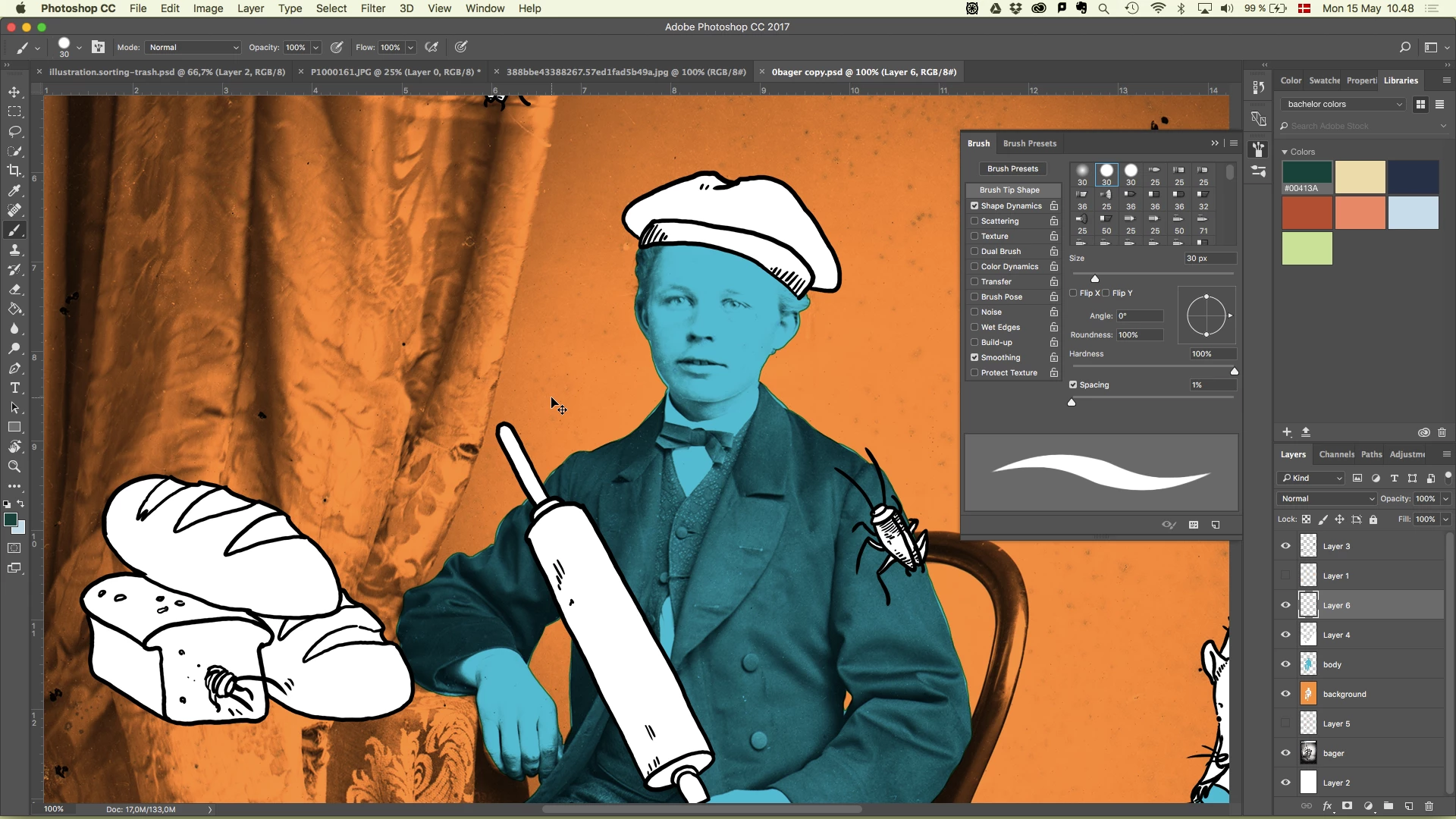
The file has a large dpi, so it isn't pixelation. The spacing of the brush is also 1% so that shouldn't be the problem. Some of my illustrations from fall do not have this jerky line:
Also I notice that it gets jerkier when I draw in 15% size-mode versus 100% size-mode.
I hope someone can help me fix this. 

 AdChoices