
Stitch panorama and apply "tiny planet" effect (from mavic air)
Hello everyone!
So, it's a couple days that I'm trying to stitch a 360 panorama and use the polar cordinates filter to make it like a tiny planet.
The photos are from a Dji Mavic Air, a drone for those of you that don't know.
When I shoot the pano, the drone shows it already like a tiny planet, but if I download it on my pc it is like distorted flat panorama. Also, it is in jpeg, the raw files are avaible in another folder but they are not stitched.
I need to stitch them to edit the complete raw image in Lightroom, so I tryied in a couple ways but never got the perfect result.
Going in order, here's the image that I want: this is obtained by applying the polar cordinates filter to the complete jpeg image
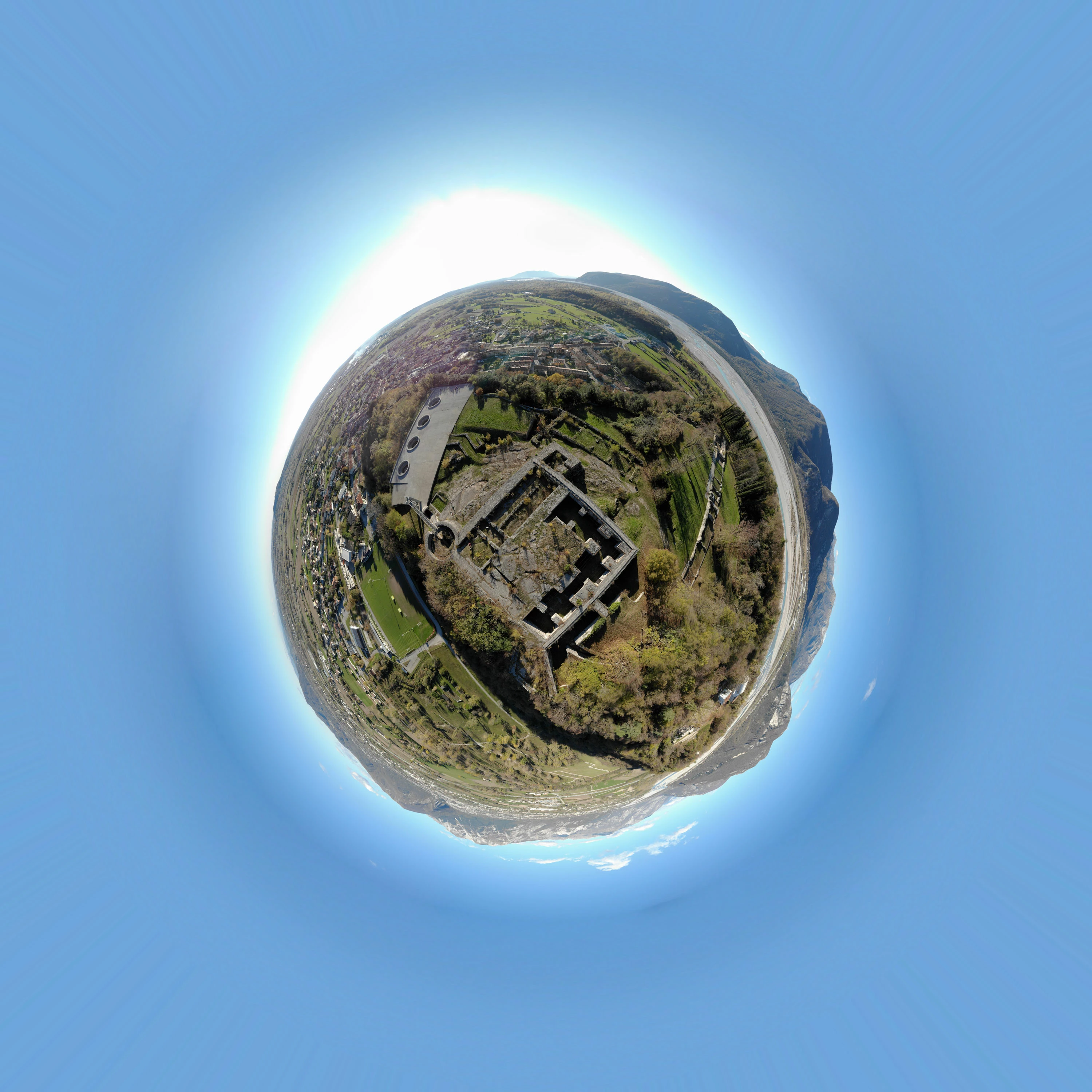
As you can see, the castle in the center is square, not deformed.
This is the jpeg pano before the effect:
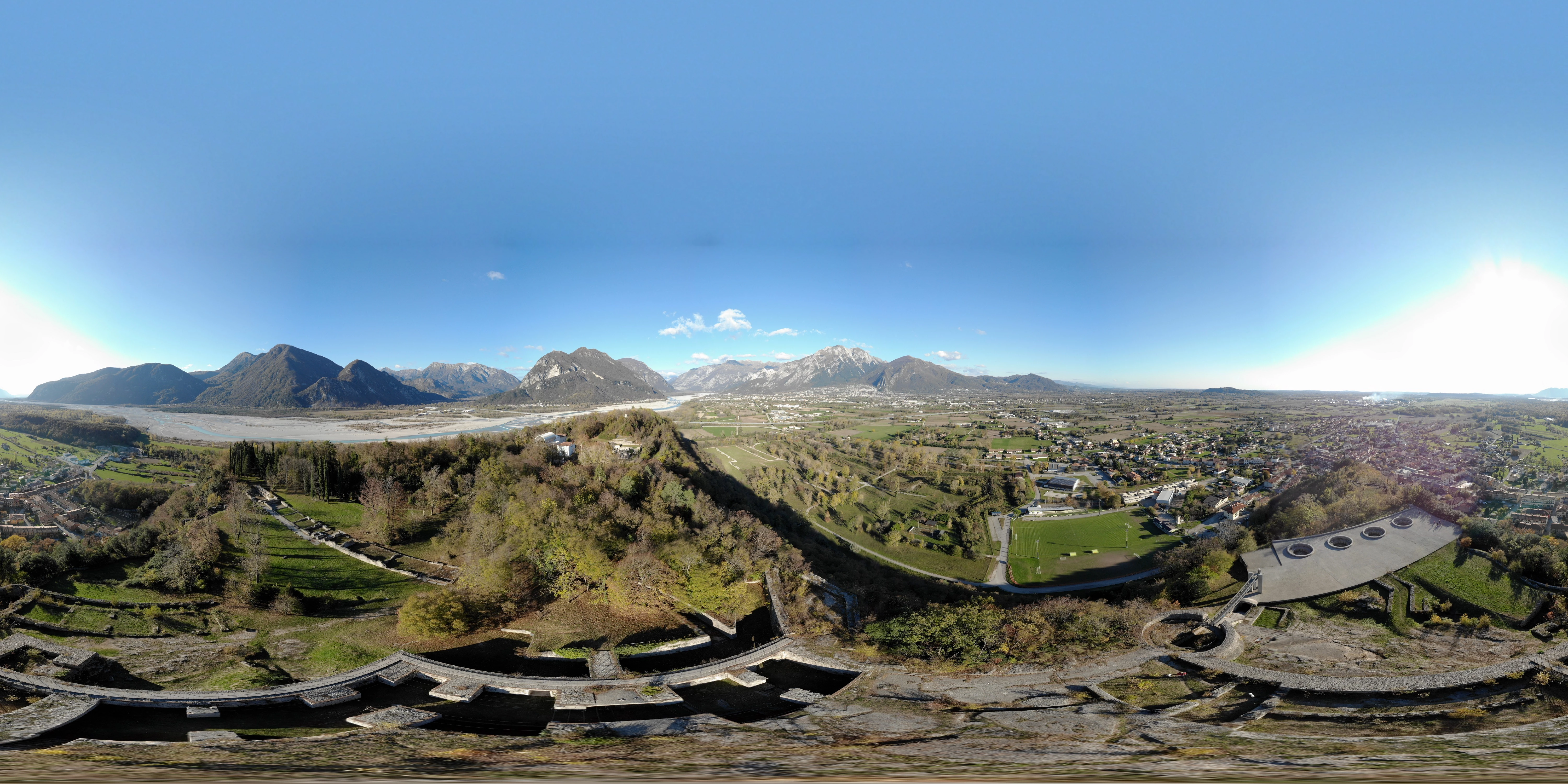
So, i took the raw images, imported them in photoshop and stitched the panorama without cropping and with 100% distortion to fill the image
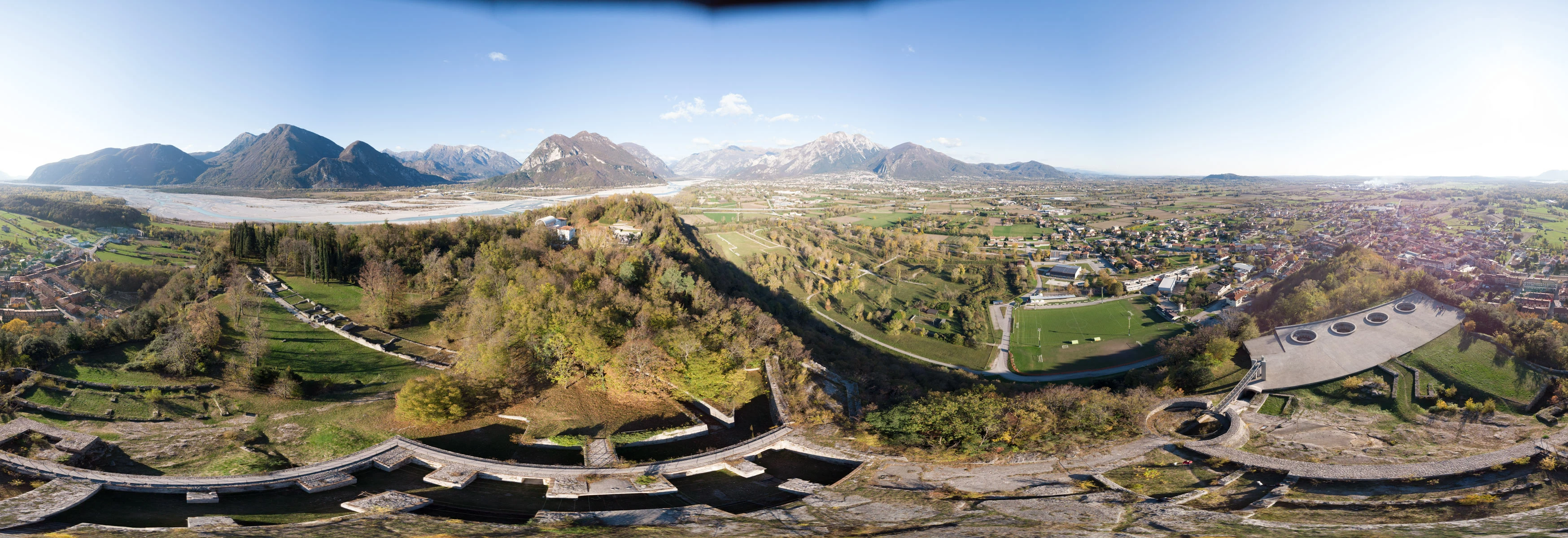
Then I removed the black spot and done a little bit of editing in lightroom just to correct the exposure
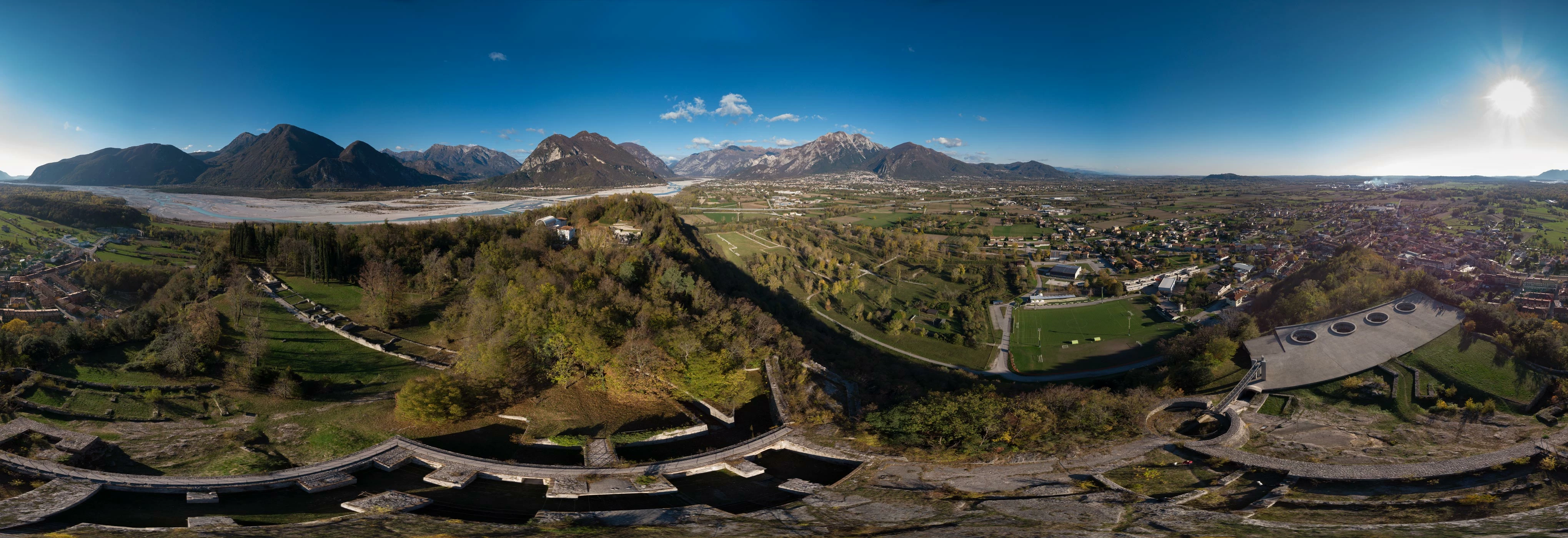
Got beck to photoshop, reseized it to 1:1, turned it 180° and applied the polar cordinates filter
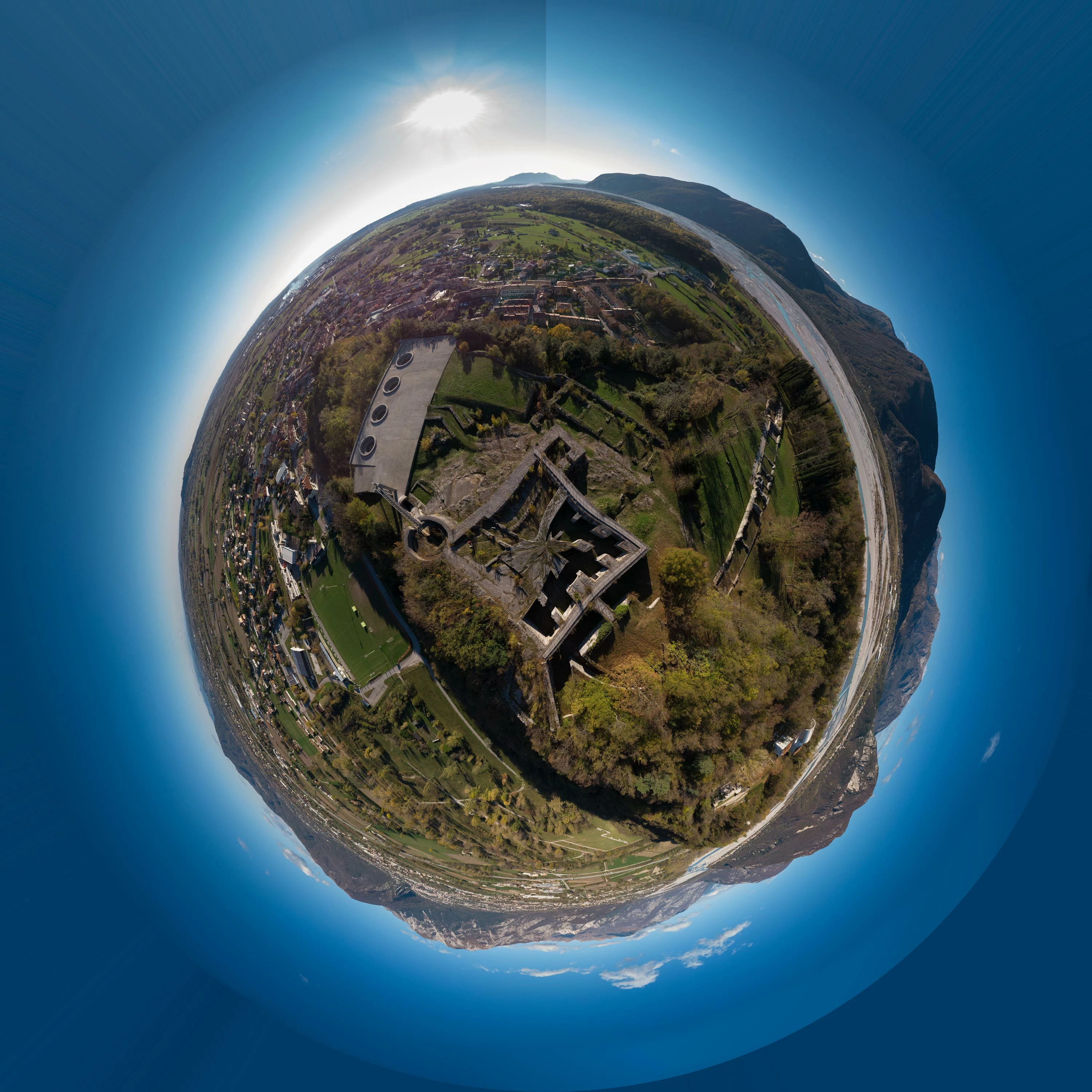
As you can see, the castle is deformed and pinched in the center. the line at the top doesn't matter for now....
Then I noticed that the jpeg pano stitched by the drone is in 2:1 proportion, and there is a fake sky added (it can't shoot upwards because of the props), so i reseized the canvas to 2:1 and added more sky, and this is the result:
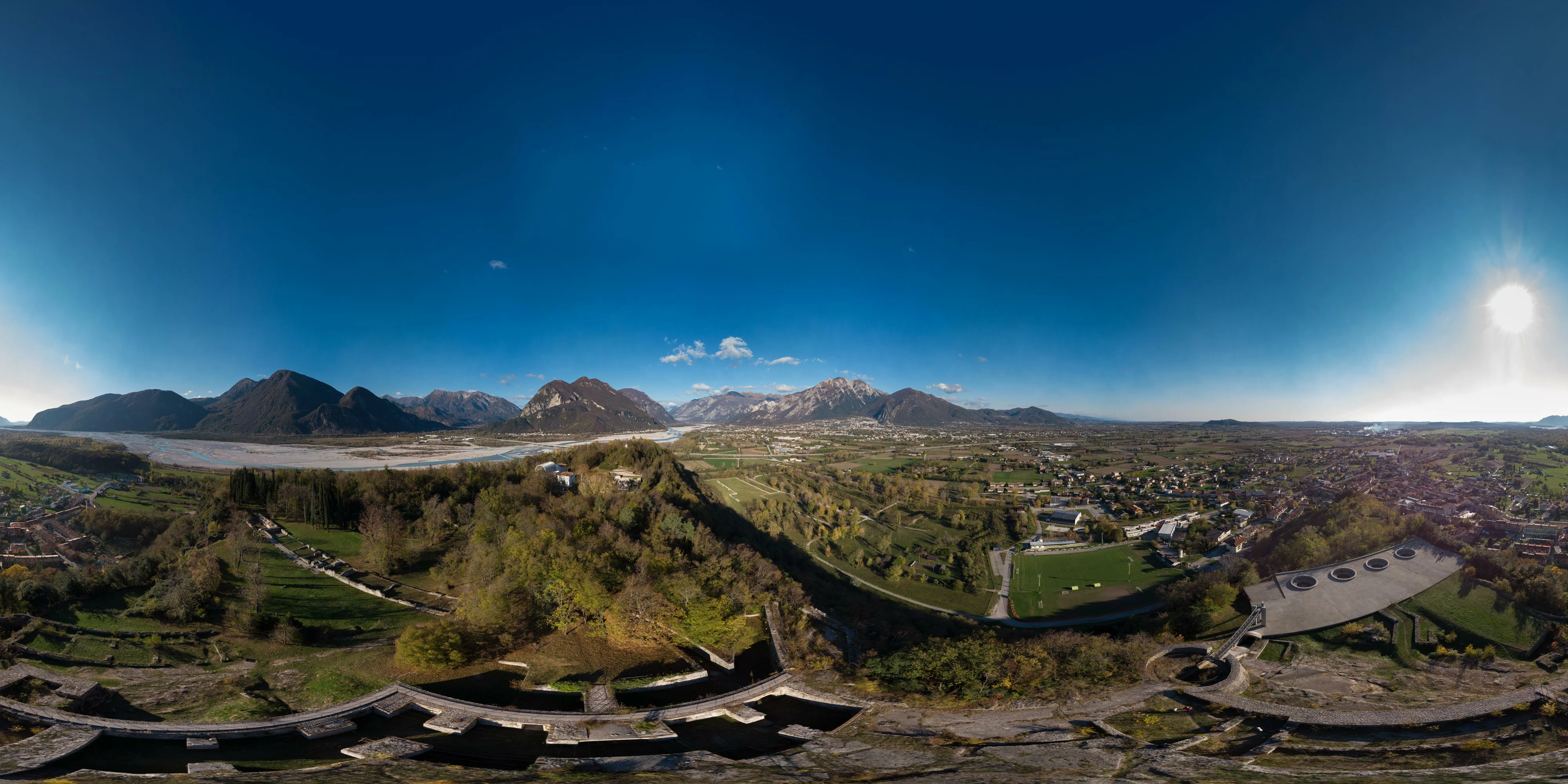
Then again the same procedure for the filter:
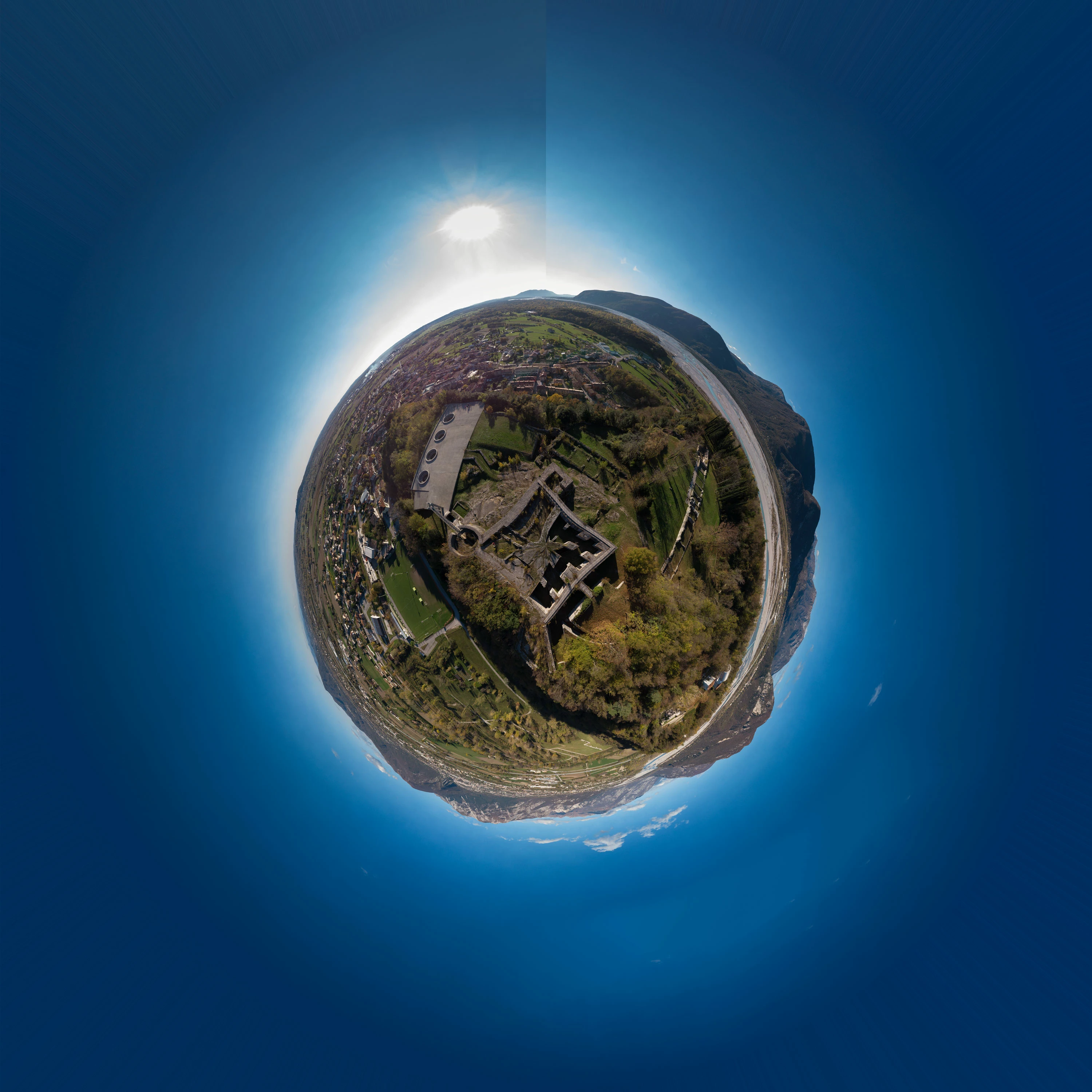
As you can see the result has the same problem, and I cannot figure out how to get rid of it.
In the original jpeg pano there is more of the castle at the bottom, maybe that messes up the proportions then, but I've not been able to stitch the pano and get the correct result.
I also tryied to stitch with Microsoft ICE but it cannot output a raw image that I need.
Can someone help me? If you need I can upload to my drive the raw images...
Thanks in advance
Francesco
 AdChoices