

camera raw shows dark, while JPG preview shows light as well as JPG save
Well I hope the title wasn't too confusing. And I will include a ref image for example.
Steps I am taking.
Open PS, open raw files, the files are darker than the JPG preview, no biggie I know that is a preview I adjust my image and it is over exposed.
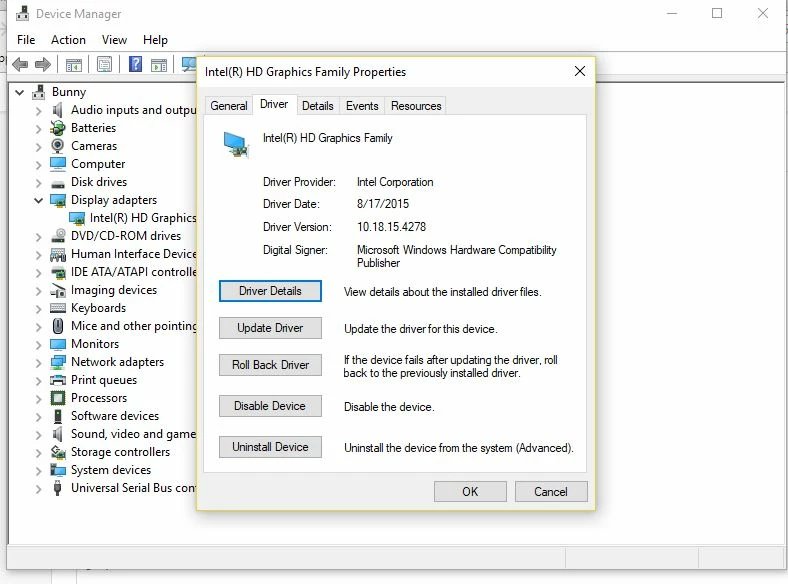
So i updated drivers, readusted the screen, etc.
No change
I then tested something, i opened the file raw did no adjustments and saved as a JPG and BAM the image is identical to the JPG preview from cam .
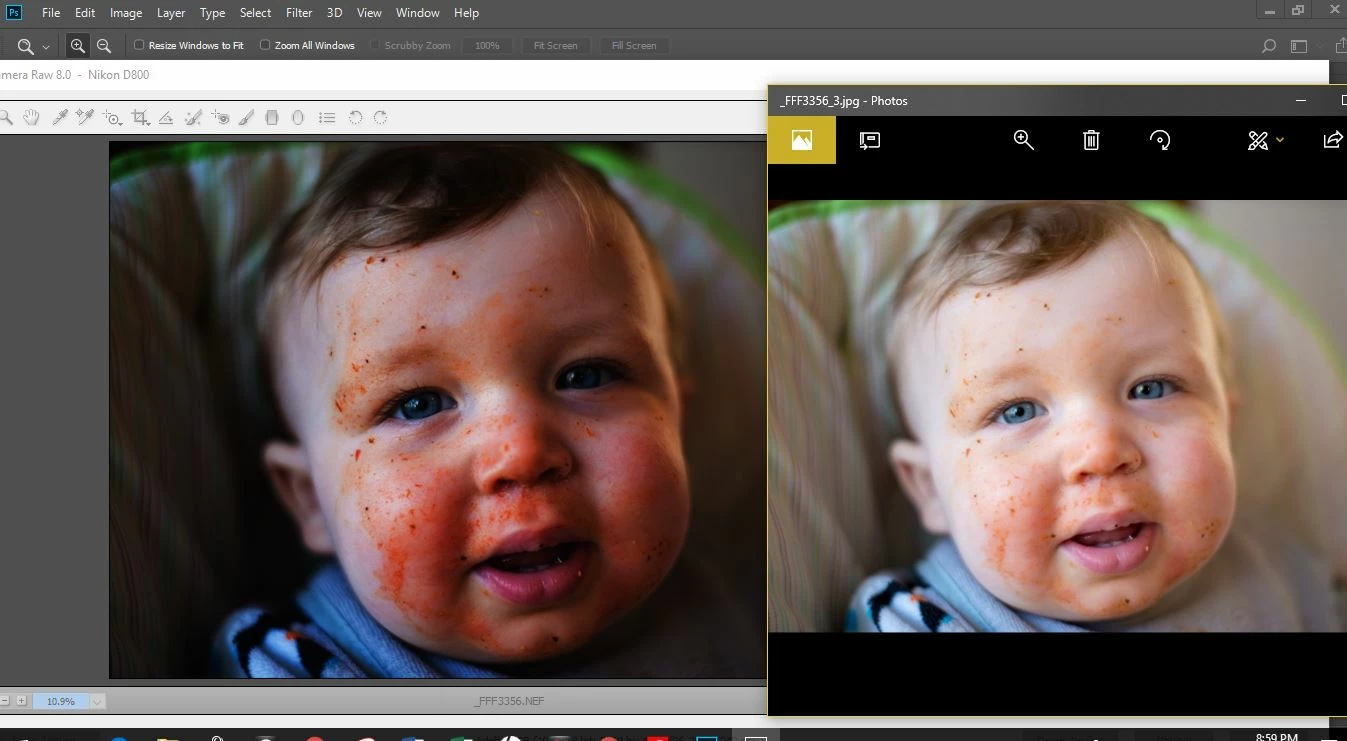
image on left is the raw import an the image on the right is the direct save to JPG no adjustments
graphics info,
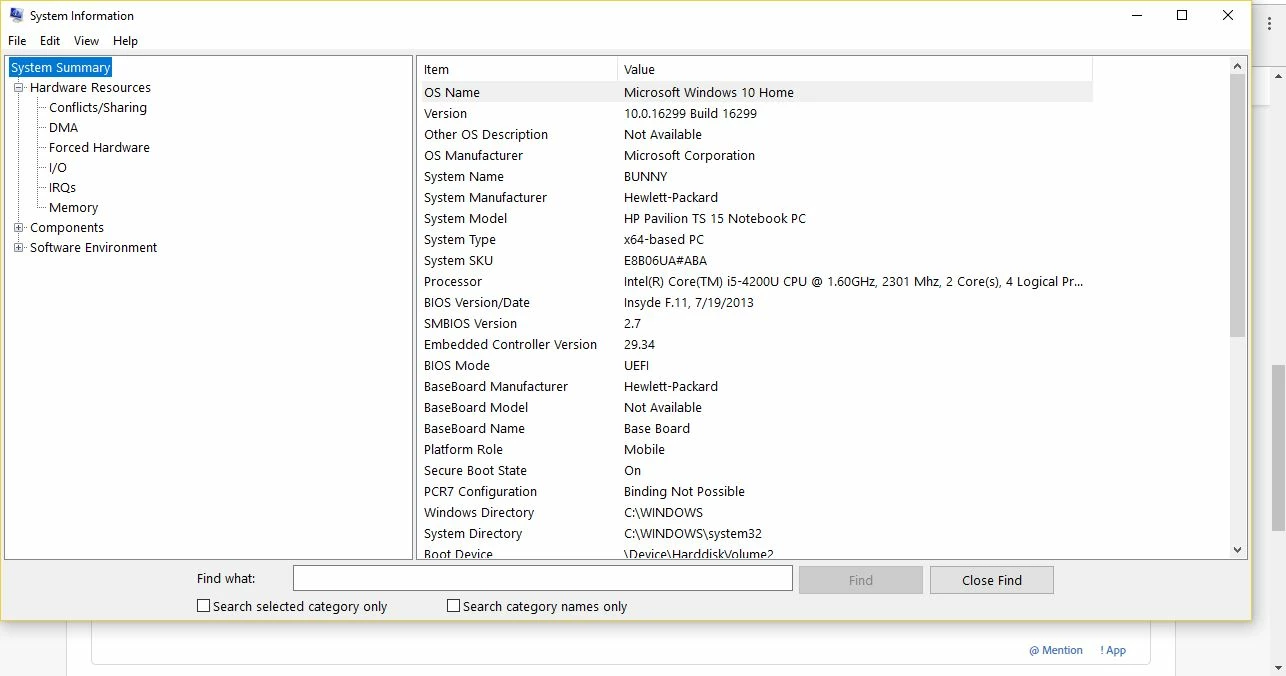
system info (i have the NFO file if needed)
It's holding up work and I cannot crack what the issue is. I even downloaded and installed PS 2014 as I know that worked just fine but is is exhibiting the same behavior now as well.
Thank you
 AdChoices