
Acrobat 2023.006.20320 does not search for term as "contains"
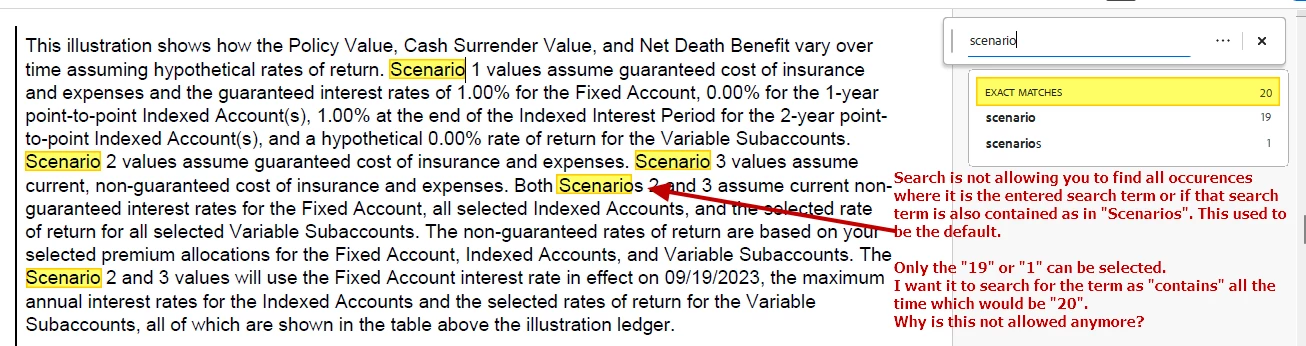
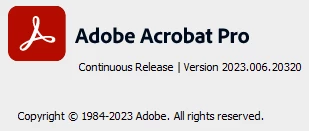
I am using Acrobat Pro version 2023.006.2032 and I am looking for the ability to search for a term where the term is "contained" and Acrobat will highlight all of these occurrences.
For example, I wanted to search for the term "scenario" and highlight all occurences of it whether it is found as "scenario", "scenarios", or other variation. Unfortunately, I could not find any option that allowed for this. All I got was a teaser when typing the search term where it showed me that it could find the term as "scenario" (19 of them) or "scenarios" (just one) but would not for a combined result where it would highlight all 20. This would be extremely useful. I looked at the advanced search and while it show all 20 found in the results, the term is not highlighted in the document. I thought the "contains" was the default for basic search but it doesn't seem to be anymore.
Is there a way to have the basic search do "contains" searching so the search term is highlighted throughout the document?
 AdChoices