Susan Jazzy
Participating Frequently
October 4, 2018
Question

Acrobat DC 19.008.20071 can't preview thumbnail

  • October 4, 2018
  • 2 replies
  • 2636 views

Yesterday my computer got auto update and after that it can't preview some pdf files.

Only pdf files that export from Microsoft office.

How can I fix it? Please help

This topic has been closed for replies.

2 replies

Adorobat
Participating Frequently
November 26, 2018

Hi Susan Jazzy,

Sorry for the delay in response. 

Could you try installing the latest patch for Acrobat using "Check for updates" option under "Help" menu,  You may also download updates from here: Adobe software and product updates

Reboot the machine after installing update and try again

Also, try replicating the issue in a new user account and check if this behavior continues.

-Shivam

Adorobat
Participating Frequently
October 4, 2018

Hi Susan Jazzy,

As per the description mentioned above, pdf thumbnails preview is not visible in windows explorer after the update, is that correct?

Could you try rebooting the machine once and check if that resolves the issue?

Also, please confirm if the issue exists only with the pdf files created from MS Office? If yes, what are the steps you are taking to export?

Also, let us know the operating system you are using on the machine?

Let us know if you need any help.

Shivam

Susan Jazzy
Participating Frequently
October 4, 2018

I used save as Adobe PDF menu in Microsoft word & excel. Before update it can preview thumbnail. I always do that.

Susan Jazzy
Participating Frequently
October 7, 2018

I hope "Enable thumbnail preview of PDFs in Windows Explorer" is enabled for you? Please refer Enable thumbnail preview of PDFs in Windows Explorer  for more details.

If it is enabled, can you please try disabling and enabling it back.

-Vishal


Hey, as I said it can preview all before the update and after that got a problem.

So everything is enabled and I disable>restart and enable again OK!

Another computer that I have also got this problem.

I try to do everything before ask in this forum, include uninstall and install again.

What next? please fix it.

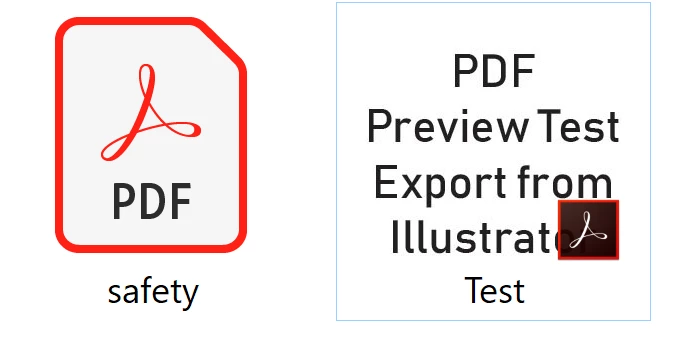
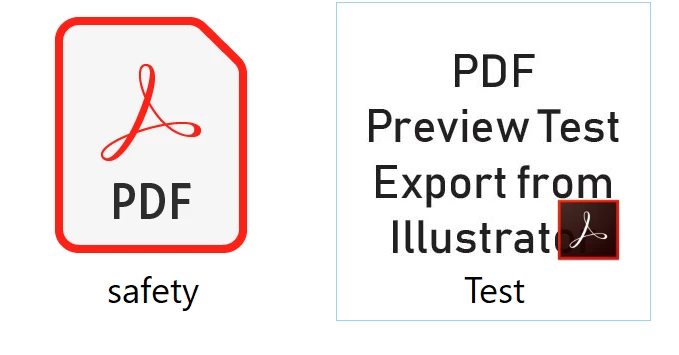
This picture is when I uninstall restart > reinstall and restart DC
Some file from microsoft excel can preview thumbnail, but only one file from all.
* I used Windows 10 Home Edition and have antivirus program, firewall protect,

and all of programs are legal. No game. Only for work.