Known Participant
June 21, 2019
Question

Acrobat DC icon looks like blank page

  • June 21, 2019
  • 1 reply
  • 2251 views

Hi All

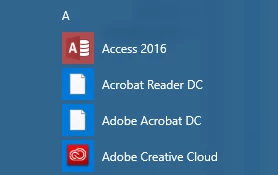
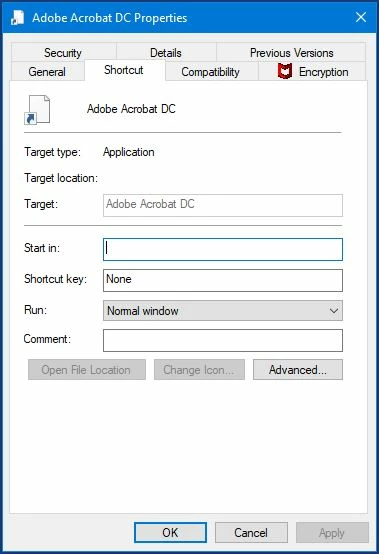
After update Acrobat DC icon look like blank page


Icon on desktop   Windows Start Menu Panel                                    Properties of desktop icon

When I tried to create shortcut manually from Acrobat folder the shortcut becomes normal on desktop of PC. When I pin it Start menu it becomes like blank page again.

How to fix that?

Thanks.

This topic has been closed for replies.

1 reply

Adobe Employee
June 21, 2019

It's probably an icon cache problem.  Here is a Microsoft KB document that discusses the issue:  https://support.microsoft.com/en-us/help/2635447/how-to-resolve-an-issue-where-all-windows-7-desktop-icons-have-become

eugzlAuthor
Known Participant
June 22, 2019

Hi Steve. Thanks for replay.

Unfortunately it did not help. Do you have another idea?

Thanks.