
Answered
Acrobat DC PDF printing cuts off the bottom of the page
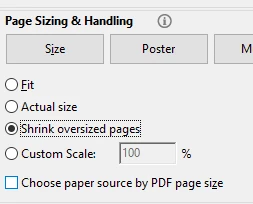
I have Acrobat Reader DC and Windows 10. When I try to print a PDF, it looks fine in print preview, but starts about two inches down the paper and as a result cuts the bottom two inches off. I have checked that I have the most current version of the software and also my printer driver. I saw one suggestion about changing the Advanced Print Settings to 'Print as Image', but that item is grayed out for me. Do you have any suggestions? Thank you.
 AdChoices