

Acrobat DC - Two Rows of Toolbars
Former versions of Acrobat, prior to Acrobat DC, had the capability of showing tools on two rows at the top of the document pane. I've avoided using Acrobat DC for many reasons, however it is now required that I use it as part of a set of colloboration tools that my client requires.
The lack of colorization of icons in DC, the basic shapes and the inability to show nearly all tools in the toolbar makes it very difficult and time consuming to edit and markup documents. I most often use the full array of tools and find it time consuming to search for tools that don't "fit" on the single row toolbar.
Is there anyway to add a second row to the tool bar or some way to show nearly all of the tools while working on a document? The additional screen "real estate" consumed by extra toolbars is not an issue since newer monitors are very large and have high resolution.
Please see the attached screenshot, as a reference to older versions of Acrobat that had the option for two-row toolbars and detailed, colorized tool icons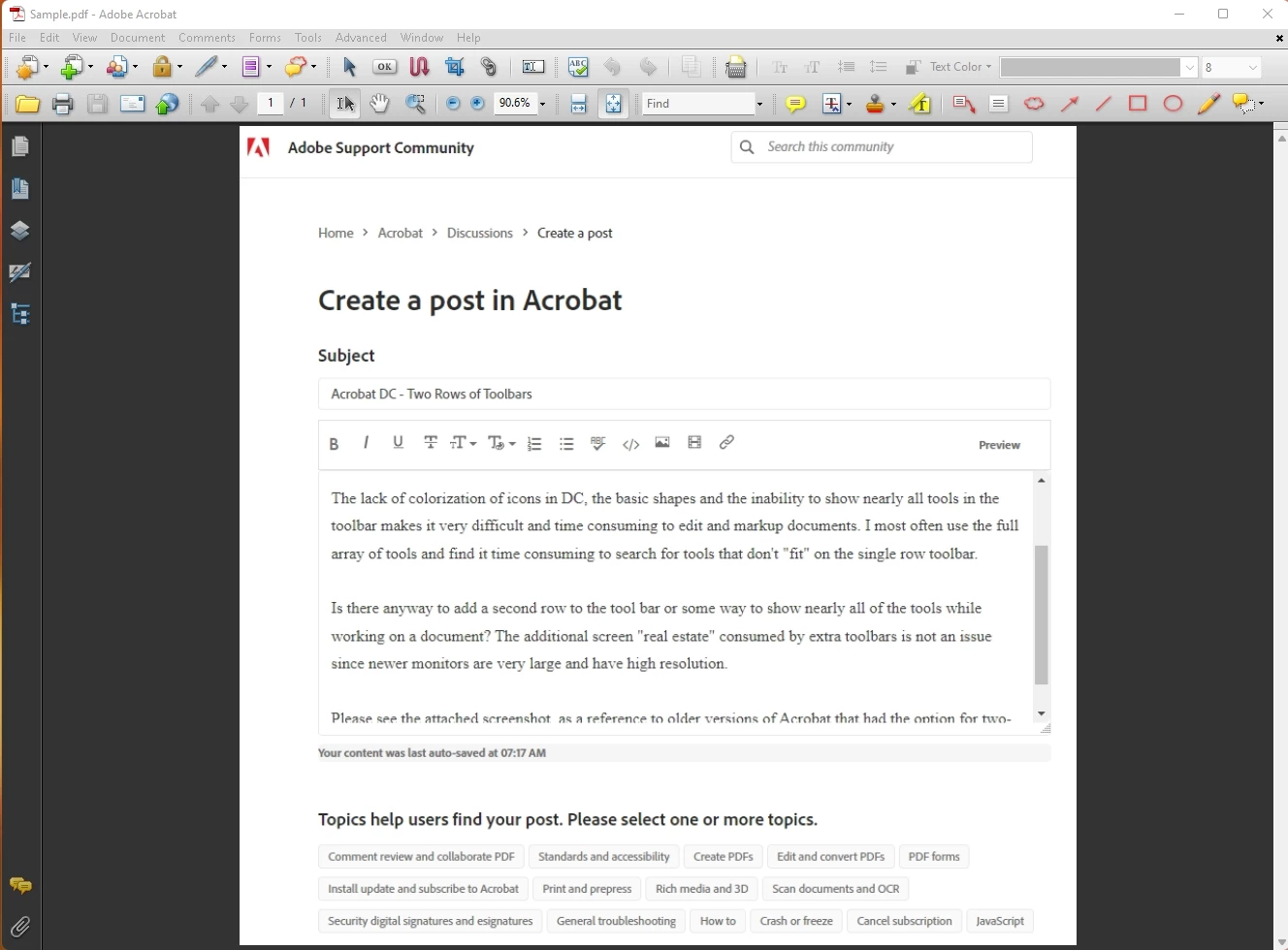 .
.
 AdChoices