
Question
Acrobat DC won't open
Hello everyone,
after experiencing some issues with loading some documents with huge amounts of layers from AutoCad, my Acrobat DC won't open anymore. When I try to open it, it pops up for like 1 second and then closes again.
I already tried AcroCleaner, uninstalled all adobe services and reinstalled them, updated my graphics drivers and my windows software is also the newest one.
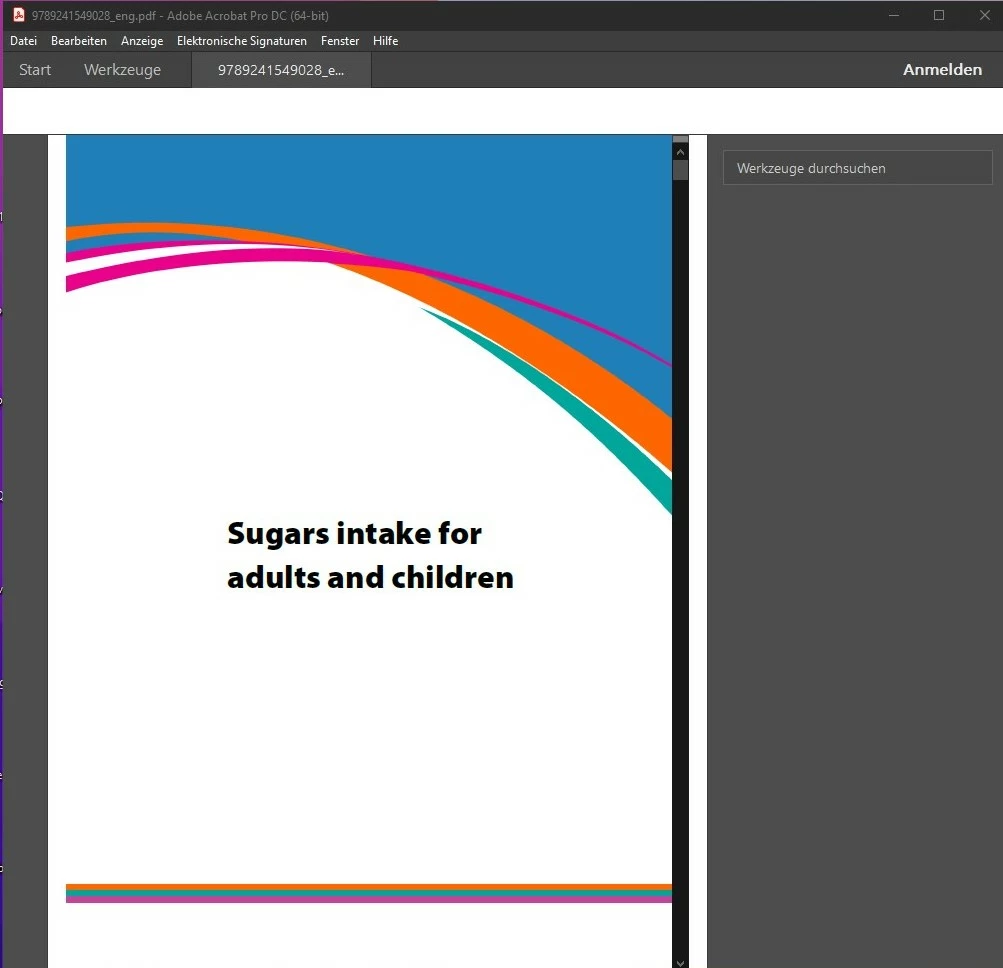
When I try to open a pdf rather than just opening the app. I am able to scroll for up to 5 sec but the app closes again. I am also not signed in even though I am signed in in my Creative Cloud App. I attached a screenshot of what it looks like.
 AdChoices