
September 29, 2023
Question

Acrobat keeps crashing after reinstall

  • September 29, 2023
  • 1 reply
  • 1719 views

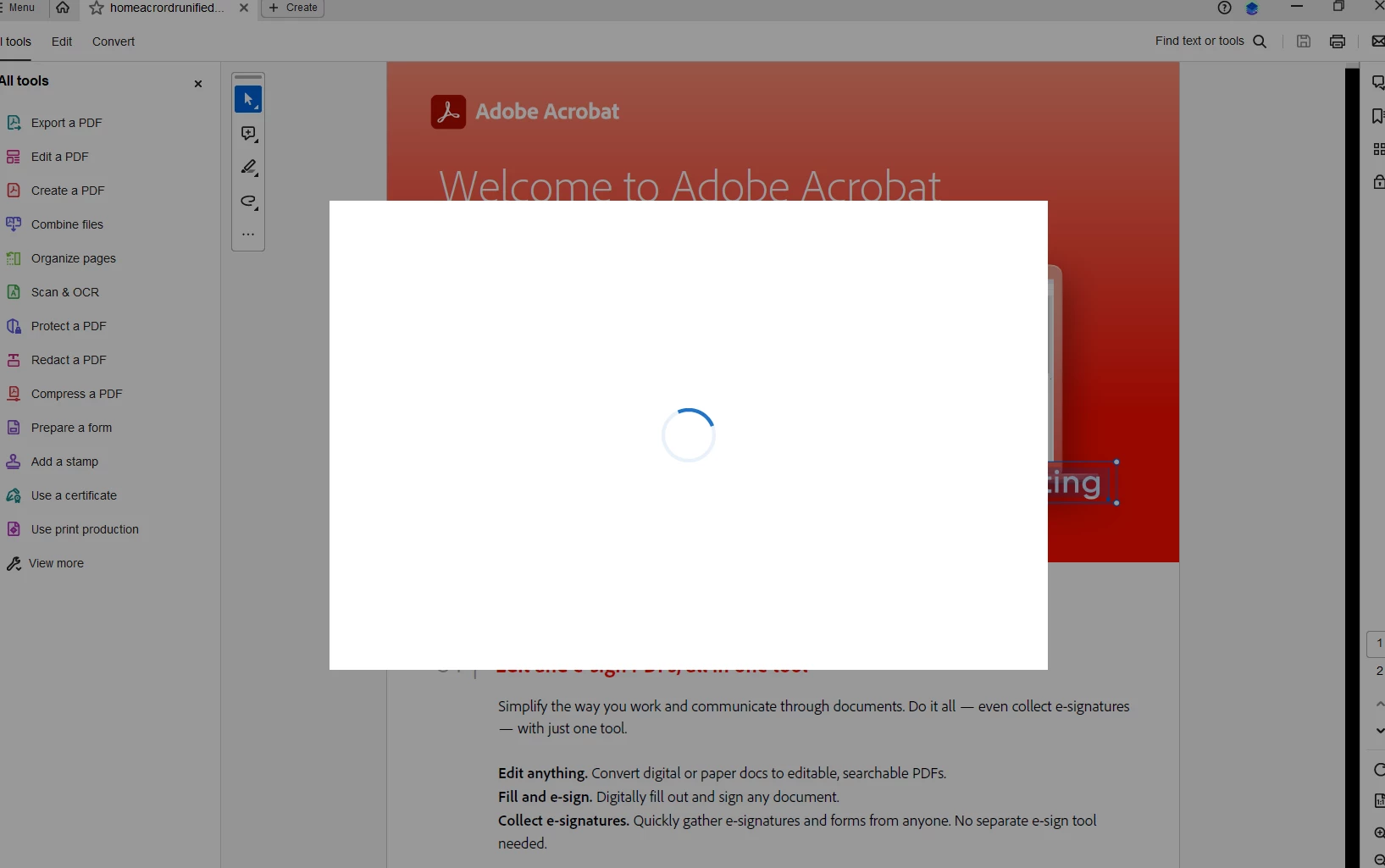
I have done a reinstall of Acrobat via CC now when I open a PDF it's fine for about 30 seconds or so then I get this weird white box with a spinning blue circle and it gets stuck. I have to shut down via Task Manager.

Using Win 11 and other CC Apps appeaear to be working fine.
This topic has been closed for replies.

1 reply

Amal.
Community Manager
Community Manager
September 29, 2023

Hi @28656165 


Hope you are doing well and thanks for reaching out.


Have you started experiencing this issue after the recent update? What is the version of the Acrobat DC you are using? To check the version go to Help > About Acrobat and make sure you have the recent version 23.06.20320 installed. Go to Help > Check for updates and reboot the computer once.

Also try to repair the installation from the help menu (Win Only) and see if that works.

Please try to reset the Acrobat preferences as described here https://community.adobe.com/t5/acrobat-discussions/how-to-reset-acrobat-preference-settings-to-defau...

You may also try to make the Acrobat/Reader application as the default PDF owner as described here How to set Acrobat Reader or Acrobat your default PDF program on Windows 10 and see if that helps.


Let us know how it goes.


~Amal

September 30, 2023

Thanks. I used the Acrobat cleanup tool and did a clean install (for a third time) and all now appears to work. I'll put it down to one of those weird things that I'll never find out why it happened.

Thanks for your help 

Amal.
Community Manager
Community Manager
October 2, 2023

Hi there


We are glad to hear that.


Feel free to contact us for any assistance required in the future.


~Amal