
Acrobat limitation large PDF files
What's the limitation on Acrobat?
We tried Acrobat Standard X
Acrobat PRO 2017
Acrobat PRO 2020
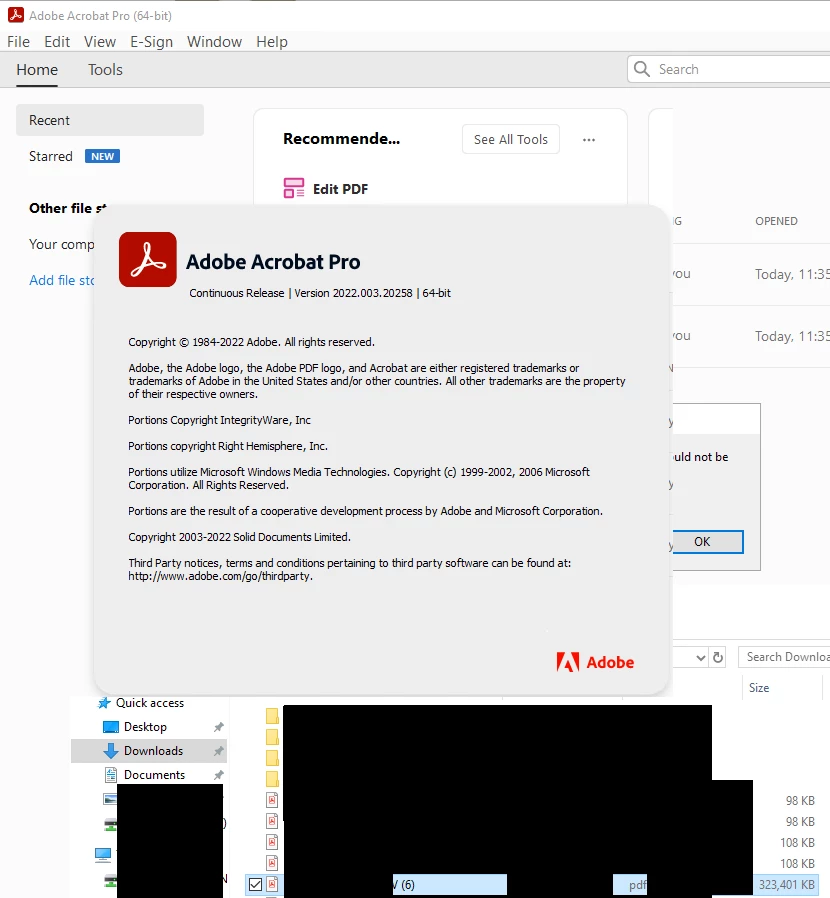
and latest Acrobat PRO DC 64 bit.
Client: Server standard 2019 RDS .
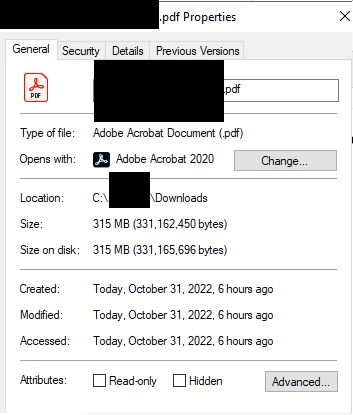
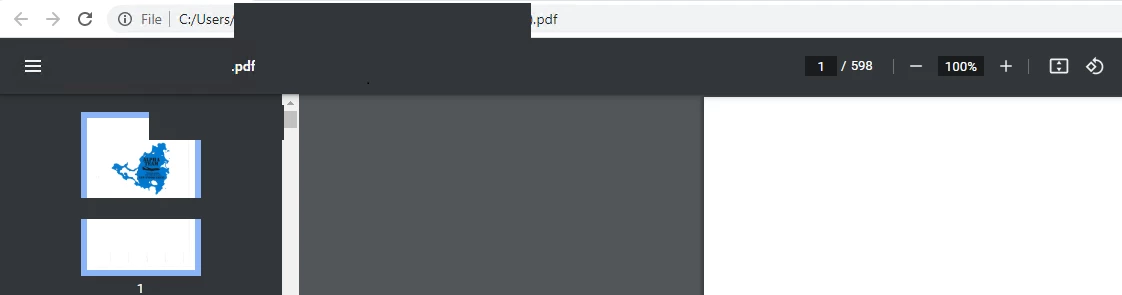
Recent issue is a scanned PDF file 315MB and consist of 598 pages.
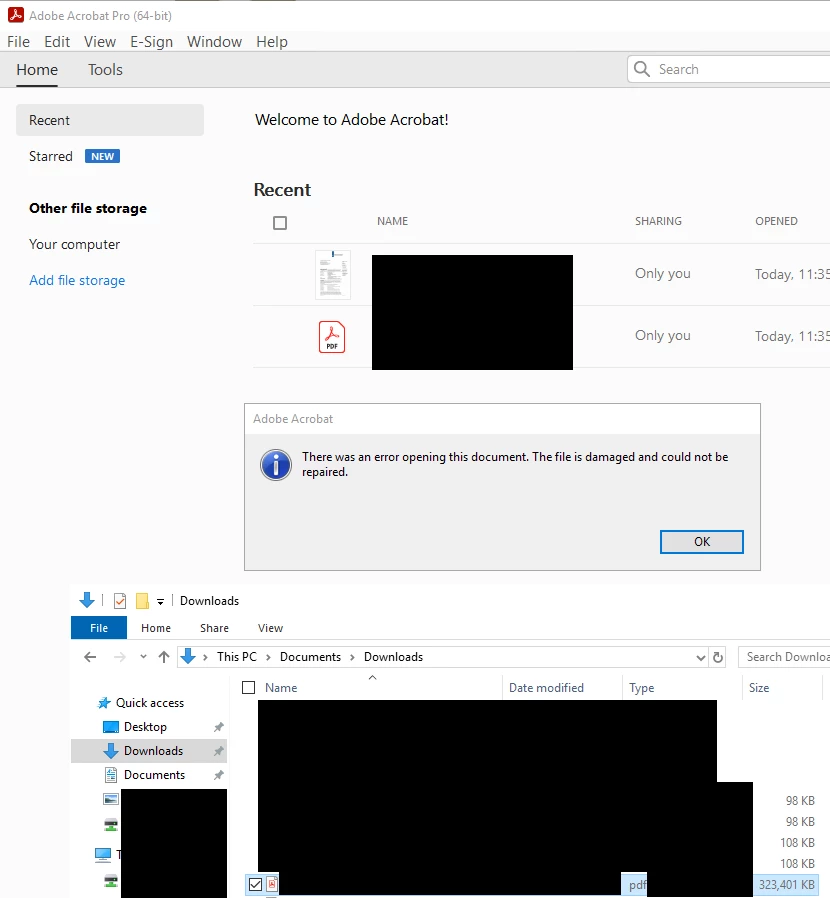
Does not open in any of the above mention Acrobat versions.
Error "There was an error opening this document. The file is damaged and could not be repaired."
The same file WILL open in Chrome or Edge Browser.
The large pdf file was split in 4 smaller documents and could be open back in Acrobat.
Another challenge is when users opens multiple (4 or 5) PDF files in the same profile to edit and search. (Each file could have 200 to 300 pages) The Acrobat software performance decrease even when the RDS server resources is not pass 50%. PDF file freezes or hangs.
Question
Why is a large PDF file opening in Browsers but cannot open in Acrobat?
Is there limitation in the software to manage this cant of workflow?
 AdChoices