
Jon Hidden-Coley
Known Participant
June 14, 2022
Question

Acrobat Not Showing All Elements

  • June 14, 2022
  • 4 replies
  • 2017 views

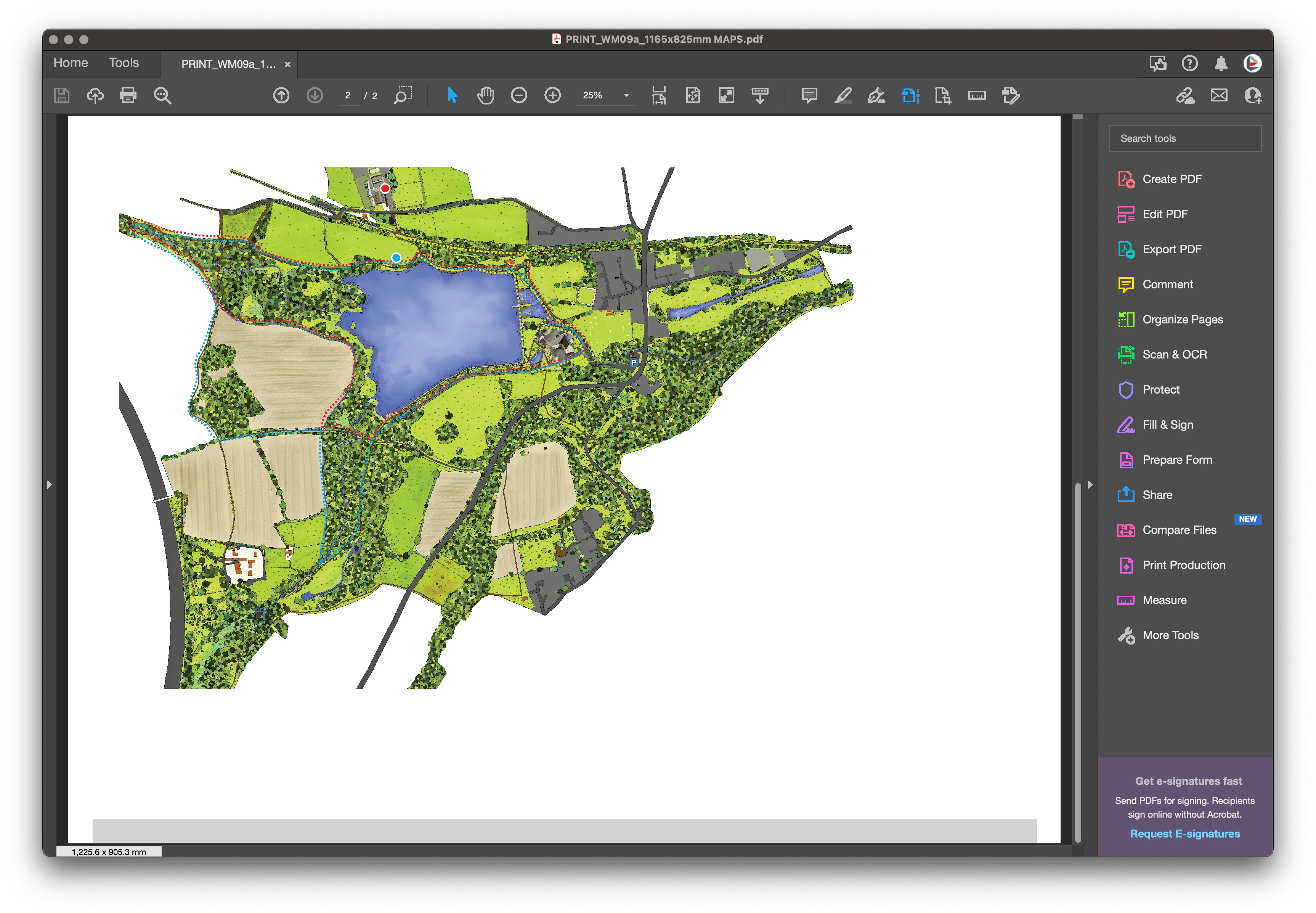
I'm having an issue with Adobe Acrobat Pro on an iMac where PDF's dont show all the elements of a graphic. If I open a PDF, only parts of the artwork show and the rest of the document is blank. Sometimes the missing elements appear if I zoom in or zoom out or click on 'Edit PDF' but most of the time, the complete graphic simply won't show. This is incredibly frustrating when I'm trying to proof artwork before sending to print and half of the artwork is missing.


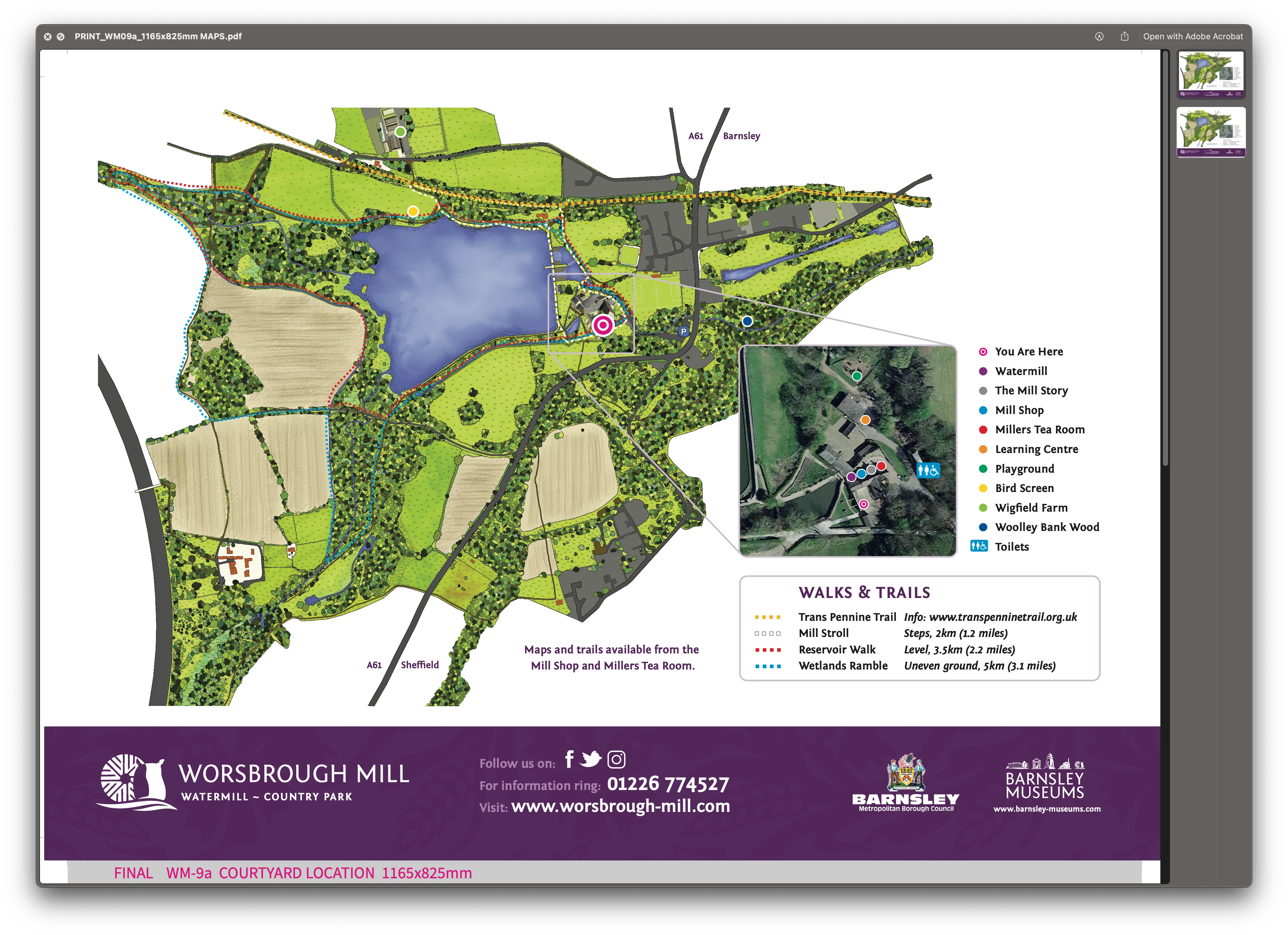
Below are screen grabs comparing Apple Preview and Acrobat Pro. Has anybody goy any ideas if there is a fix for this?
 

This topic has been closed for replies.

4 replies

JR Boulay
Community Expert
Community Expert
June 14, 2022

"It's 118mb, so unfortunately too big to attach"

This is not a problem, see: https://helpx.adobe.com/acrobat/using/sharing-pdfs.html

Acrobate du PDF, InDesigner et Photoshopographe
Jon Hidden-Coley
Known Participant
June 14, 2022

Won't I need an email contact to share with? I was looking at drag and drop shown below the mesage box.


JR Boulay
Community Expert
Community Expert
June 14, 2022

Can you share (part of) this document?

Acrobate du PDF, InDesigner et Photoshopographe
Jon Hidden-Coley
Known Participant
June 14, 2022

I can open the file in Illustrator and remove the large image, but then it opens ok in Acrobat (minus the large image of course). I think Acrobat is struggling with large images. To be fair, most of the iMacs are late 2015 models with 16Gb ram so it could be that. We have a much newer iMac with 32gb ram which does eventually show all the elements of the graphic.

try67
Community Expert
Community Expert
June 14, 2022

Can you share the actual file with us?

Jon Hidden-Coley
Known Participant
June 14, 2022

It's 118mb, so unfortunately too big to attach. I doubt it's the file though, it happens to a lot of PDF's we go through and across 5 iMacs. Just not sure if it's a setting in Acrobat causing the issue.

JR Boulay
Community Expert
Community Expert
June 14, 2022

I guess that this PDF document contains layers that are hidden by default.
And since Apple Preview (aka "the PDF killer") doesn't handle layers it displays them anyway, even though they should remain hidden.

Acrobate du PDF, InDesigner et Photoshopographe
Jon Hidden-Coley
Known Participant
June 14, 2022

Good call, but that isn't the cause unfortunately. The layers aren't hidden.