

Question
Acrobat preview makes Windows Explorer Crash - NOT fixed
Good evening,
The explorer preview of a PDF with Adobe Acrobat makes windows explorer freeze.
There is a pop-up: 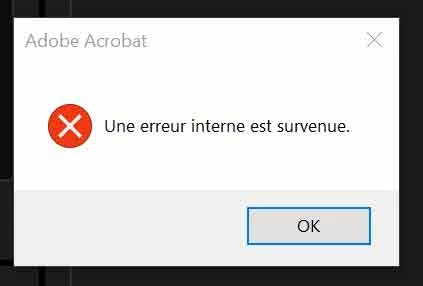
I am using a french version on a french OS, translated it would mean "an internal error happened".
So, to sum up as an answer to what I saw in different forums:
- This has nothing to see with the file's weight / length / etc.
- This is NOT related to any plugin neither in Acrobat nor Explorer.*
- "Repairing" the software won't help.
- Uninstalling the software won't help.
- uninstalling the software with Revo, making a deep clean, running a cleaner and reinstalling won't help.
- Disabling the "preview protection" in the settings of Acrobat won't help.
Please.
Help me, I'm so bored of having this preview problem because as a photographer I keep the preview on all the time and a single click on a PDF file makes it easier to restart the PC than to wait... Apart from that, the software runs perctecly.
So does explorer.
Martin
 AdChoices