Inspiring
May 24, 2018
Answered

Acrobat Pro 2017: Titlebar dissapears

  • May 24, 2018
  • 2 replies
  • 3336 views

Hi people,

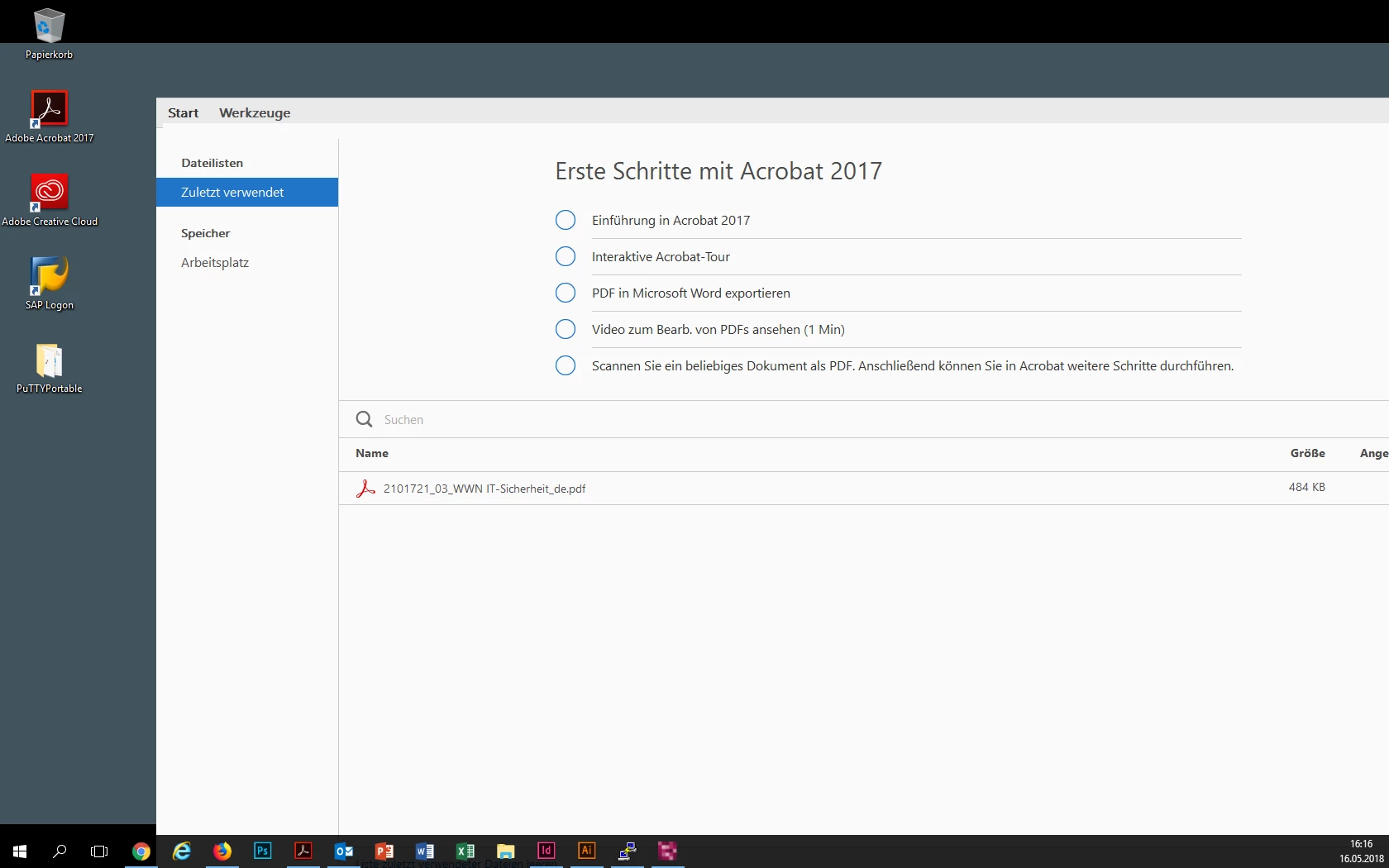
we use Acrobat Pro 2017 in a company environment and some clients have the problem (they had the same thing also with the earlier Acrobat Pro X) that the title bar disappears sometimes randomly and after tapping a few times on F9 it appears again most times. The problem occurs most time while moving the program window.

Do you have any idea what the reason may be? A graphics issue?

Edit: We have only noticed the phenomen on PCs with dual-screen.

Thank you and best regards

Nico
This topic has been closed for replies.
Correct answer nicolaiw23819339

Hi there,

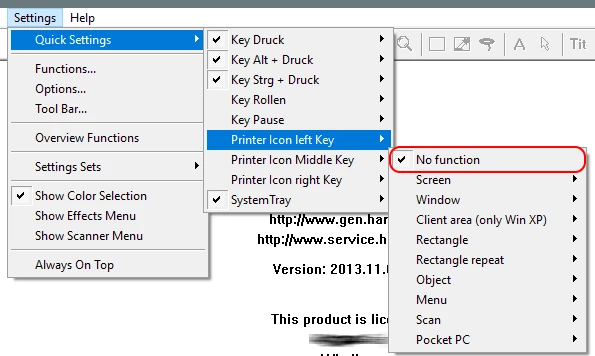
issue was caused by screenshot tool Hardcopy which adds an additional button to the titlebar!

Can be disabled in the software settings.

Thanks to all participants!

2 replies

nicolaiw23819339AuthorCorrect answer
Inspiring
November 19, 2018

Hi there,

issue was caused by screenshot tool Hardcopy which adds an additional button to the titlebar!

Can be disabled in the software settings.

Thanks to all participants!

Adorobat
Community Manager
Community Manager
May 29, 2018

Hi Nico,

As per the issue description mentioned above, title bar in Acrobat 2017 disappears randomly, is that correct?

Could you try repairing  Acrobat using Help>Repair Installation option, reboot the machine after repair and check if that resolves the issue. If that doesn't work, try running Acrobat in compatibility mode by locating Acrobat icon on the desktop > right click > properties > compatibility tab > check the box run this program in compatibility mode for and select Windows 7 from the drop-down options. click Apply OK and check.

Also, let us know dot version of Acrobat and the operating system installed on the machine? You may refer to the steps given in this link on how to check the version: Identify the product and its version for Acrobat and Reader DC

Thanks,

Shivam

Inspiring
June 4, 2018

Thanks for your reply. I tried the repair option but unfortunately this this didn't help, also the compatibility mode didn't.

The version is Acrobat 2017 17.011.30078. We are using Dell PCs with Windows 10 Enterprise LTSB and Intel Graphics. In the past the problem only occured on PCs with dual-screen.

Adorobat
Community Manager
Community Manager
June 4, 2018

Hi Nico,

Could you try installing Adobe Reader on the machine from this link: Adobe Acrobat Reader DC Install for all versions and try again and check if the issue persists?

Thanks,

Shivam