Participant
January 4, 2024
Question

Acrobat Pro e-sign stuck on uploading

  • January 4, 2024
  • 1 reply
  • 4477 views

Hi,


When i try to request a e-signature on Acrobat Pro, the window is stuck on "Uploading..." indefinitely.
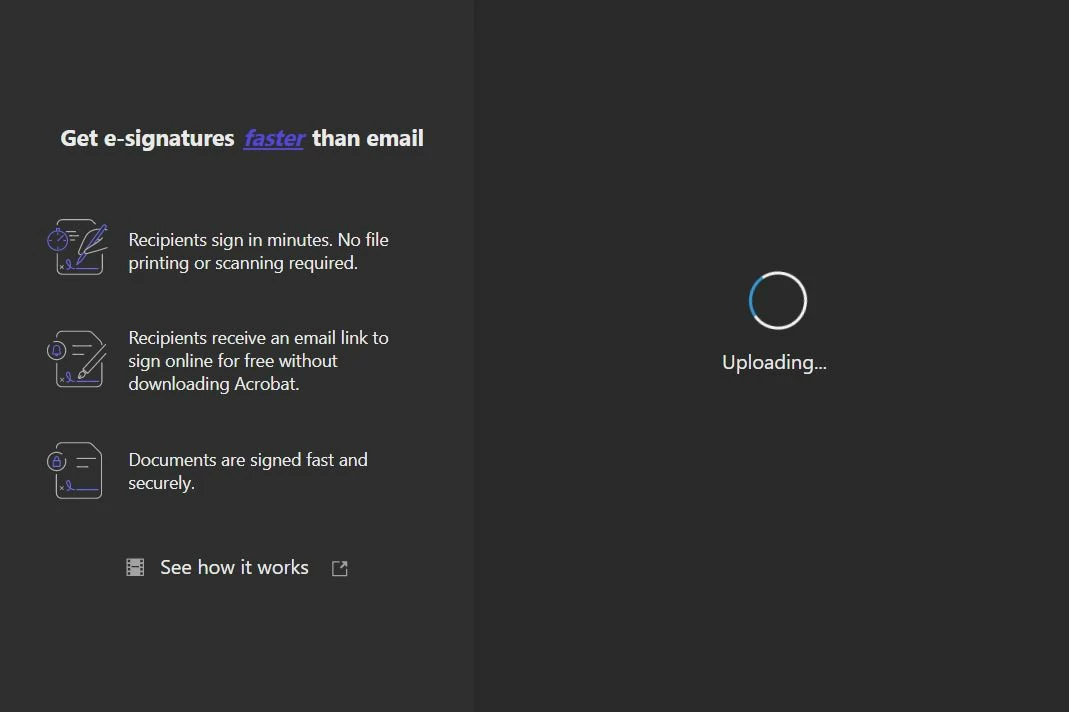


I have the same issue with all my PDFs documents.


Any idea how to fix this problem?

This topic has been closed for replies.

1 reply

Participant
January 8, 2024

I just dealt with this problem on a user's computer.  I uninstalled/reinstalled from the Creative Cloud app, deleted all preferences and user-based settings, and re-created their Adobe account and re-assigned licensing.  Nothing worked.  I was finally able to resolve their issue by going to Control Panel/Programs and Features, right clicking on Adobe Acrobat, clicking on Change, then running a repair.  After I did this, a new version of the dialog screen appeared for e-signing and the user was able to complete the procedure.  Hope this helps.

Participant
August 19, 2024

Hi, I have tried the steps below but still getting stuck on "uploading" when requesting a e-signature on Acrobat Pro.


 - Uninstalled and re-installed Adobe Acrobat 

 - Repaired Adobe Acrobat (twice) through control panel

 - Ran both SFC and DISM commands which repaired corrupted files

 - Rebooted the device multiple times


Any other suggestions would be appreciated. TIA.