



Acrobat Pro installation issue when Acrobat Reader is installed
Hi,
Hope someone can help me out on this. Sorry for swedish language on screenshots.
I have two clients, one Windows 10 and one Windows 11.
I install same creative cloud installation file on both machines.
I log on with same account on both.
In W11 i can install my Acrobat Pro.
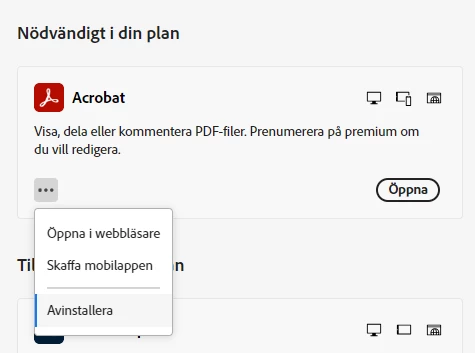
I can click Open ("Öppna") and have the opportunity to Uninstall (Avinstallera).
Works like excpected.
In W10 this won't work:
I didn't get the opportunity to click install. It says "installed on this client" (Installerat på den här enheten).
When i click Open (öppna), nothing happens.
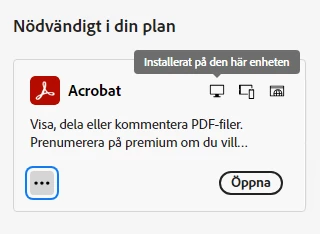
I don't have the opportunity to uninstall.
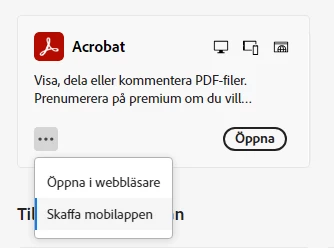
In "programs and features" on Windows 10, there is no Adobe Acrobat to uninstall. But in W11 there is.
I tried both Acrobat cleaner, and CC cleaner and made a reinstall on Creative Cloud, but no luck in Windows 10. I can't install or open Acrobat.
My both clients is activated under my account. I've also deactivated the W11 client.
Any idea whats wrong?
Thanks!
 AdChoices